

KB-1587 Tempo and /designer contents do not render properly
Symptoms
Tempo is not rendering properly:
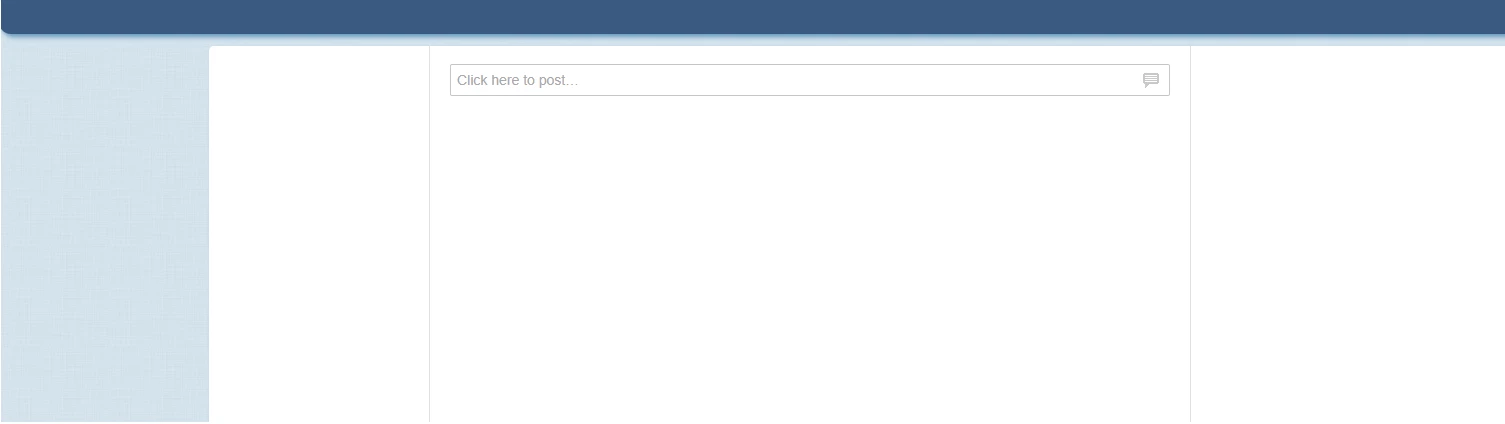
When trying to access /designer, this error can appear:

Cause
This can happen when the Default Community has been deleted.
Action
Check if the Default Community exists:
- Navigate to Runtime Data (<APPIAN_URL>/suite/designer).
- Click on Documents.
- Check if the Default Community is present. The following two subfolders should also be present: System Knowledge Center and Temporary Documents Knowledge Center.
If it is not present, here is how to recreate the Default Community:
- In an environment where the Default Community exists running the same version and hotfix as the malfunctioning environment, open Appian Designer.
- Create an application containing the Default Community, System Knowledge Center, and Temporary Documents Knowledge Center.
- Export this application from the working environment and import it into the malfunctioning environment.
This community has a reserved UUID which means that importing it will restore it.
Affected Versions
This article applies to Appian 17.4 and earlier.