

Database scripts not included when exporting package
I have made an application package, containing changes that require a couple of database tables to be modified: Some columns are removed, one is added and one is renamed.
To this end, I have created three text files with suffix .sql. They contain SQL code, copied from MariaDB, which has a "Preview SQL" button.
I add these script files to the package, like this:
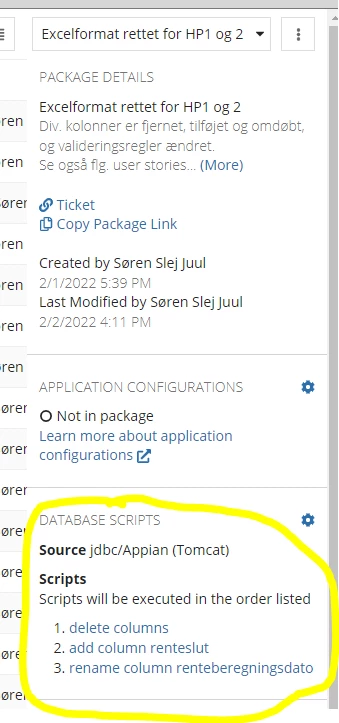
The problem is, that when I export the package, I get this message:
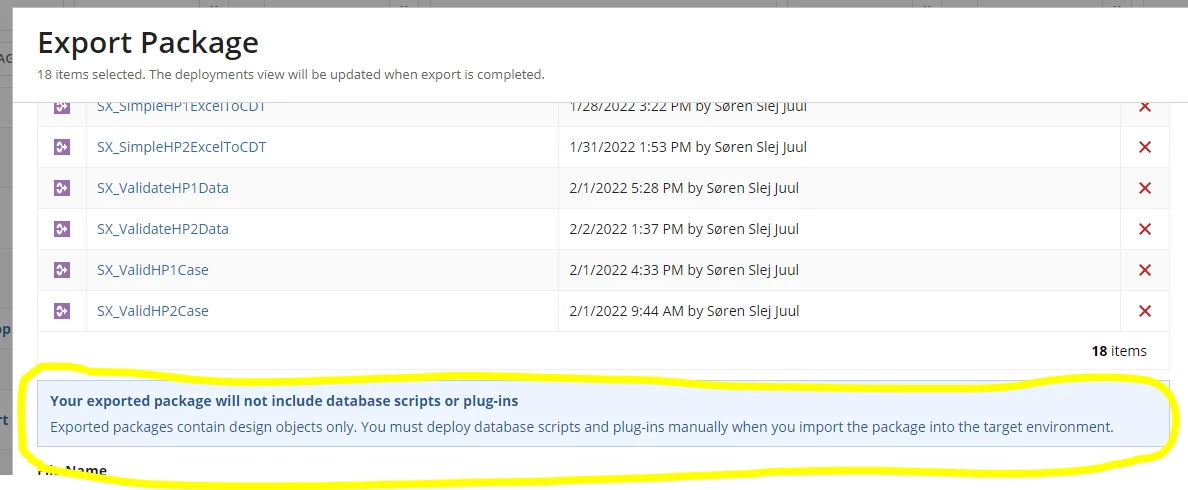
What is the point of having a "database scripts" section in packages, if the scripts are omitted from the exported package??
For your information, the SQL files look like this (first file shown):
ALTER TABLE `sxdatahp1` DROP `storedebitorer`;
ALTER TABLE `sxdatahp1` DROP `abnekravdebitor`;
ALTER TABLE `sxdatahp1` DROP `abnekravkoeretoej`;
ALTER TABLE `sxdatahp1` DROP `kravudligningsbilag`;
ALTER TABLE `sxdatahp1` DROP `refusionudligningsbilag`;ALTER TABLE `sxdatahp2` DROP `storedebitorer`;
ALTER TABLE `sxdatahp2` DROP `abnekravdebitor`;
ALTER TABLE `sxdatahp2` DROP `abnekravkoeretoej`;
ALTER TABLE `sxdatahp2` DROP `kravudligningsbilag`;
ALTER TABLE `sxdatahp2` DROP `refusionudligningsbilag`;
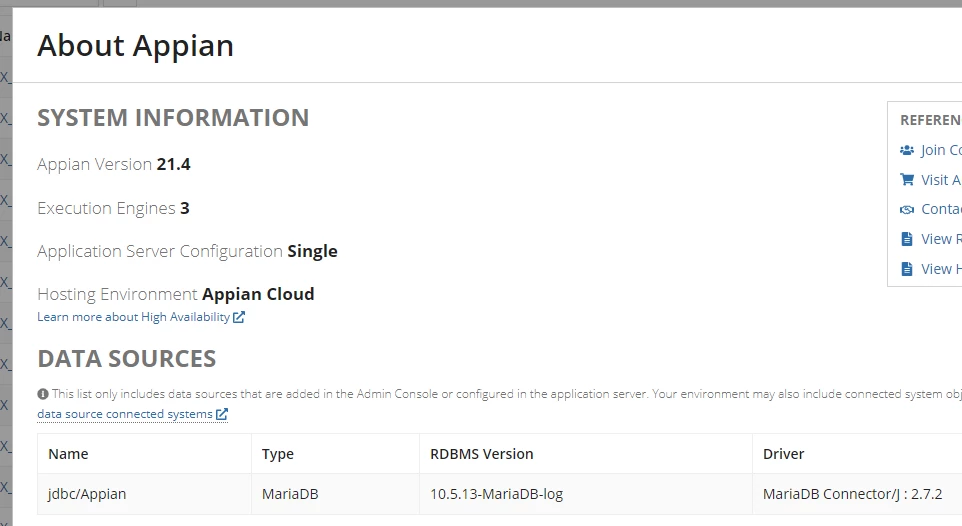
We use version 21.4 of Appian:
Regards
Søren Juul
BPM Developer
Udviklings- og Forenklingsstyrelsen, SKAT (the danish Tax Authority)
soeren.juul@ufst.dk
