Question
GOOGLE MAPS PLUGIN, THE MAP FREEZES
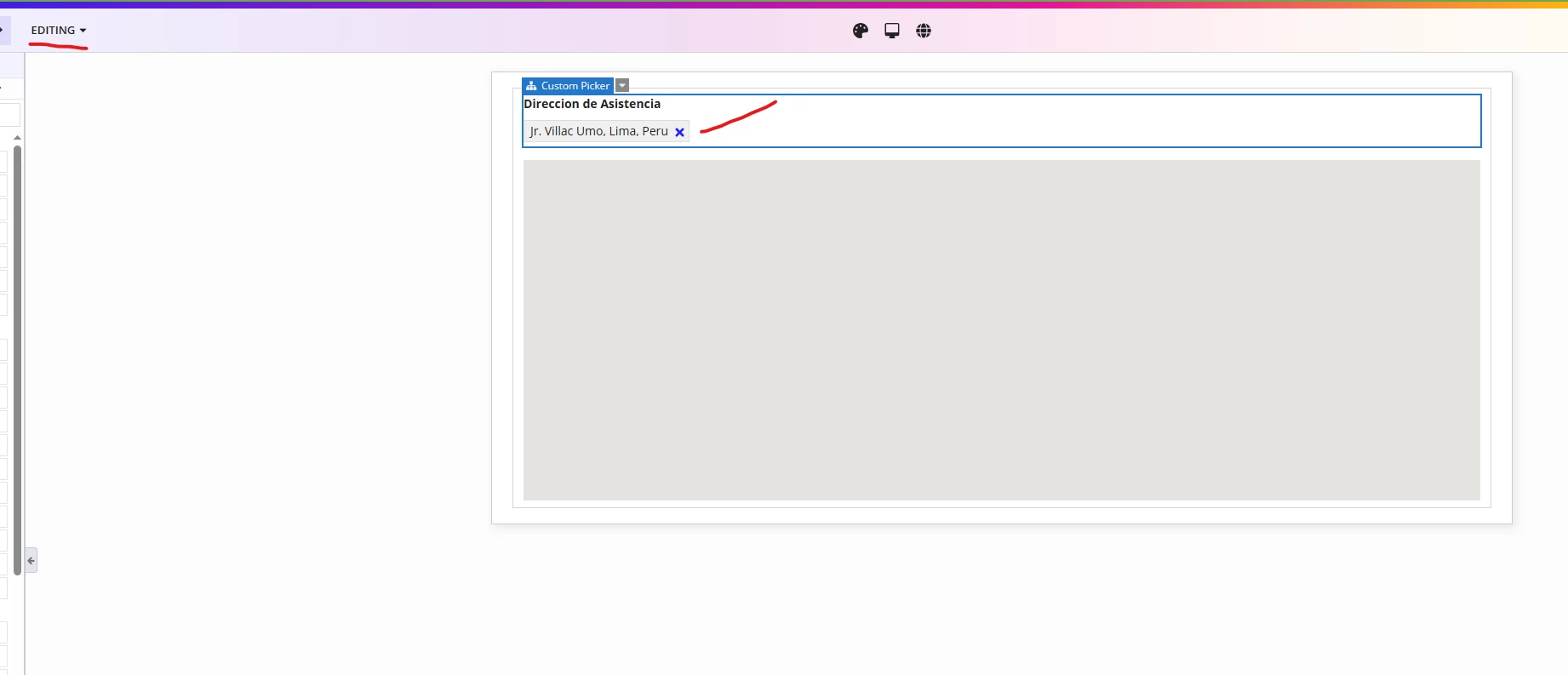
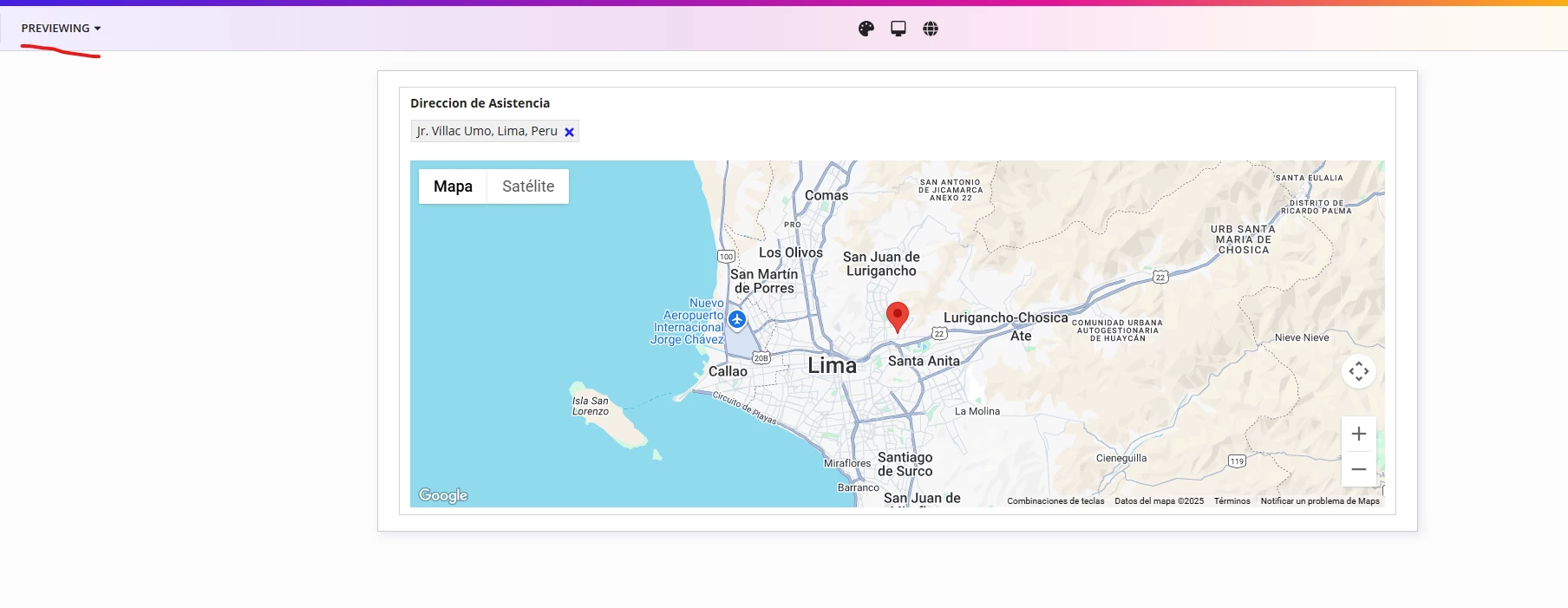
Hello, the truth is that the problem I have may sound very strange, but it is something related to Google Maps or the plugin. It happens that the map freezes, here I will leave my code and explain exactly what it does, the first thing is a pickerFieldCustom in which the user will enter an address close to their house and that address calls the Maps API to recommend addresses and then when selecting an address, the service is used to bring the latitude and longitude, it is here that this data is passed to the component that displays the map and where it seems to freeze.
a!localVariables(
  local!data: {},
  local!coordenadas,
  {
    a!cardLayout(
      contents: {
        a!pickerFieldCustom(
          label: "Direccion de Asistencia",
          suggestFunction: rule!CT_autocompletarDireccion(address: _),
          selectedLabels: local!data,
          value: ri!registroSiniestro.direccionAsistencia,
          saveInto: {
            local!data,
            ri!registroSiniestro.direccionAsistencia,
            ri!datosAsistencia.DireccionAsistencia,
            a!save(
              local!coordenadas,
              index(
                index(
                  rule!CT_obtenerLatitudyLongitud(
                    address: ri!registroSiniestro.direccionAsistencia
                  ),
                  1
                ).data,
                1
              ).geometry
            ),
            a!save(
              ri!registroSiniestro.latitud,
              local!coordenadas.lat
            ),
            a!save(
              ri!registroSiniestro.longitud,
              local!coordenadas.lng
            )
          },
          maxSelections: 1,

        ),
        googleMapsPinField(
          googleMapsApiKey: cons!CT_API_KEY_GOOGLEMAPS,
          enableZoom: true,
          enablePanning: true,
          mapCenter: {
            lat: local!coordenadas.lat,
            lng: local!coordenadas.lng
          },
          mapMarker: {
            lat: local!coordenadas.lat,
            lng: local!coordenadas.lng
          },
          onPinDropped: {
            local!coordenadas,
            a!save(
              {
                ri!registroSiniestro.direccionAsistencia,
                local!data
              },
              index(
                rule!CT_obtenerLatitudyLongitud(
                  latitud: local!coordenadas.lat,
                  longitud: local!coordenadas.lng,

                ),
                1
              ).data.formattedAddress
            )
          },
          zoomLevel: 11
        )
      }
    )
  }
)
Here comes the weirdest part of the problem: the map refreshes when I switch from "Previewing" to "Editing" mode or vice versa. This behavior is quite strange. Help, please.