
February 26, 2024
Solved

I can't access my administrator account (I'm the Master Admin)

  • February 26, 2024
  • 11 replies
  • 0 views

Hi, HELP PLEASE.....

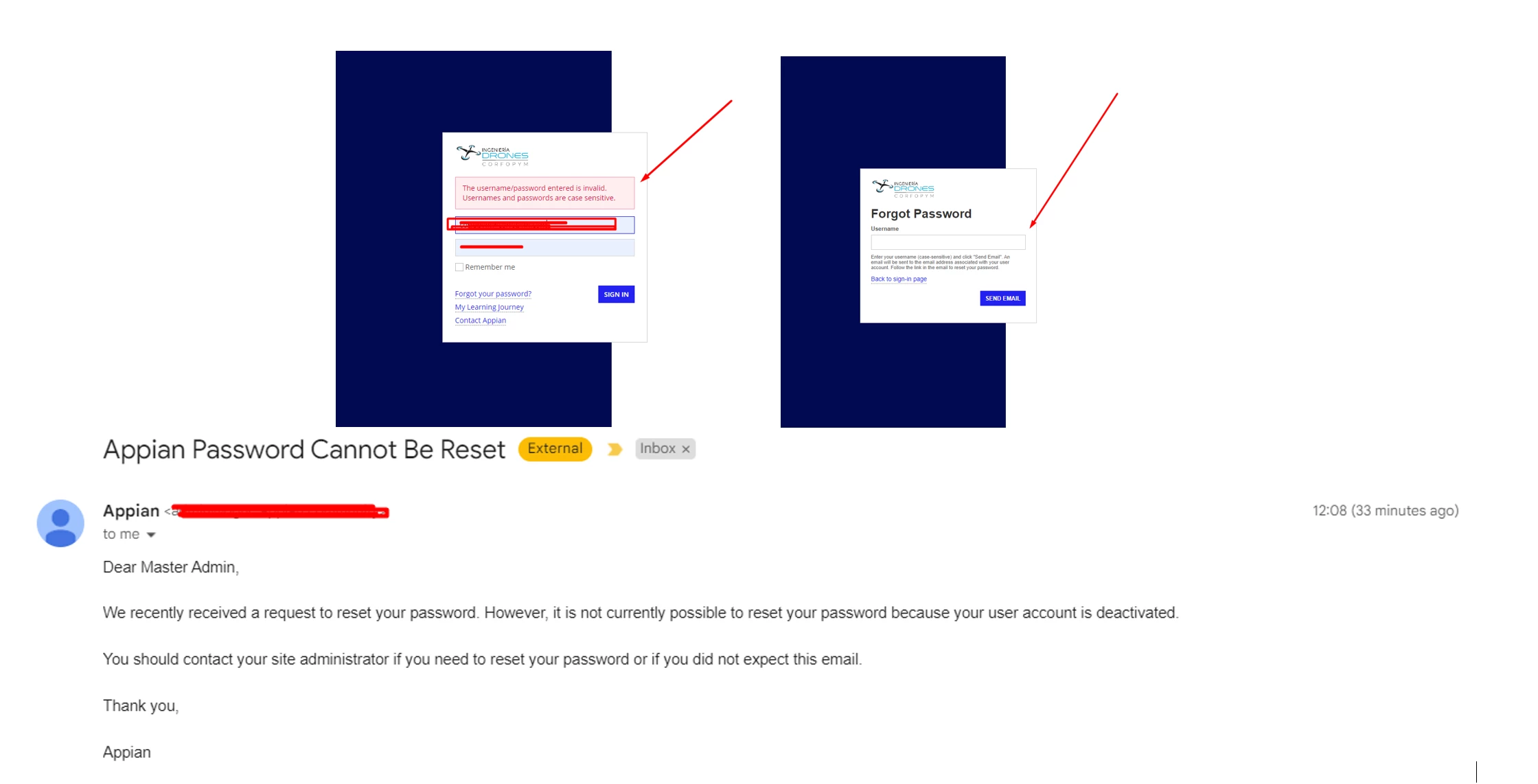
I am the administrator of my account, today I tried to log in like every day, and it appeared that the username and password are wrong (I have not changed either the username or the password).


I click on "Forgot your password?" , I enter the username of my account and I receive the following in my email:

_______

Dear Master Admin,

We recently received a request to reset your password. However, it is not currently possible to reset your password because your user account is deactivated.

You should contact your site administrator if you need to reset your password or if you did not expect this email.

Thank you,

Appian

_______

See the images bellow
    Best answer by davidj137213

    If you are onPremise, and you have access to the system, create the properties file in  APPIAN_HOME/conf.

    IN that file you set a temporary admin password with the code sent in my last post.

    After that, restart tomcat, and try lo log in again. If it's correct, you will be able to change the password and log again into the system

    11 replies

    davidj137213
    February 26, 2024

    How many times have you tried to log in? It seems that you have exceeded the number of maximum attempts, and that is why it has been disabled

    danna3499Author
    February 26, 2024

    I'm the Master Administrator, I have not changed the username or password, I couldn't access it from the first try

    davidj137213
    February 26, 2024

    How many times did you try to log in? Maybe you have your keyboard with uppercase selected or something similar and finally afeter several tries the account was disabled?

    srmm0001
    February 26, 2024

    1. Contact your site administrator: The email specifically instructs you to reach out to your site administrator if you need to reset your password or didn't expect the deactivation. This is the most direct approach to getting your account reactivated.

    2. Provide necessary information: When contacting your site administrator, be prepared to provide your username or email address associated with the Appian account and any other relevant details mentioned in the email. Explain that you haven't changed your password and request clarification on why your account was deactivated.

    3. Wait for their response: The site administrator will be able to assist you further and advise on the necessary steps to restore your account access.

    danna3499Author
    February 26, 2024

    I'm the System Administrator...