
January 27, 2023
Question

New Site Permission Bug

  • January 27, 2023
  • 5 replies
  • 0 views
  • Following Starter Tutorial up to Activity 9 trying to create a new Launch Tracker Site
  • New Site created with default permission settings untouched (viewer and admin)
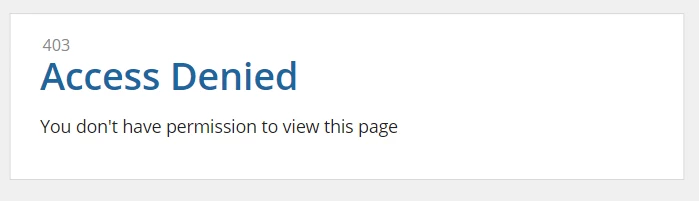
  • After creation, the editor opened with 403 permission error
  • Back to app and tried to update the security of the site, seeing 2 warnings say no viewer and admin and they are indeed disappeared...
  • Try manually add these two permission back to the site and save, UI say site updated successfully but still 403 error when trying to edit
  • Open security again and notice the added permissions are gone even it said it was successful
    5 replies

    konduruc733182
    January 27, 2023

    Hello billyl0003,

    You might have to check if you are in the administrators group. Check in which group you are present and add that group and you need to update the permission to a minimum of Viewer.

    January 27, 2023

    Thanks [mention:2df2892a4df7486f9775b4d2f0e405fd:e9ed411860ed4f2ba0265705b8793d05],

    I am sure I am in admin group as I have been following the starter tutorial on your site without problem all the way till activity 9 and there are multiple objects like records and integrations being created successfully and I could administrator them without drama... 

    Just on Activity 9 I cannot create a site with any permission on it... as per my screenshot above, I tried to manually add the permission that disappeared and it say it is saved successfully but they are not...

    konduruc733182
    January 27, 2023

    What is the Site Home page? Which interface are you using. Can you check the visibility settings if it is a record data and also check the visibility settings of the tabs that you have added in the site.

    abhayd3663
    February 21, 2023

    Are you using community edition?