
November 11, 2024
Solved

SAML Authentication

  • November 11, 2024
  • 3 replies
  • 0 views

Facing below issue while trying to enable SSO. I have filled out the SAML form with all the required information. When I am testing the configuration, I am receiving error message as below. 

FYI, IdP is Azure Ad.
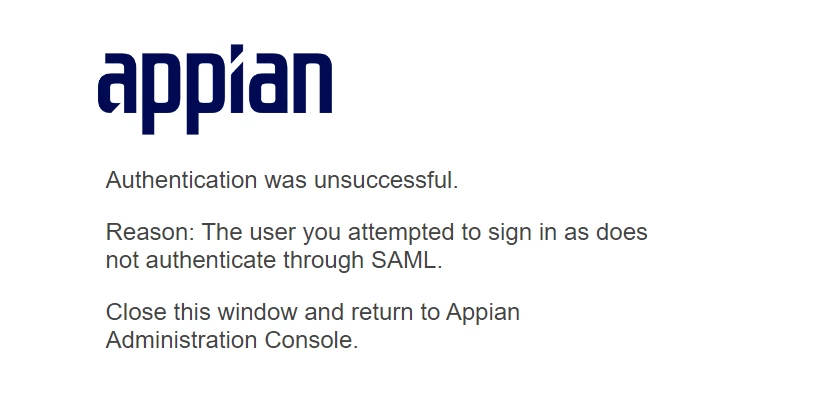
I see below message from Logs

Interesting part is, Azure logs says that my login is successful even though I have above error message displayed in Appian.

Did anyone face similar issue or know about this issue? 

Best answer by patriciad0003

Hi [mention:0dc49b57dcb749db86acd69375be40df:e9ed411860ed4f2ba0265705b8793d05] I had this same issue before. The solution for me was to manually add the user for testing in the group defined as Authentication Group in the SAML configuration to allow login via SAML, as my user already existed in Appian.

Hope this helps you

3 replies

November 20, 2024

Hi [mention:0dc49b57dcb749db86acd69375be40df:e9ed411860ed4f2ba0265705b8793d05] I had this same issue before. The solution for me was to manually add the user for testing in the group defined as Authentication Group in the SAML configuration to allow login via SAML, as my user already existed in Appian.

Hope this helps you

vinays346Author
April 24, 2025

Thank you

November 21, 2024

Able to see Unsuccessful message in  both the screenshots you have added. Can you add the Azure logs where you see a successful message