

alfonsob0001
September 22, 2023
Question

Copilot inside Appian

  • September 22, 2023
  • 8 replies
  • 0 views

Hello,

I´ve configurated the Azure service insede de Admin Console as it shows the image:
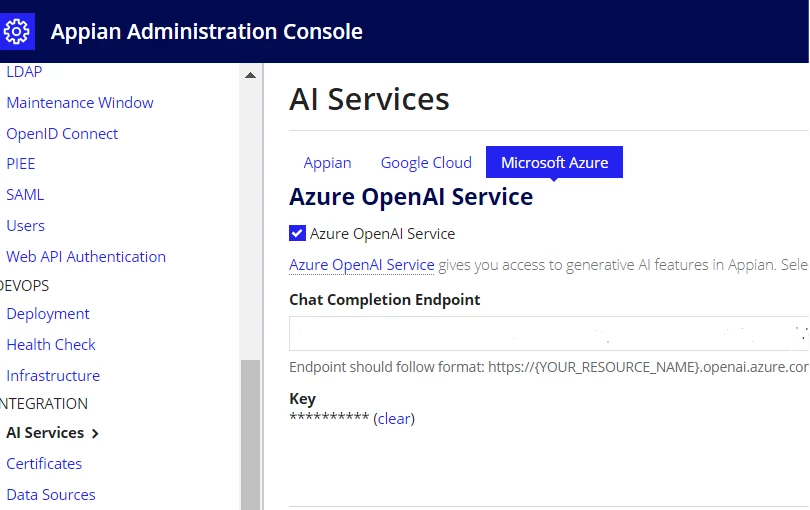
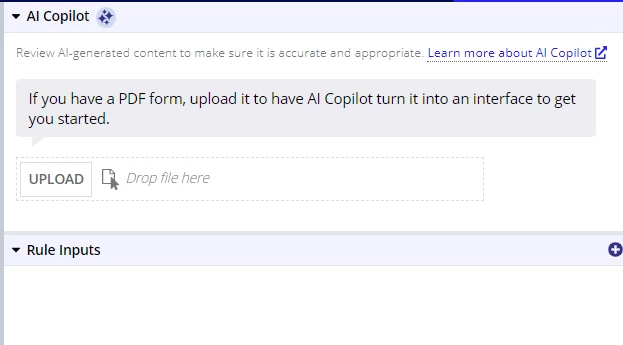
This returns me a succes, and i see in the interface design mode the Copilot:
But when I upload a fillable PDF to generate the form in appian, i keeps loading, but nothing generates
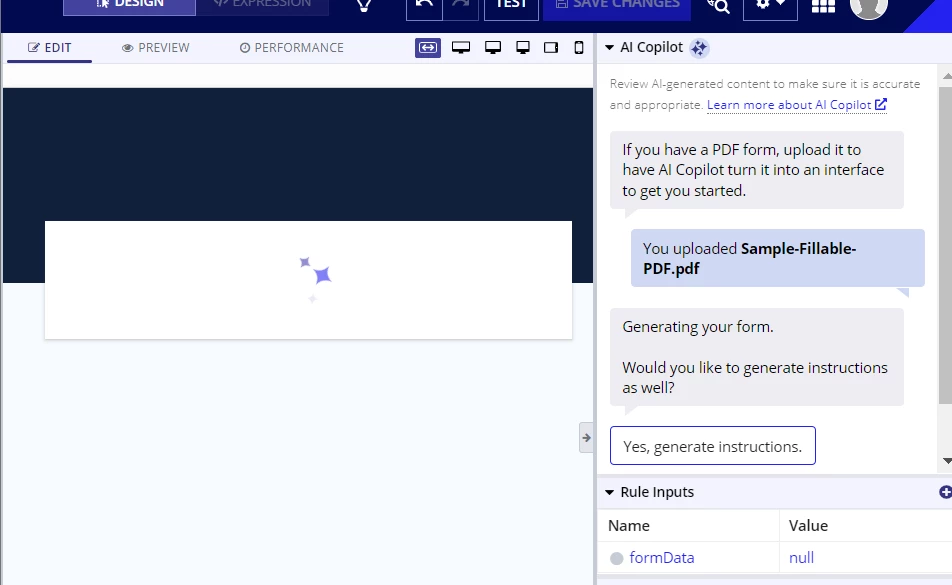
Anyone knows what its happening and which could be the solution for this?

Thx

8 replies

stefanhelzle0001
September 22, 2023

I had very mixed success with this feature. US government forms seem to work better then German ones.

October 24, 2023

Hello, I'm getting exactly the same behaviour.  Did you learn anything more in the last month?

stefanhelzle0001
October 24, 2023

Nope. I am ignoring that feature. Mostly because paper forms are made to be filled out on paper and typically include sections made for internal purposes. Directly turning that into a from does not create a great UX. I try to challenge the old and come up with forms that are digital by nature, and not just a carbon copy.

February 2, 2024

We are also experiencing the same issue.  Has anyone identified what the cause or resolution to this issue is?

We are using GTP-4 as it was mentioned as a requirement within this thread community.appian.com/.../how-to-use-appian-co-pilot

abhayd3663
February 6, 2024

Can you confirm which model are you using?

February 7, 2024

Hi Abhay,

We are using GPT-4

abhayd3663
February 7, 2024

It seems Appian copilot is not fully matured yet.

srmm0001
February 7, 2024

Hi ,

if i am correct........It seems you're facing an issue with the AI CoPilot feature within Appian that's supposed to convert fillable PDF forms into Appian interfaces. The AI CoPilot is not generating the form after uploading a fillable PDF, and it just keeps loading.....

1. Check AI Service Configuration

  • Ensure that the Azure service configuration in the Appian Administration Console is correct. Verify the endpoint and key for the Azure OpenAI Service are accurately inputted.

2. Validate the PDF Form

  • Confirm that the PDF form is properly formatted as a fillable form. Some PDFs may not be recognized if they are not correctly set up with fillable fields.
  • Try uploading a different PDF form that you know works (like a U.S. government form) to see if the problem is with the specific PDF.

3. Test with Different PDF Versions

  • If possible, test with different versions of the PDF format. Some newer or older PDF versions may not be compatible with the AI CoPilot feature.

4. Check File Size and Complexity

  • Large or complex PDF forms might cause the system to take a longer time to process or even fail. Try with a simpler or smaller PDF to see if it makes a difference.