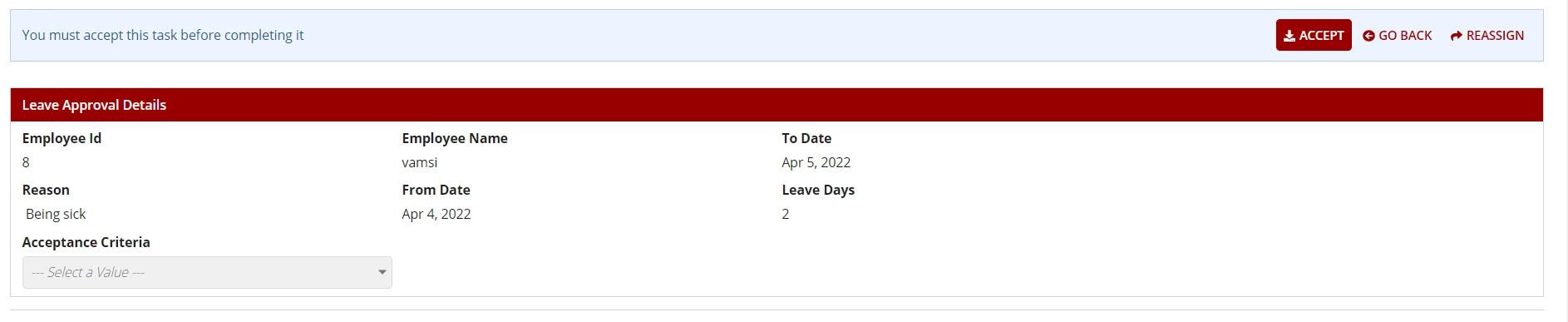
The accept (and, as far as i know, "back") buttons cannot be disabled under any configuration where a user is able to access a task assigned to more users than just themselves. As Stefan said, "accept" is absolutely essential since there's no other way for a particular user to take ownership of that task instance.
The "reassign" control can be disabled by setting the Task Reassignment Permissions to "none", though I should caution you that if you view a task as a System Admin user, you'll still see it (though basic users won't).
change to "no privilege", which will be the desired setting for individually-assigned basic-user tasks in almost all cases (other settings can be explored when the users in question are more power-users and/or group-assigned, but that's out of scope for now).