

richas0003
September 28, 2021
Question

process model in section layout in Navigation(collapsible)

  • September 28, 2021
  • 15 replies
  • 0 views

When i add process model to navigation bar it works fine but then i collap the navigation bar it show blank on icon click 
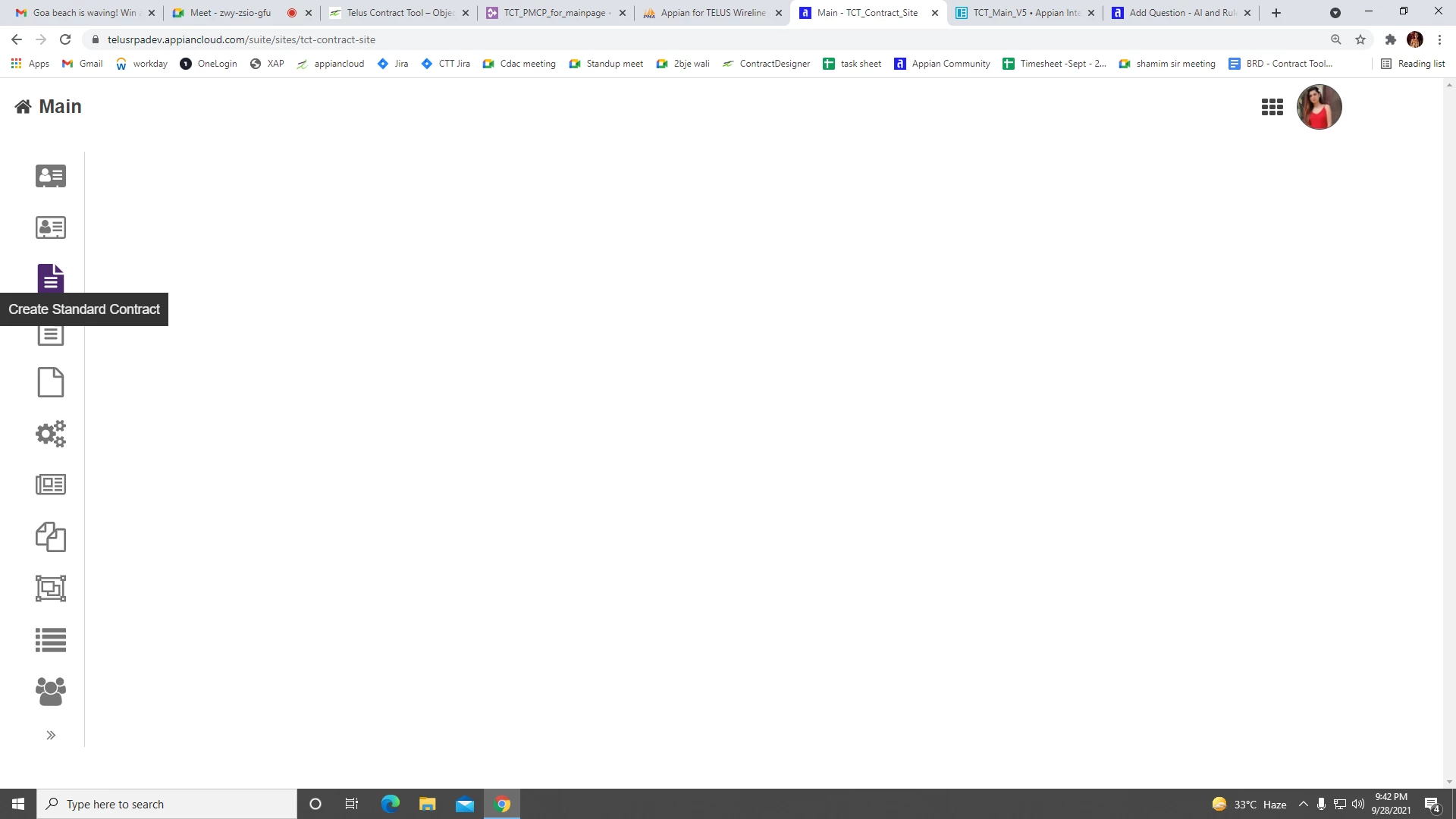
how to add process model to section layout?

a!sectionLayout(
contents: { rule!TCT_Template_Dashboard() }
),

a!sectionLayout(
contents: {
}
),

15 replies

mikes0011
Brainy
September 28, 2021
how to add process model to section layout?

Can you clarify a bit on what you're actually trying to do here?  FYI section layouts can't hold a "process model", at least by our usual definition.  If you'd like to post a somewhat more expanded sample of your code that could help - just please be sure to use a Code Box, to preserve formatting and readability.

sumeetk0002
September 28, 2021

Hi Richa,

if my assumption is correct, you are trying to use rich text icon in section layout. I am not able to reproduce your issue. Please provide some more detail so that I can help you out.

richas0003
September 29, 2021

no  i'm not trying to insert rich text as i am using navigation which is collapsible  my issue is i'm calling different interface on navigation interface on click of each navigation when i call the interface by rule! it works perfectly on text click and also after collapsing but when i use process model to call the interface it works on text click not on icon click after collaps its just shows blank and do not shows any error

mikes0011
Brainy
September 29, 2021
but when i use process model to call the interface

Can you clarify what you mean by this?  Process models are not used to "call" an interface.  Are you saying something on your form is *starting* a process model?  Again it would be 10x easier to help if you'd post some sample code as I mentioned in my original reply above.

September 29, 2021

{
a!sectionLayout(
label: "PrimaryDetails",
contents: {
a!linkField(
links: a!startProcessLink(
label: "update form",
processModel:cons!AV_START_PROCESS_LINK,


bannerMessage: "used to update the existed person details"
)
)
},
isCollapsible: true,
isInitiallyCollapsed: true
)
}

we have to create a constant for the existed process model and by using the a! start process link. or a! start process function we can directly take an action for the new record from the interface. there is a small difference between the above functions that is a! start process link-Start the process Synchronously & a! start process function -  start the process asynchronously.

sumeetk0002
September 29, 2021

Hi Prashanth, the code which you have given, I am able to launch the process without any issues. The link is hidden when the section is collapsed and it works fine in other case. Please let me know what am I missing here.

September 29, 2021

can you post the code