
KB-2185 CDT shows no fields and message "Simple Types cannot be edited"
Symptoms
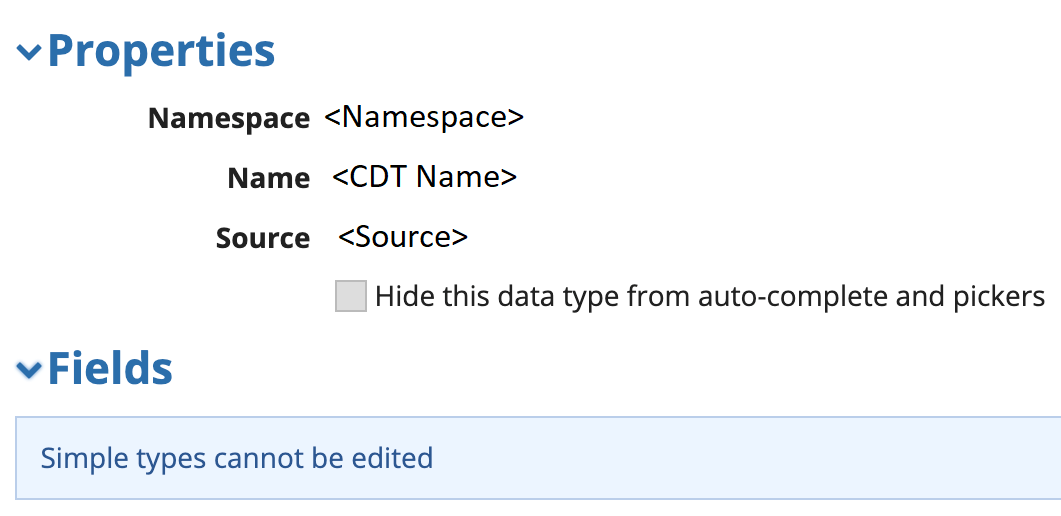
After modifying a CDT, the CDT fields are no longer present and the following message is observed when the object is opened in Designer: "Simple Types cannot be edited". This can also be seen on a parent or child of the CDT that was modified.
Cause
This issue has been hotfixed via AN-182130 in Appian 20.3.830.0, 20.4.795.0, and 21.1.495.0.
Workaround
To workaround the issue, perform one of the following steps:
- Export the CDT from another environment, and import into the affected environment.
- Delete and re-create the CDT.
Affected Versions
This article applies to Appian 20.3, 20.4, and 21.1.
Last Reviewed: June 2021