Solved
Form does not submit in record view
Hello,
Why forms are not submitted in my record views?
I've made an example with a simple interface :
a!localVariables(
  local!tfiValue:"",
a!formLayout(
  label: "Form",
  contents: {
    a!sectionLayout(
      contents: {
        a!textField(
          label: "Text",
          labelPosition: "ABOVE",
          value: local!tfiValue,
          saveInto: {
            local!tfiValue
          },
          refreshAfter: "UNFOCUS",
          validations: {
            if(local!tfiValue="test","not defined",null)
          },
          validationGroup: "testGrp",
          required:true
        )
      }
    )
  },
  buttons: a!buttonLayout(
    primaryButtons: {
      a!buttonWidget(
        label: "Submit",
        submit: true,
        style: "PRIMARY",
        validate: true,
        validationGroup: "testGrp"
      )
    },
  )
)
)
In the designer it works fine : if the field is empty, the submit tests the value and as it is required the warning appears 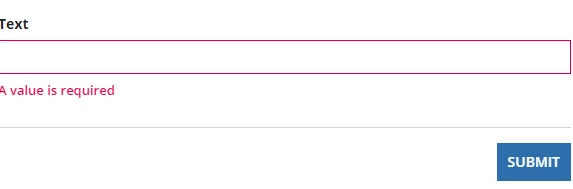
Validation is fine to : 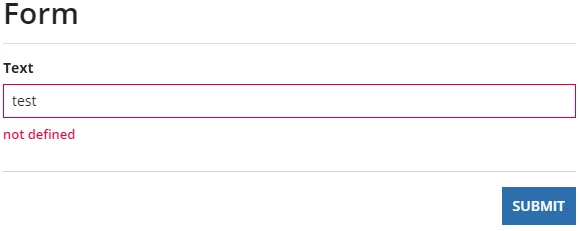
But, in the application, where this interface is a view from a record, it doesn't submit

Can someone explains this?
(Our goal before this simple test was to save a file in a directory. But as the form is never submitted, the file remains stucked in the temporary folder.)
Thanks for your help.
Regards.