swapnar6405
February 18, 2023
Solved

Delete from a database using Record Action

  • February 18, 2023
  • 10 replies
  • 0 views

Hi,

I have a read-only grid and loading the data using a recordType.

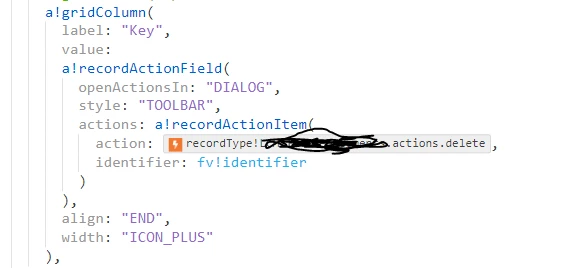
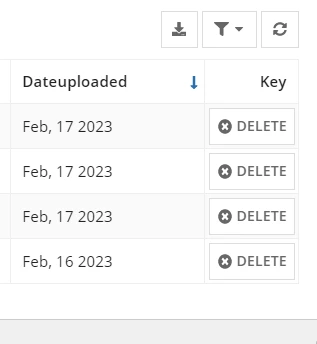
I am trying to implement "delete" functionality to delete each row of data/db record by having "Delete" in each row.

I am trying to implement by using a Related Actions. But, when I click on "DELETE" it is opening a popup (DIALOG BOX) and closing automatically.

Is there a way I can avoid popup window which is not useful in this scenario. 

Thanks
Best answer by stefanhelzle0001

That should do it on the side of that grid. Did you enable activity chaining in your process model? If not, the UI will refresh before that data is deleted.

10 replies

stefanhelzle0001
February 18, 2023

Did you try to change the parameter "openActionsIn" to a different value?

swapnar6405
February 18, 2023

Hi Stefan,

I have used "openActionsIn" as "SAME_TAB" and there is no pop-up now. But, after deleting the particular row of data, my read-only grid is not reloading with latest data.

Is there a way, I can do refresh of the read-only grid after delete related action.

Thanks.

stefanhelzle0001
February 18, 2023

See you other post for the answer.

adityag9712
February 20, 2023

Hi, If you need to delete the record and don't need a screen to display it then please use a!startProcess and update the record grid while passing the correct variable on save parameter of the a!startProcess function.