
Brainy
May 8, 2021
Question

Any idea where to upload LDAP Client SSL Certificate pls?

  • May 8, 2021
  • 6 replies
  • 1 view

Hi,

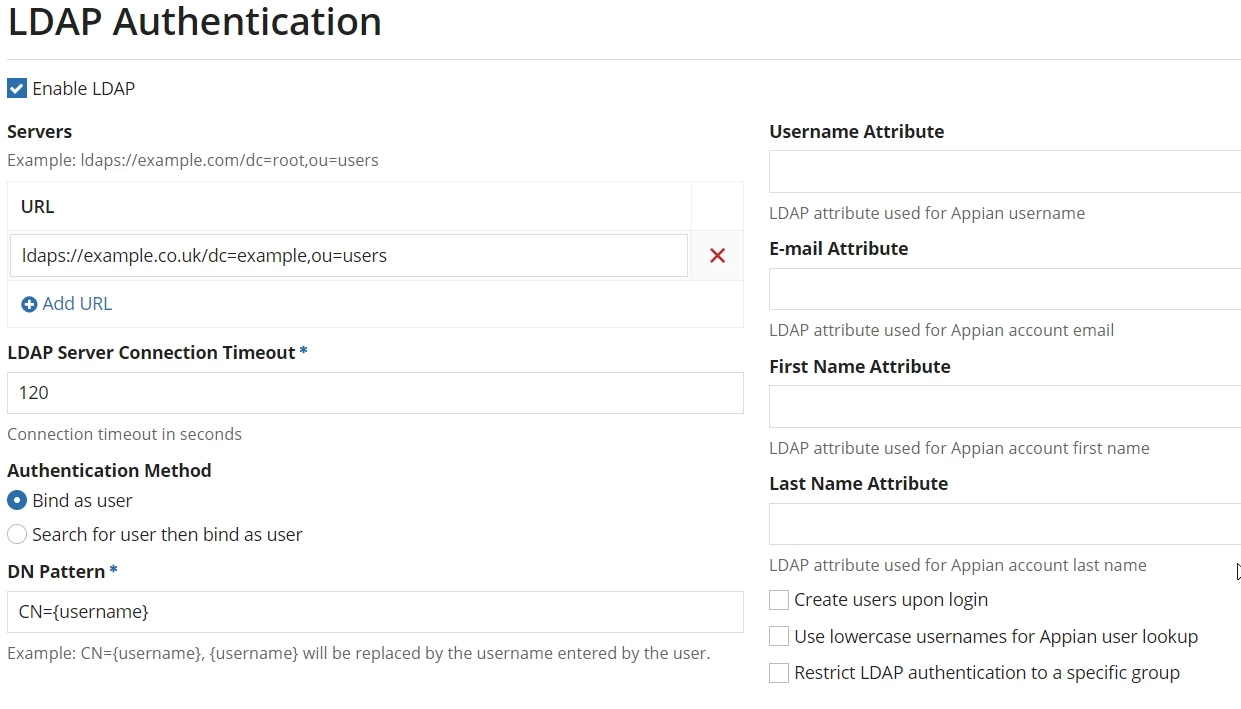
I'm trying to use GCP "Cloud Identity" as my IDp LDAP Server. in order to establish the trust b/w LDAP Client(Appian Application) and LDAP Server(GCP Cloud Identity), GCP instructs to upload the SSL certificate to client application. Unfortunately, I could not find the place to upload security certificate on Admin Console -> LDAP Authentication Screen. 

Could someone please suggest the recommended approach here? Does anyone successfully using this LDAP authentication with external cloud based active directory please? 

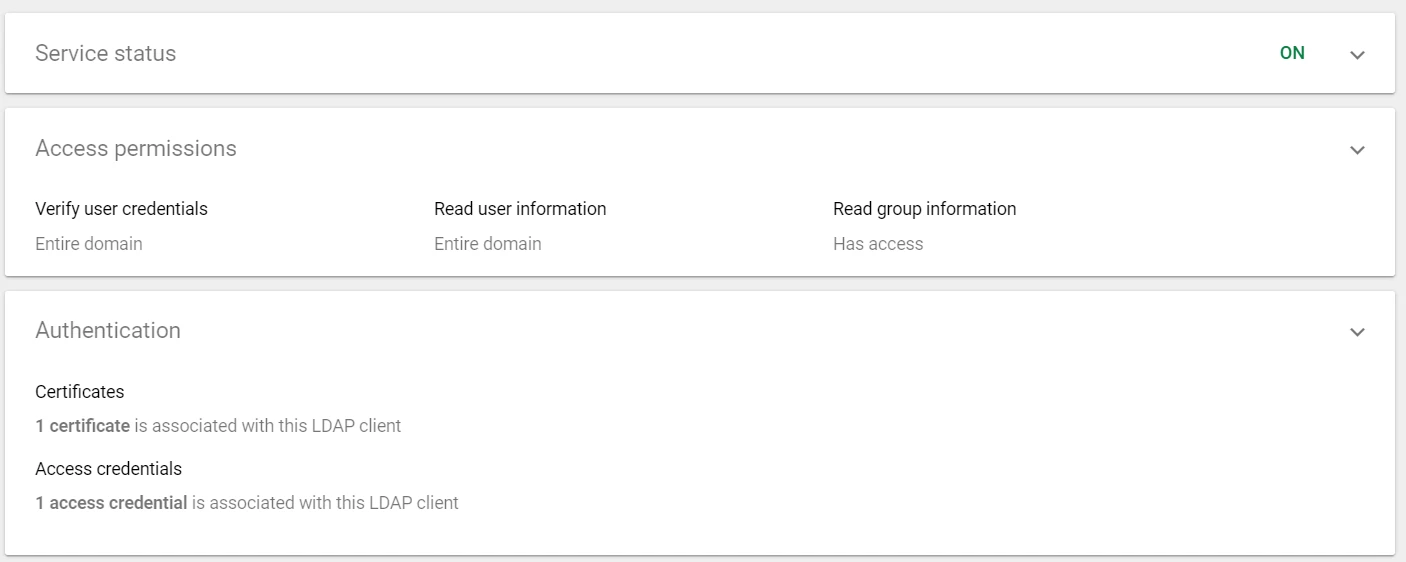
Cloud Identity LDAP Client configuration screen,
Appian Application Admin Console LDAP Authentication Configuration, (Example)
  

    6 replies

    anurags0004
    New Participant
    May 9, 2021

    http://[Appian_Web_URL]/suite/admin/page/certificates
    Select Client Certificates Tab--> Add New Certificate

    Note: Not sure if this will work, but can be tried to see results

    Brainy
    May 9, 2021

    thanks Anurag, In my use case Appian Application going to be LDAP client. GCP - Cloud identity has issued two SSL files with extension . crt and .key files to upload at client side to configure LDAP server. However, Certificate section accepts only .pem file to upload. I assume this is for API end points API key configuration? - Thanks.

    stefanhelzle0001
    Brainy
    May 9, 2021

    When checking docs it seems like client certs with LDAP is not supported as of now.

    docs.appian.com/.../Appian_Administration_Console.html

    Feels like this being a case for contacting Appian directly.