carters0001
September 8, 2021
Solved

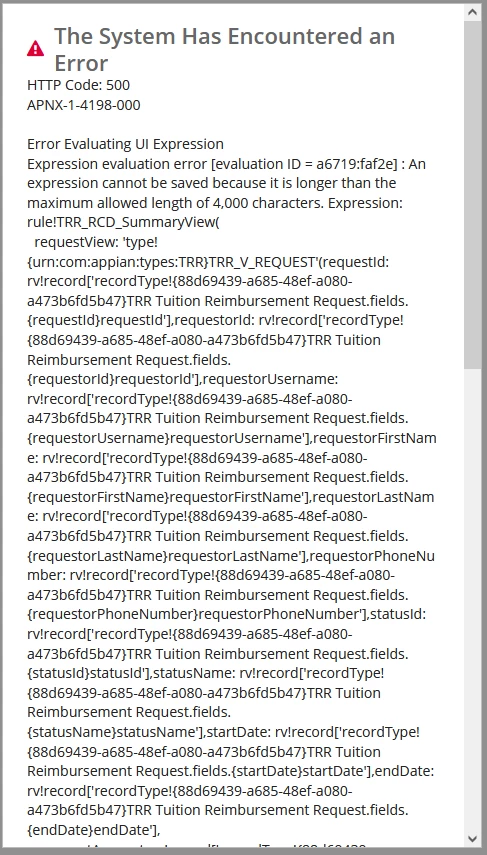
Expression evaluation error: An expression cannot be saved because it is longer than the maximum allowed length of 4,000 characters.

  • September 8, 2021
  • 4 replies
  • 0 views

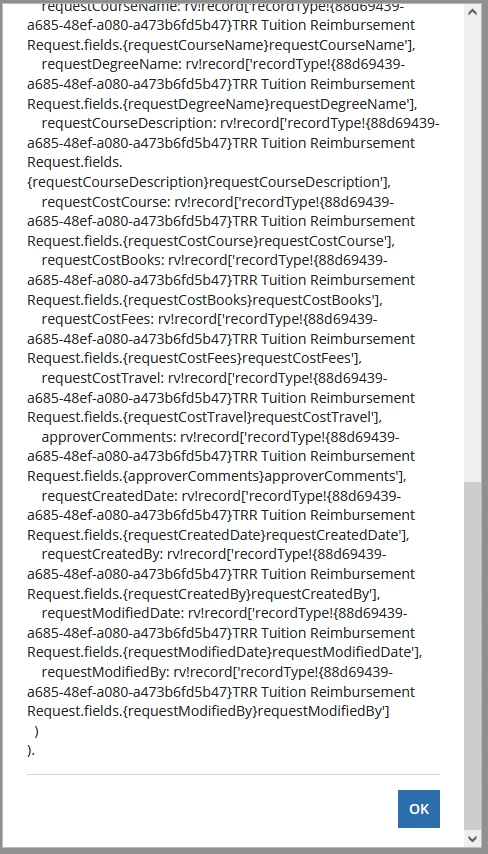
I created an expression rule for a summary view of a record. I have an expression rule calling all the information needed within a view DSE constant. When prompted with the error, after clicking "Okay," nothing happens. Is there a way to edit this rule without drilling into the record?

Here is the modal:
Best answer by carters0001

This seemed to work instead of that really long expression:

rule!TRR_RCD_SummaryView(
  requestView: rule!TRR_QE_V_request(requestId: rv!identifier).data
)

4 replies

carters0001
September 8, 2021

I remade the record type, and now this works without error. I am unsure of what cause the issue

mikes0011
Brainy
September 8, 2021

This sounds like a potential bug worthy of a new Support ticket with Appian.

The Expression Guru
carters0001
carters0001AuthorAnswer
September 8, 2021

This seemed to work instead of that really long expression:

rule!TRR_RCD_SummaryView(
  requestView: rule!TRR_QE_V_request(requestId: rv!identifier).data
)