May 1, 2024
Solved

How to avoid deleting a document to finish a Process Model event

  • May 1, 2024
  • 4 replies
  • 0 views

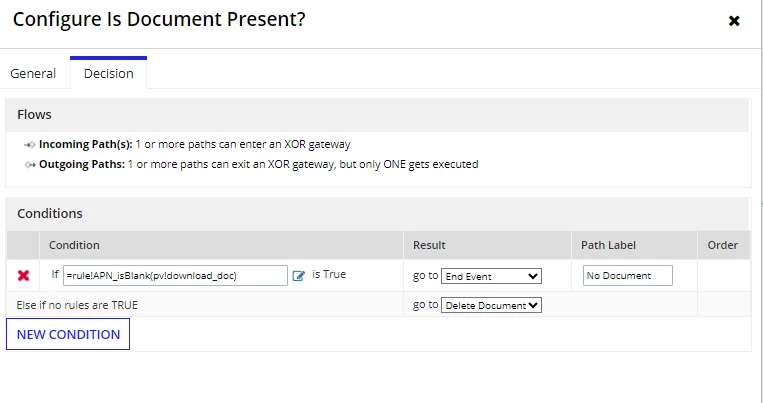
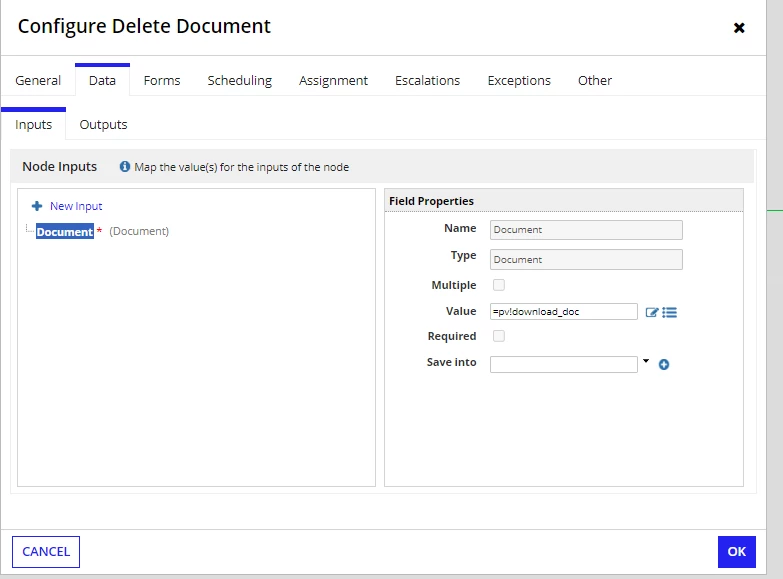
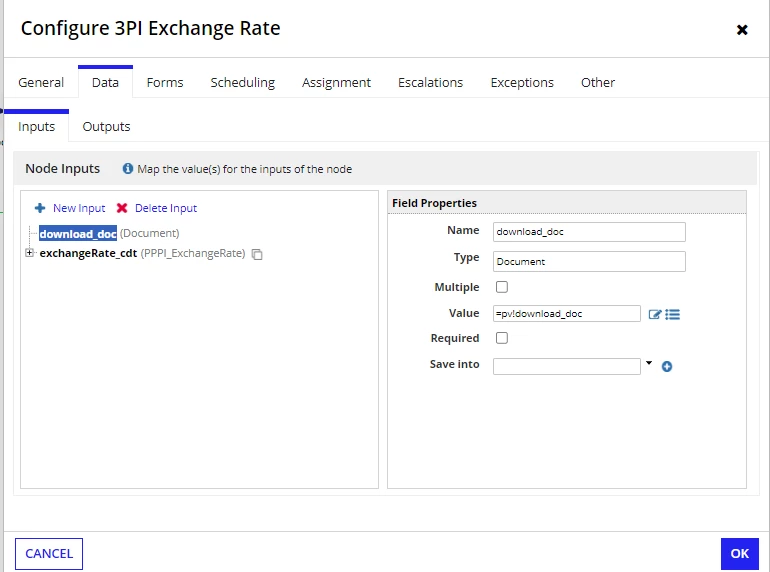
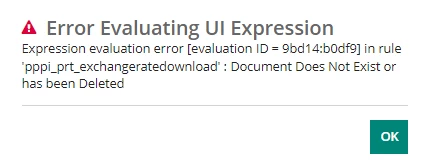
So when the user selects a particular interface, a document is generated and if the user selects the 'cancel' button then the document is deleted. There are cases where the document might get deleted through another form so if you try to select the cancel button, then an error message appears. Right now this is the idea for the process model but its not fixing the issue so please let me know if you see anything that might fix the issue. the 3PI exchange node generates the document, then the XOR node checks to see if the pv!download_doc is null or not and if it is, then move to the end event, if not then to delete the document and end the event.

I tried a few other options for the XOR node but this is basically as far as I know what to do?

Best answer by mikes0011

Yikes.

Well, as long as you're working with an awareness of how it's not really a best practice set-up...

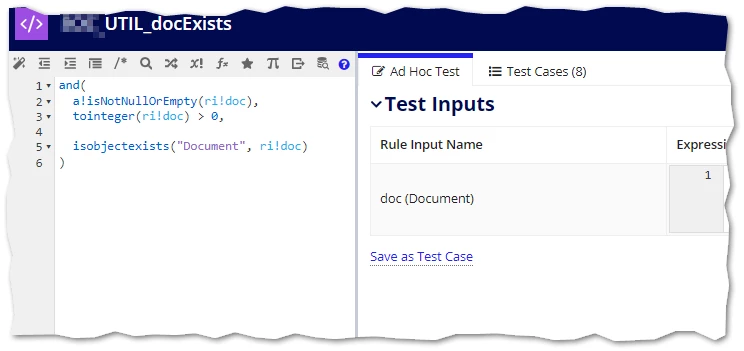
The good workaround I can suggest is that you check the document ID prior to the delete document node, using the "is object exists" rule from the "Check Object Existence" plug-in.  I actually keep a designated expression rule that can handle checking a doc ID against being blank or zero or non-existent:

IF it fails this check, you would just step around the Delete Document node altogether using an XOR gateway (you'd use the one already set up in your screenshot, just replace the "is blank" rule with something more comprehensive like i've shown you here).

4 replies

mikes0011
Brainy
May 1, 2024
There are cases where the document might get deleted through another form

How (and WHY) would a document being generated specifically for this process instance, be "deleted through another form"?  Is that REQUIRED?  Because yes, that is making things much harder than they should be.  If AT ALL possible, I'd just get rid of that part.

The Expression Guru
nickk1385Author
May 1, 2024

I am new to this project but from what it sounds like this is an edge case that only happens when:
Admin 1: opens the first interface and idles on it
                        (The document is created when the interface is opened)
Admin 2: opens another interface that shows all the documents
Admin 2: deletes the document
Admin 1: tries to cancel the initial document, and receives the error message

 So there isn't a way to just get rid of it unfortunately.

mikes0011
mikes0011Answer
Brainy
May 1, 2024

Yikes.

Well, as long as you're working with an awareness of how it's not really a best practice set-up...

The good workaround I can suggest is that you check the document ID prior to the delete document node, using the "is object exists" rule from the "Check Object Existence" plug-in.  I actually keep a designated expression rule that can handle checking a doc ID against being blank or zero or non-existent:

IF it fails this check, you would just step around the Delete Document node altogether using an XOR gateway (you'd use the one already set up in your screenshot, just replace the "is blank" rule with something more comprehensive like i've shown you here).

The Expression Guru