Solved
How to reset back to Appian sign-in page as "Default Sign-in Page" Please?
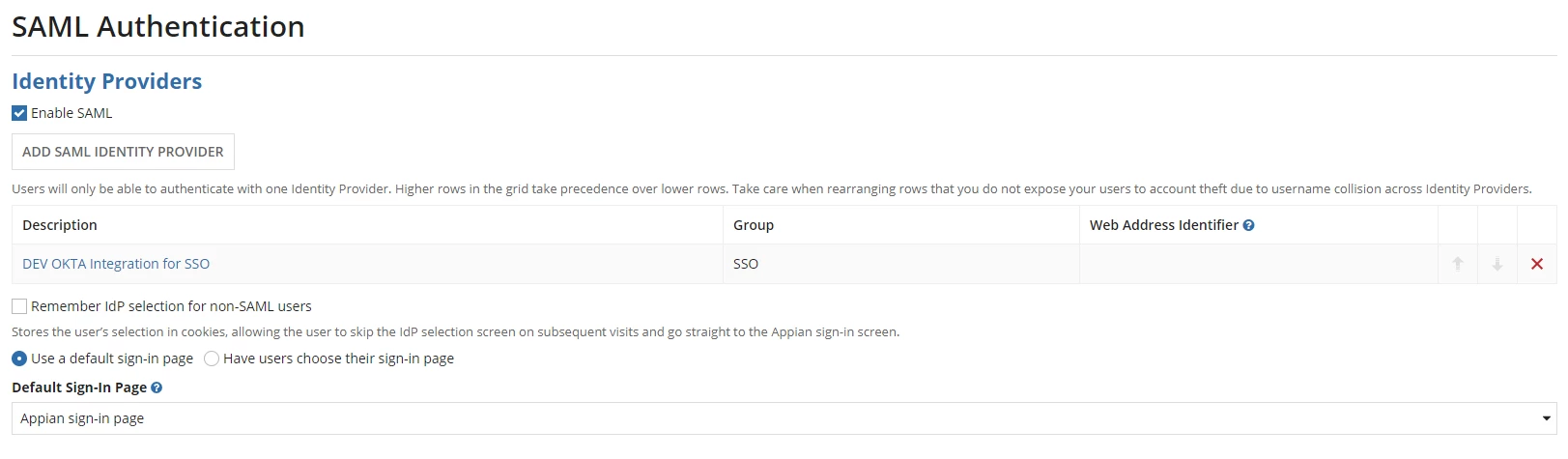
I've enabled SANL Authentication and changed default sign-in page as other than native "Appian Sign-in page".
The problem now, my SSO sign in page not working as expected and I am unable to proceed with it.
Now I want to reset back to "Appian Sign-in page" as default sign-in page, however I am unable to reset it back as its always displays SSO sign-in page and unable to navigate to "Admin Console" -> SAML Authentication settings. Could someone please suggest the solution approach to resolve this? Thanks.