
yasminea4528
May 7, 2024
Solved

pdf

  • May 7, 2024
  • 6 replies
  • 0 views

Hello developers,

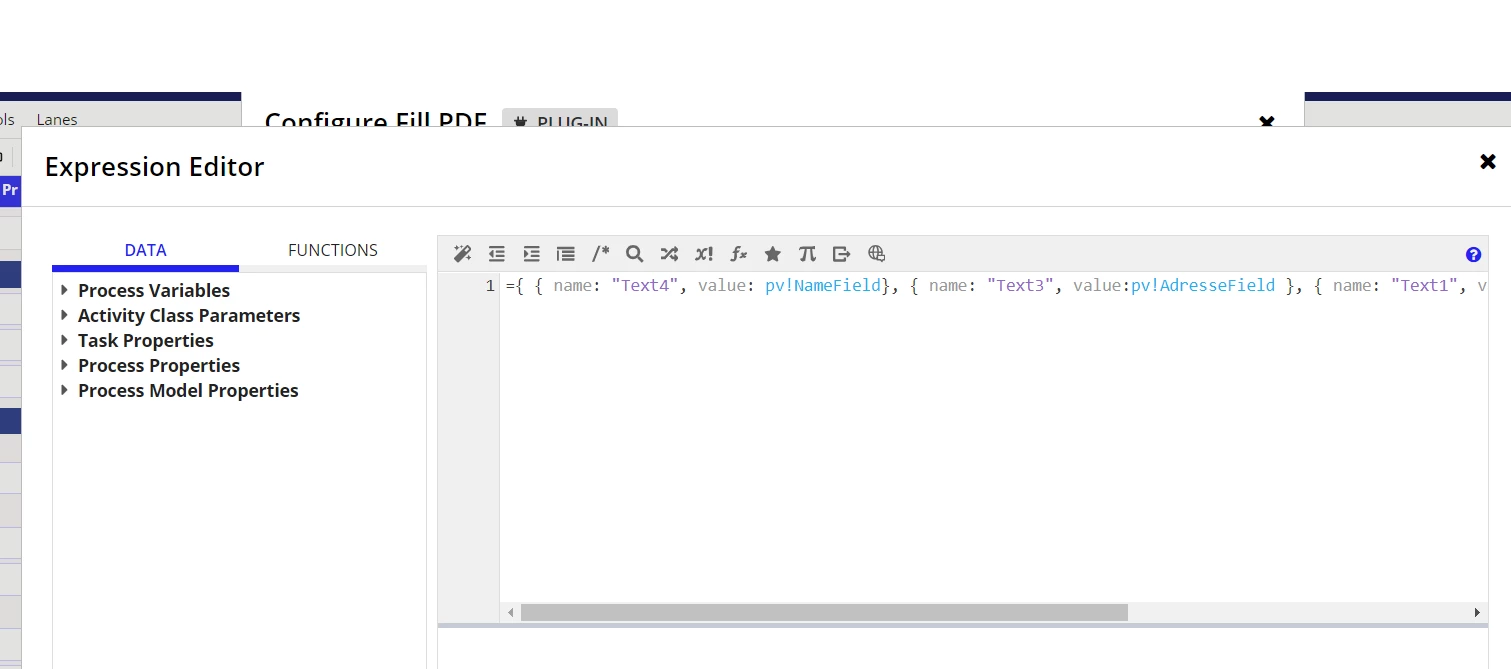
I need some help please !  I have to create a fillable PDF that can be modified by the application users. Here are some pictures to better understand how the process works. I want the PDF to be sent as a task to the user, and the user fills the fields on the PDF. I can't do this, so I decided to use a user input task. The user fills this form, and the PDF will be filled with that information. Now, I don't understand why the PDF is not shown as a task

    Best answer by stefanhelzle0001

    Appian does not support direct PDF manipulation in the UI out of the box. And assigning the "fill-PDF" task to a user will not help, as this is an unattended task without a UI.

    But, you could use a normal user input task to display the generated PDF to the user. Just add a "Document Viewer" field.

    6 replies

    stefanhelzle0001
    Brainy
    May 7, 2024

    You write that you found out, that you can't "assign a PDF to a user". I do not fully understand how that should work.

    But then, you write "I don't understand why the PDF is not shown as a task".

    This is confusing. Can you help me understand this?

    yasminea4528
    May 7, 2024

    When I test my process, users receive a task called "an input task" that contains fields to be filled in, such as "name," "address," "description," etc. Then, a filled PDF task is sent to the users. When the user clicks on it, it opens an empty interface (containing only an "OK" button), but the PDF fields are filled with the right values ("name," "address," etc.). To verify if it works as expected, I have to check the document where I saved it in the configuration of the fill PDF form. I'm not satisfied with this method because I want users to be able to see and add items directly to the PDF without using a form, but I don't know how this can be done.

    stefanhelzle0001
    Brainy
    May 7, 2024

    Appian does not support direct PDF manipulation in the UI out of the box. And assigning the "fill-PDF" task to a user will not help, as this is an unattended task without a UI.

    But, you could use a normal user input task to display the generated PDF to the user. Just add a "Document Viewer" field.