Use of ForEach loop in Type! to create multiple CDT elemts
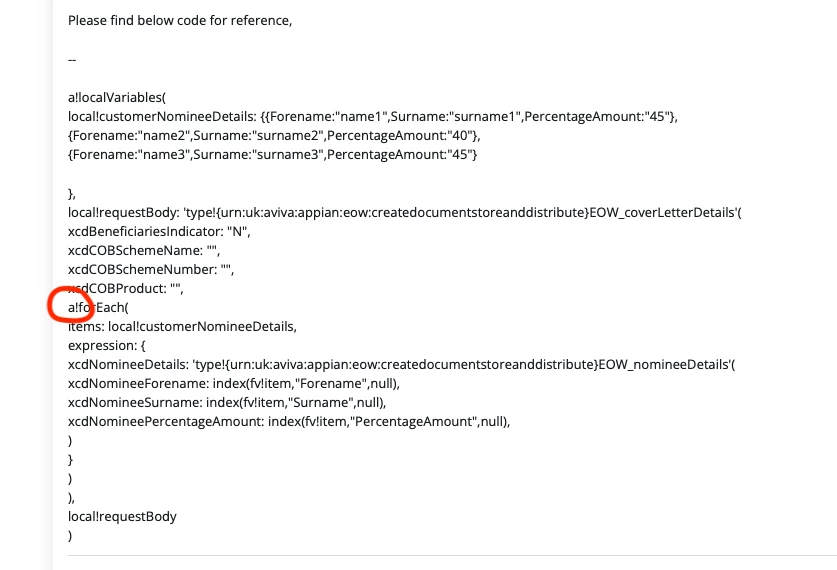
I am trying to create nested CDT . As part of that one of the CDT needs to be created multiple times. I tried to use forEach in type! but it's throwing me below error.
Expression evaluation error: Syntax error. Details: Expression evaluation error at function a!localVariables parameter 2 [line 7]: Keyword and non-keyword arguments must not be mixed. Used in: {urn:uk:aviva:appian:eow:createdocumentstoreanddistribute}EOW_coverLetterDetails..
Please find below code for reference,
--
a!localVariables(
local!customerNomineeDetails: {{Forename:"name1",Surname:"surname1",PercentageAmount:"45"},
{Forename:"name2",Surname:"surname2",PercentageAmount:"40"},
{Forename:"name3",Surname:"surname3",PercentageAmount:"45"}
},
local!requestBody: 'type!{urn:uk:aviva:appian:eow:createdocumentstoreanddistribute}EOW_coverLetterDetails'(
xcdBeneficiariesIndicator: "N",
xcdCOBSchemeName: "",
xcdCOBSchemeNumber: "",
xcdCOBProduct: "",
a!forEach(
items: local!customerNomineeDetails,
expression: {
xcdNomineeDetails: 'type!{urn:uk:aviva:appian:eow:createdocumentstoreanddistribute}EOW_nomineeDetails'(
xcdNomineeForename: index(fv!item,"Forename",null),
xcdNomineeSurname: index(fv!item,"Surname",null),
xcdNomineePercentageAmount: index(fv!item,"PercentageAmount",null),
)
}
)
),
local!requestBody
)