olalekana0448
October 5, 2021
Question

Windows Automation: Set search context

  • October 5, 2021
  • 10 replies
  • 0 views

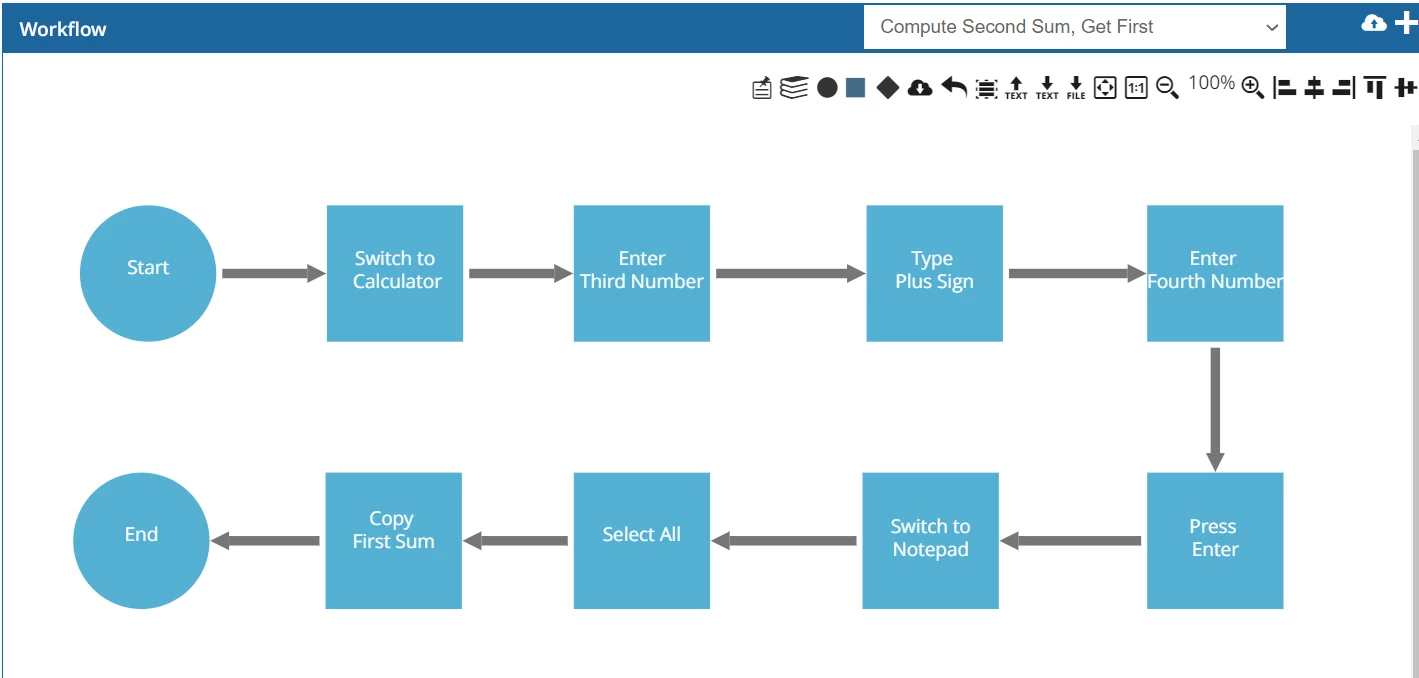
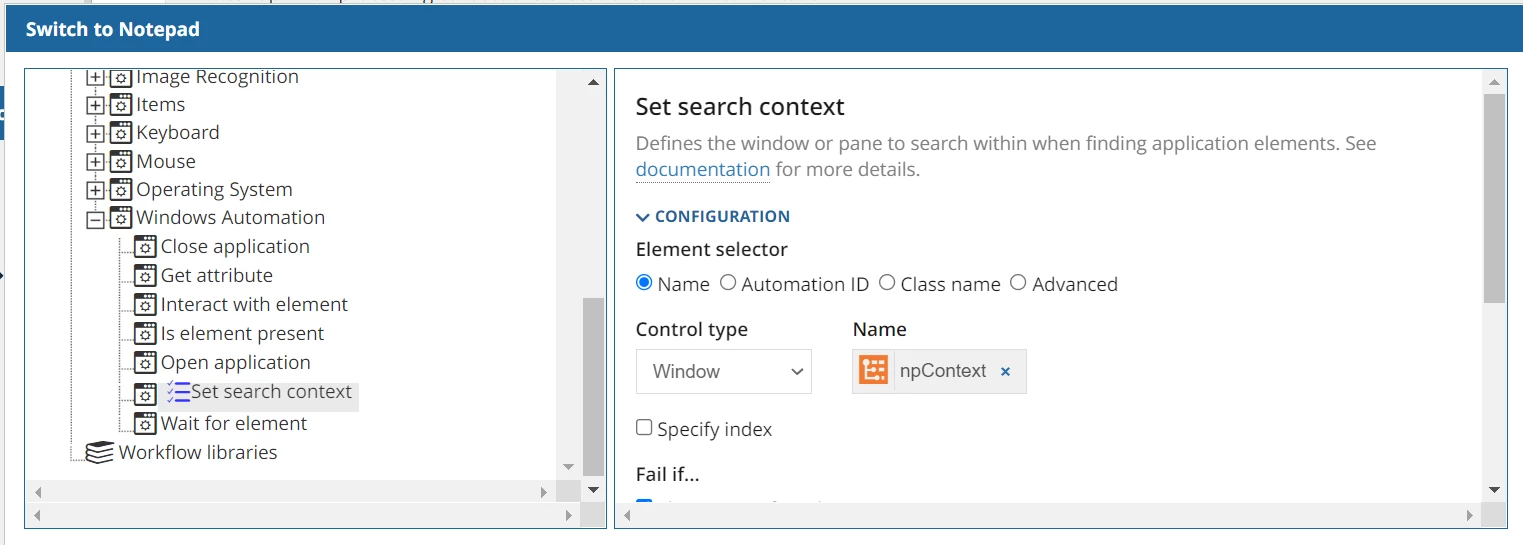
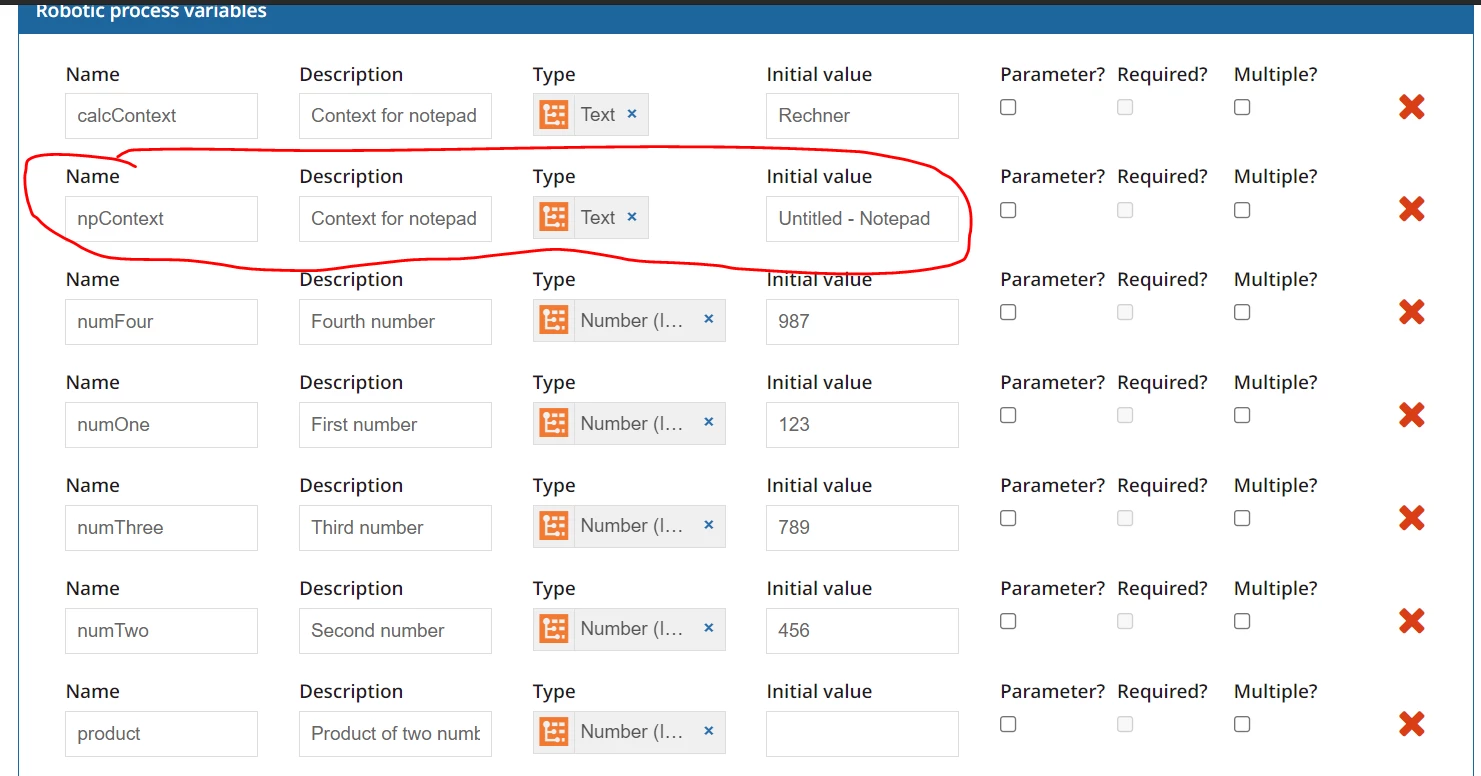
Can someone please help with the "Set search context" on Windows Automation Tutorial? The part of the workflow that Switch to Notepad sometimes works but does not work most of the time with this error message:  "The element could not be found". Below are the screenshots of the configuration set up: 
Thank you in advance

    10 replies

    danny.verb
    October 5, 2021

    On your VM, is the window title of notepad 'Untitled - Notepad' ? If it has changed, then you'll need to update the name you are searching for. If you follow our docs, you can download windows accessibility insights to find other selectors such as the AutomationID

    olalekana0448
    October 5, 2021

    Thanks, Danny for the response. The name remains 'Untitled - Notepad'. I tried to get another selector using windows accessibility insights, but could not find one. If you could put me wise on how to get other selectors, that would be appreciated. 

    danny.verb
    October 5, 2021

    If you click the gear icon inline with Properties you can add other selectors

    olalekana0448
    October 12, 2021

    Still waiting for anyone that can help, anyone that understands Windows Automation clearly and can help with the issues described here. Thank you in advance.

    danny.verb
    October 12, 2021

    There's another method called 'Wait for window title' which can help the robot find the window title and make it the active window. You can try using that method first before the set search context method