

KB-1209 Browser popup error displays when trying to open a task
Symptoms
Users are unable to open tasks and encounter an error when they click on a particular task. A pop-up like the following will be displayed:
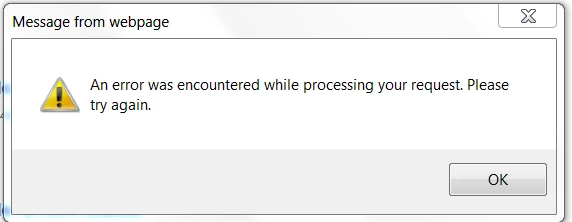
Message from webpage

An error was encountered while processing your request. Please try again.
Cause
Opening a task involves using the HTTP PUT method internally. It is possible that the firewall/web server is blocking PUT requests, rendering tasks unable to be opened.
This can be confirmed by capturing the network traffic using a tool like Fiddler. The following is a server response that indicates PUT requests are being blocked:

Action
Enable the required HTTP methods (GET, POST, PUT, DELETE, OPTIONS, CONNECT) at the web-server/firewall/custom authentication layer.
Affected Versions
This article applies to all versions of Appian.
Last Reviewed: March 2017