

KB-1535 Header count exceeded allowed maximum [128]
Symptoms
When users try to access alerts or process details for a process instance in /designer, they may run into an error in the UI like the following:
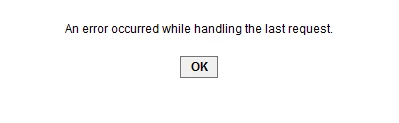
Users will also see the following error in the JBoss server.log:
java.lang.IllegalStateException: JBWEB002005: Header count exceeded allowed maximum [128]
Cause
The JBoss container limits the Mime Header count to 128 by default. This header count is related to how resources in the /designer interface are accessed.
Workaround
To resolve the issue, perform the following:
- Stop the application server.
- Navigate to
<JBOSS_HOME>/standalone/configuration/standalone.xml. - Inside the standalone.xml file, locate the following:
<system-properties><property name="org.apache.tomcat.util.http.Parameters.MAX_COUNT" value="5000"/></system-properties>. - Add the following property to the
<system-properties>section:<property name="org.apache.tomcat.util.http.MimeHeaders.MAX_COUNT" value="512"/>.This increases the Mime Header count from the default 128 to 512. - Save the file and start the application server.
Affected Versions
This article applies to all versions of Appian using JBoss EAP 6.4.x as an application server.
Last Reviewed: April 2018