
KB-2403 Unable to create record type due to property 'lower_case_table_names'
Symptoms
Users cannot create records from any data source backed by this database. While tables may be created in the database, they will see the following error in the frontend: Failed to configure your record type.
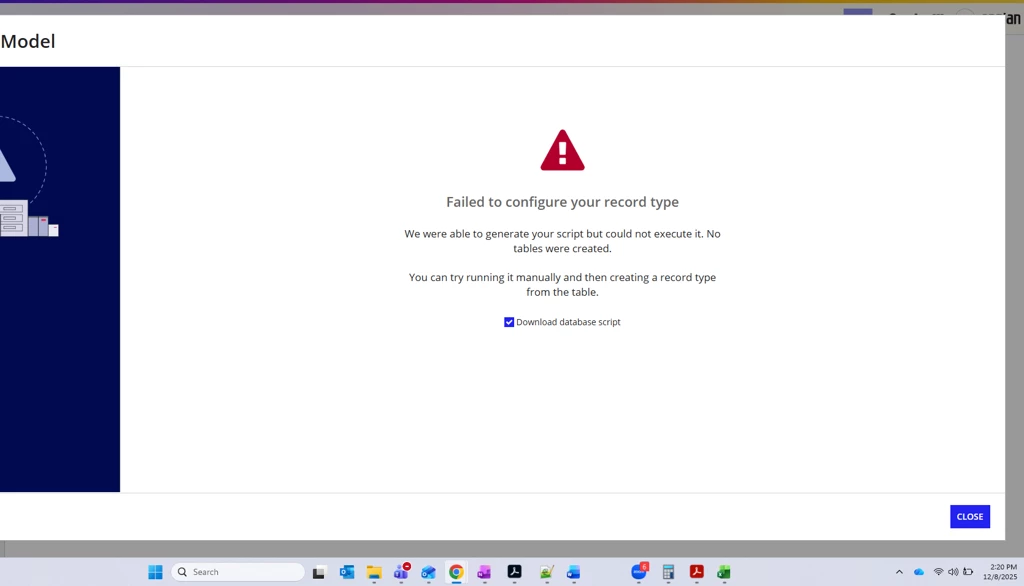
Additionally, the following message will appear in tomcat-stdOut.log:
YYYY-MM-DD HH:mm:ss,mss [ajp-nio-0.0.0.0-8009-exec-18] ERROR com.appiancorp.recordtypedesigner.functions.systemconnector.GetSourceSchemas - a!getSourceSchemas

com.appiancorp.suiteapi.common.exceptions.AppianException: The data source [] was not found (APNX-1-4179-006)

...

Caused by: java.lang.RuntimeException: Datasource not found.
Cause
On the database connected to Appian, lower_case_table_names is set to 1.
Action
To remediate, either of the two options can be used:
- Upgrade your install (recommended): This is a known issue resolved in Appian 25.3.825.0 and later.
- Set
lower_case_table_namesto0: Please note that this cannot be set after the first startup of a database and a brand new database needs to be created.
Affected Versions
This article applies to all versions of Appian.
Last Reviewed: October 2026