

KB-1640 Self-signed certificate with encrypted private key fails to import in the Administration Console
Symptoms
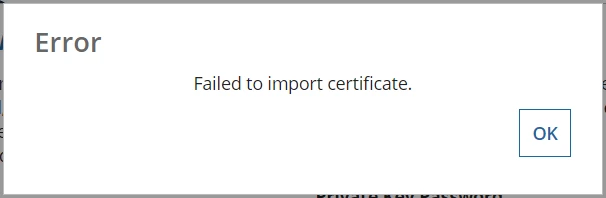
When attempting to import a self-signed certificate with an encrypted private key on either the SAML configuration page or the Client Certificates page, the certificate does not import and throws the following message even though the entered password is correct:
"Failed to import certificate."
Cause
As noted in KB-1108, Appian does not support self-signed certificates with an encrypted private key created with OpenSSL 1.1.0.
Action
Either generate the self-signed certificate using OpenSSL 1.0.1 or 1.0.2 package, freely available here, or generate a self-signed certificate without an encrypted private key.
Affected Versions
This article applies to all versions of Appian.
Last Reviewed: August 2018