
KB-2369 "APNX-1-4561-032. Please refresh the page and try again." error due to stale portal pages
Symptoms
Users may experience the following symptoms when accessing a portal that was republished:
- The following error is observed in the portal_errors.csv file:
APNX-1-4561-032. Please refresh the page and try again.
- Users receive an email with the above error and the following recommended action:
To troubleshoot, try to reproduce the error in the portal, download the Portal Server Log from the portal object in the relevant environment, or check the interface object for this page.
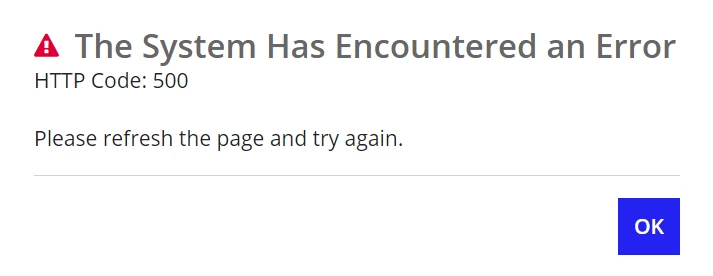
- Users see the below error on the front-end when accessing a portal.
Cause
This error message typically occurs around portal republishing. The error message only happens when users access a stale portal page. Stale portal pages happen due to portal republishing. If a user has an open browser window to your Appian portal, and the portal is published while that page is active, this error occurs.
Action
To resolve the issue, a user with access to Appian Designer can manually unpublish the impacted portal and then publish it again.
Affected Versions
This article applies to all versions of Appian Cloud.
Last Reviewed: February 2025