Decoding JWT Token using public key stored as Third-Party credential property
Hi Community,
has anybody managed to decode (extract claims) a JWT in Appian?
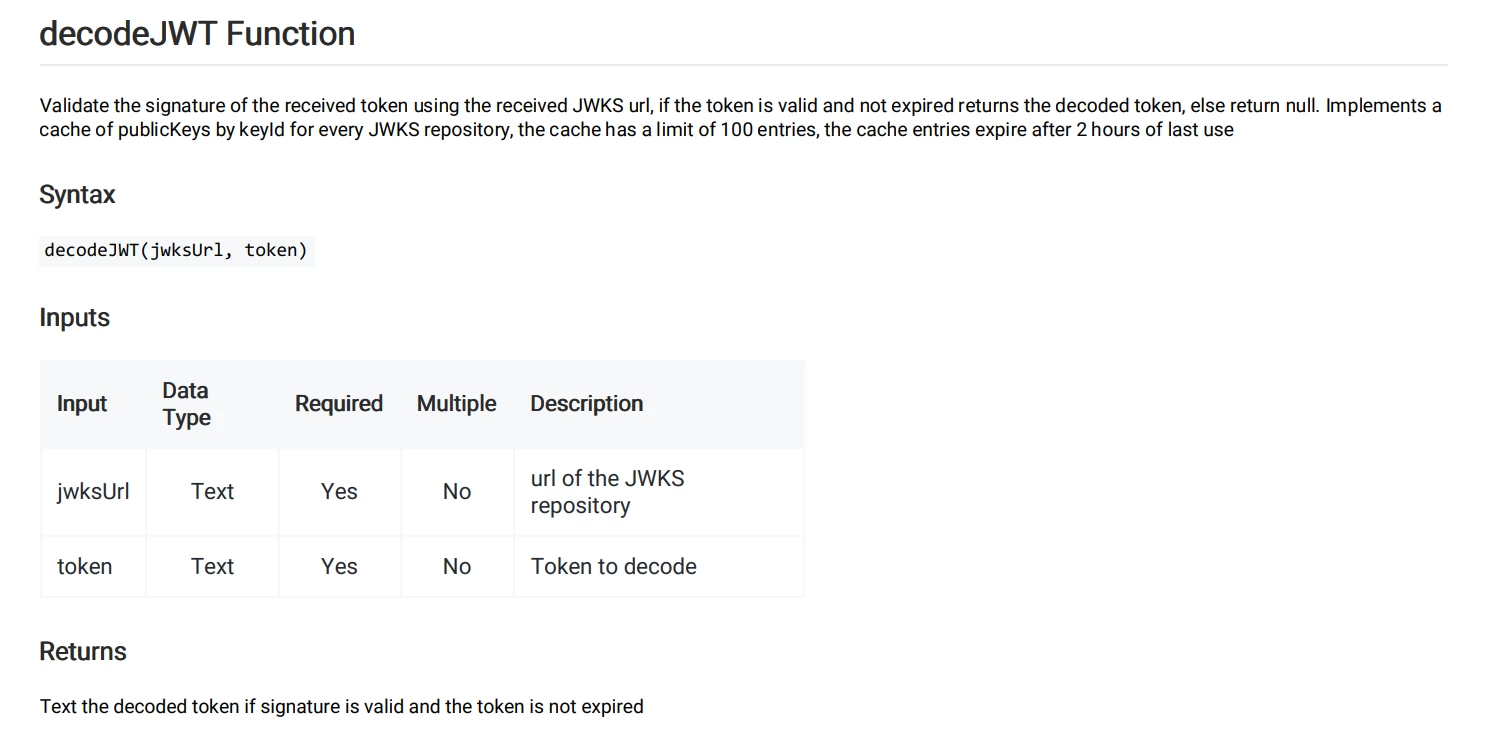
I'm looking at the decodeJWT() function from the JWT Plugin (provided by Appian), but it confuses me that instead of the externalSystemKey, it requires url of a JWKS repository.
I have no clue how to create or access one in Appian.
I have the private key (used to sign the token) and public key (that is used for token verification by validatejwtsignature) stored in Appian as Third-Party Credentials.
I'm able to generate the token (createtokenwithcustomclaims) and validate the token (validatejwtsignature) but don't know how to extract the claims from token.
Complete picture (to answer why I'm using JWT)
- I'm trying to integrate an Appian Portal into a third-party application that handles user authentication
- I need to exchange some data (third-party app -> Appian app) and decided to utilize JWTs (the data is not confidential - we need only to ensure repudiation).
- The Appian platform should provide the JWT, verify it once received (from the third party app) and extract the data stored as custom claims.
- I have prepared a WebAPI that will be called by the third-party app - the WebAPI is responsible for creating the JWT, storing the data as custom claims and signing it using the private key.
- I have created a third-party credentails in the Appian and I utilize the createtokenwithcustomclaims() to create the JWT
- The third-party app is embedding an Appian Portal interface and send the (previously received JWT) as parameter
- I'm able to validate the received token (using validatejwtsignature)
- Now I'm stuck with the decoding (extracting of claims). If some has an idea or tip what could/should be done, please share it with me.
Txs in advance.
Regards,