July 7, 2021
Solved

Email Display Name not appearing on Outlook

  • July 7, 2021
  • 8 replies
  • 1 view

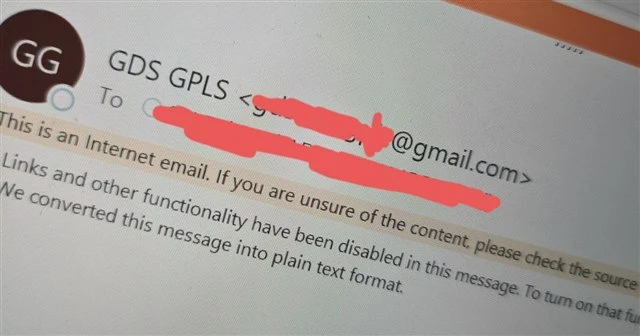
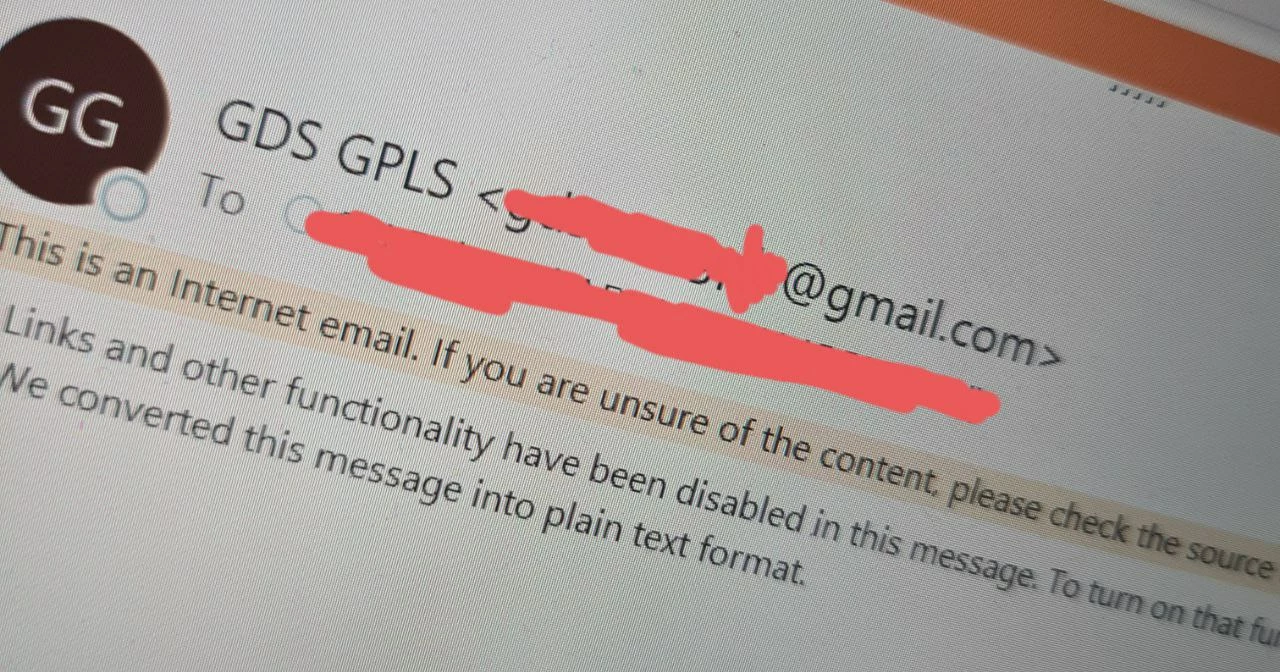
Hello everyone. I am trying to display my sender display name in this format eg. John Doe <johndoe@gmail.com>, much like the below when i click open the email. As u can see, 'GDS GPLS' is the name, followed by the email wrapped in <...>
 

I have configured in my Process Model as such 
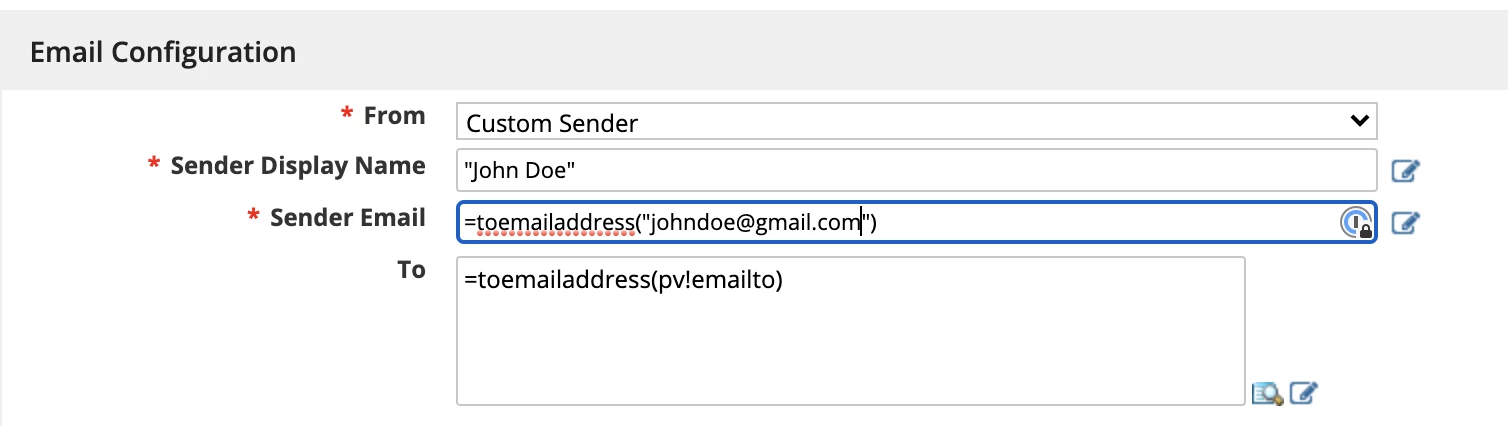
But upon receiving the email, the display name is not shown beside the email. Can anyone help me understand why? I also added 

conf.mailhandler.ntf_sndr_name in my custom.properties file but doesnt work.
Best answer by sitirabiatula

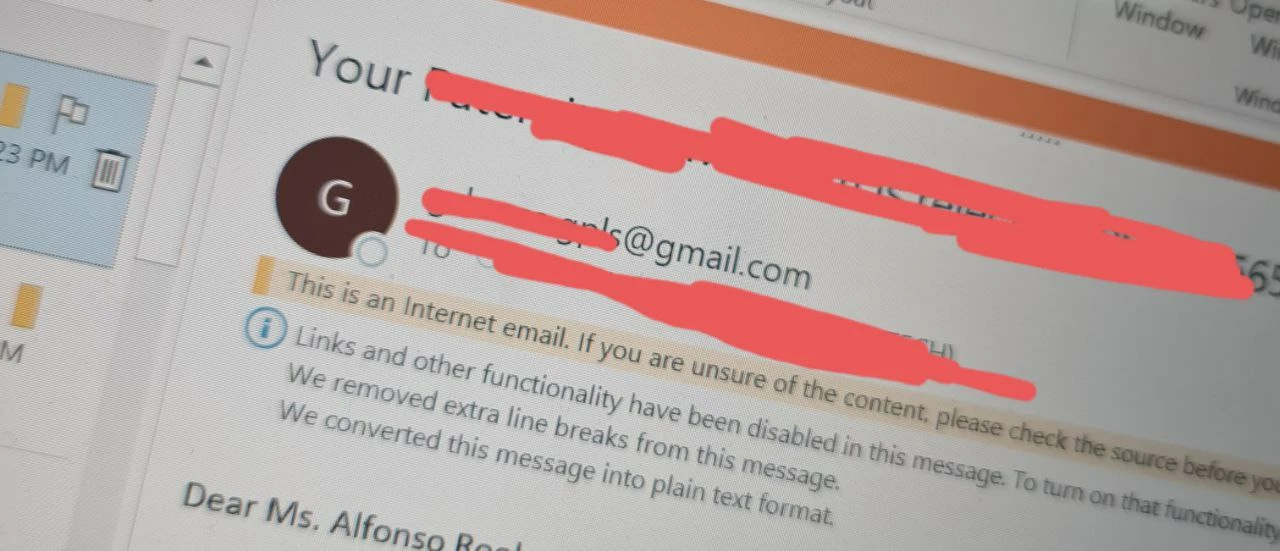
hi Mike! i managed to solve my problem. Apparently this capability was removed from 18.4 onwards. take a look at this documentation in 17.3 https://docs.appian.com/suite/help/17.3/Configuring_Custom_Email_Senders.html . 18.4 onwards was when they introduced Custom Email Sender https://docs.appian.com/suite/help/18.4/Configuring_Custom_Email_Senders.html

I basically followed the steps in 17.3 closely (Adding a Custom From Address section onwards) and managed to get the below output. Im gussing Appian might have missed this feature as part of upgrading. I have raised a ticket nonetheless as it seems funny to be using an outdated way of doing things. thanks for your reponse!

8 replies

stefanhelzle0001
Brainy
July 7, 2021

conf.mailhandler.ntf_sndr_name has nothing to do with the send email node.

Did you try toemailaddress("John Doe<johndoe@gmail.com>")?

July 8, 2021

hello! thanks for the suggestion. i did, and i got this below

mikes0011
Brainy
July 7, 2021

AFAIK, in addition to the "sender" email address you add, Appian still sets the "from" email address (as seen in the email headers) to the environment's "Admin" email address, i.e. the one set only in configuration files and not touchable at all from the "design" side.  Then, different mail servers and/or clients will notice that the domain of the "sender" email doesn't match the domain the email actually originated from, and they take different actions designed to prevent spoofing / phishing attacks etc.  In many cases that I've seen, Outlook will display the "sender" line as something like, "admin@yourEnvironment.com on behalf of donotreply@yourEnvironment.com".  I've raised this issue with Appian before but they've told me there's nothing further they can do about it.

The Expression Guru
July 8, 2021

hi! the config file, do u mean the custom-properpties file? in addition to this, you are saying that as of now theres no solution to my question?

mikes0011
Brainy
July 8, 2021

I honestly don't recall whether it's custom.properties or a different server-side config file, though yes it's something like that.

There might not be a solution like what you were hoping for.  But if you play around with the values of the sender display name / sender email address, you might be able to figure out a configuration that's at least less annoying.  If that's still unacceptable, please open a support case with Appian with specific details of your use case, and expectations versus actual runtime results.

The Expression Guru