
Getting Blank Dialog Box When Embedding IFrame
We are encountering an issue during the integration of our application with an external Angular application via an IFrame.
When a record action is invoked as a dialog box from the third-party Angular application through the IFrame, the dialog box renders as a blank page.
Conversely, the same record action functions correctly and displays expected content when accessed directly from within Appian.
Upon inspection, we observed that the <appian-dialog-body> HTML tag is empty when the action is initiated through the IFrame, which is not the case when accessed natively within Appian.
Attached below are images to understand this better
| Appian | IFrame |
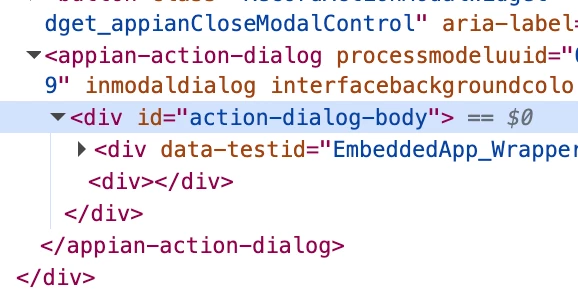 |
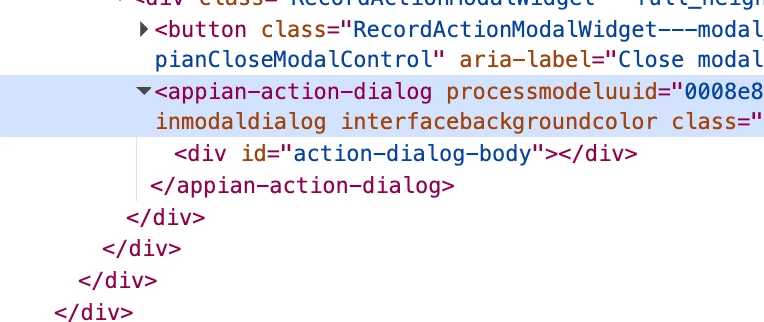 |
For context we have already updated the following details in server config files to no avail:-
-
on server set Clear-Site-Data: "cache", "cookies", "storage", "executionContexts"
Clear-Site-Data Header IssueThe Clear-Site-Data header is being sent with an unrecognized type (*). This header is used to clear browsing data, but the type * is not valid. To resolve this:
Ensure the Clear-Site-Data header is configured correctly on the server. Valid types include:
cache
cookies
storage
executionContexts -
Header set X-Frame-Options: "SAMEORIGIN"