
August 6, 2022
Solved

Google drive integration

  • August 6, 2022
  • 13 replies
  • 0 views

Hi, 

When a user completes and uploads files to the form and then submits them. I want to upload those files to my google drive (I successfully connect to Google Dive Web API)

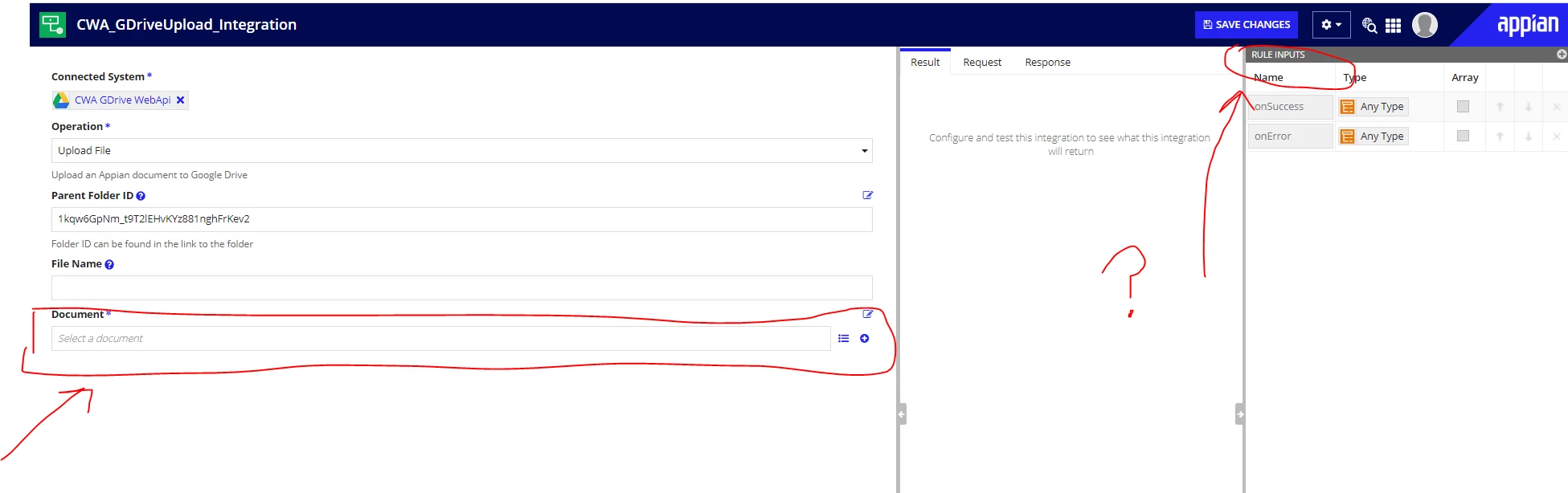
I am configuring the Integration but I have no idea how to configure the DOCUMENT section, I suppose that an expression should go to indicate which files should be uploaded to google drive (HELP ME WITH SOME EXAMPLES)
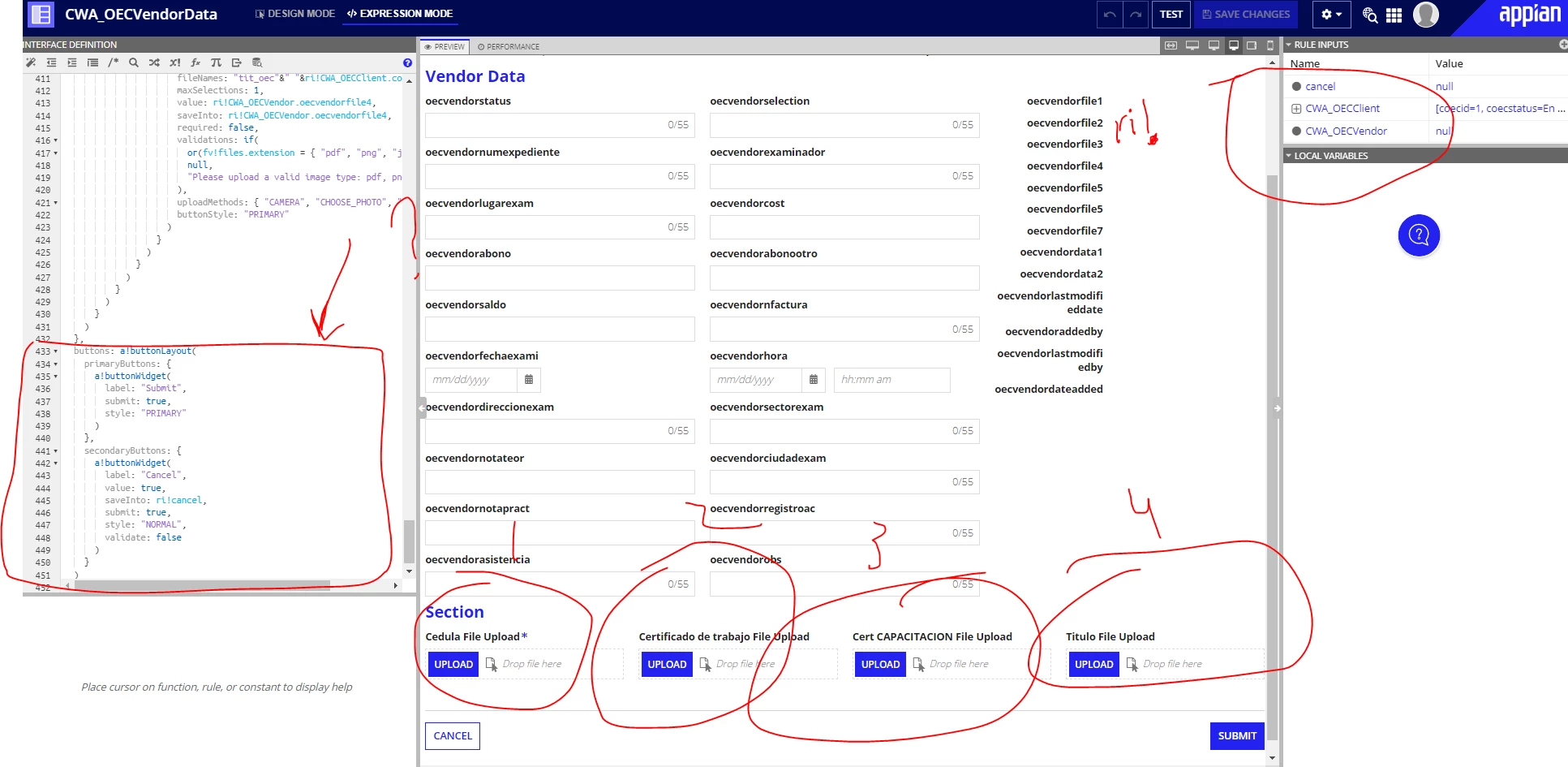
This is the users form (how i call the integration?)

    Best answer by stefanhelzle0001

    You add a rule input of type Document to the integration and use that in the document field. In the process add Call Integration nodes to upload the files.

    13 replies

    stefanhelzle0001
    Brainy
    August 7, 2022

    You add a rule input of type Document to the integration and use that in the document field. In the process add Call Integration nodes to upload the files.

    danna3499Author
    August 8, 2022

    hi Stefan nice to meet you 

    It works, thanks so much...!!!

    I upload 4 files, but i my drive only appear 1 file (the first i upload)

    I write this expression to try to upload the 4 files

    =pv!CWA_OECVendor.oecvendorfile1,

    pv!CWA_OECVendor.oecvendorfile2,

    pv!CWA_OECVendor.oecvendorfile3,

    pv!CWA_OECVendor.oecvendorfile4

    stefanhelzle0001
    Brainy
    August 8, 2022

    The parameter name in the integration is in singular. It will upload only one file at a time. To upload multiple, check out the MNI feature in Appian.

    docs.appian.com/.../looping.html