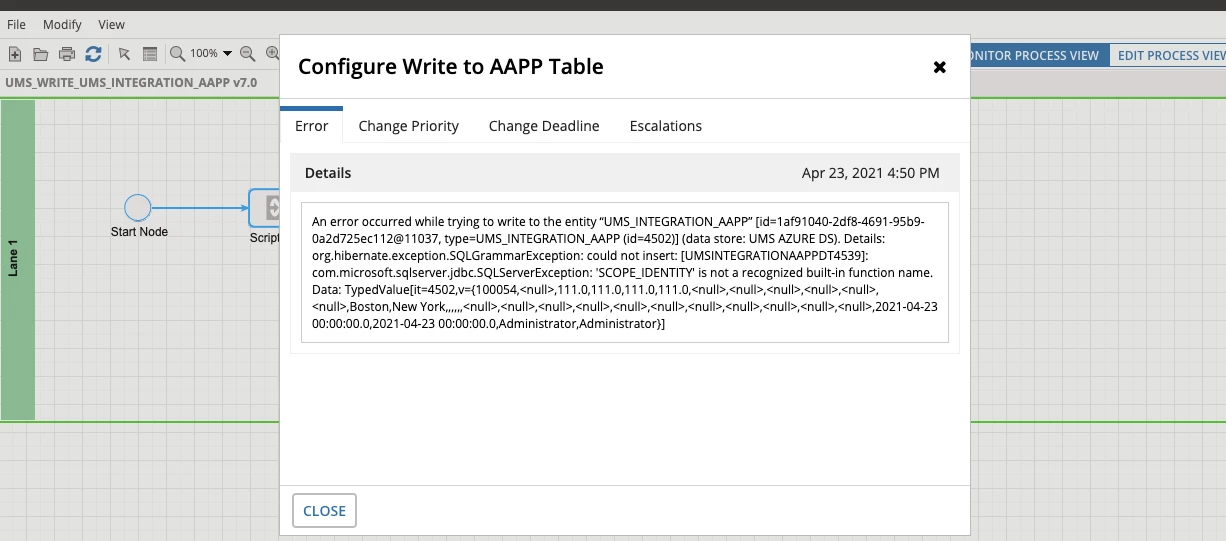
Integration Write to AZURE DB
I am getting the following error when I try to insert a new item to my Integrated DB
An error occurred while trying to write to the entity “UMS_INTEGRATION_AAPP” [id=1af91040-2df8-4691-95b9-0a2d725ec112@11037, type=UMS_INTEGRATION_AAPP (id=4502)] (data store: UMS AZURE DS). Details: org.hibernate.exception.SQLGrammarException: could not insert: [UMSINTEGRATIONAAPPDT4539]: com.microsoft.sqlserver.jdbc.SQLServerException: 'SCOPE_IDENTITY' is not a recognized built-in function name. Data: TypedValue[it=4502,v={100054,<null>,111.0,111.0,111.0,111.0,<null>,<null>,<null>,<null>,<null>,<null>,Boston,New York,,,,,,<null>,<null>,<null>,<null>,<null>,<null>,<null>,<null>,<null>,<null>,<null>,2021-04-23 00:00:00.0,2021-04-23 00:00:00.0,Administrator,Administrator}]
however I don't get this error if I try to update an existing item on the DB