Question
Invalid API Key Error (APNX-1-4552-001) in Deployment API Deployment API Export action
Hi everyone
Hey everyone,
I’m running into an issue with the Deployment API export action, and I’m hoping someone might have some insights.
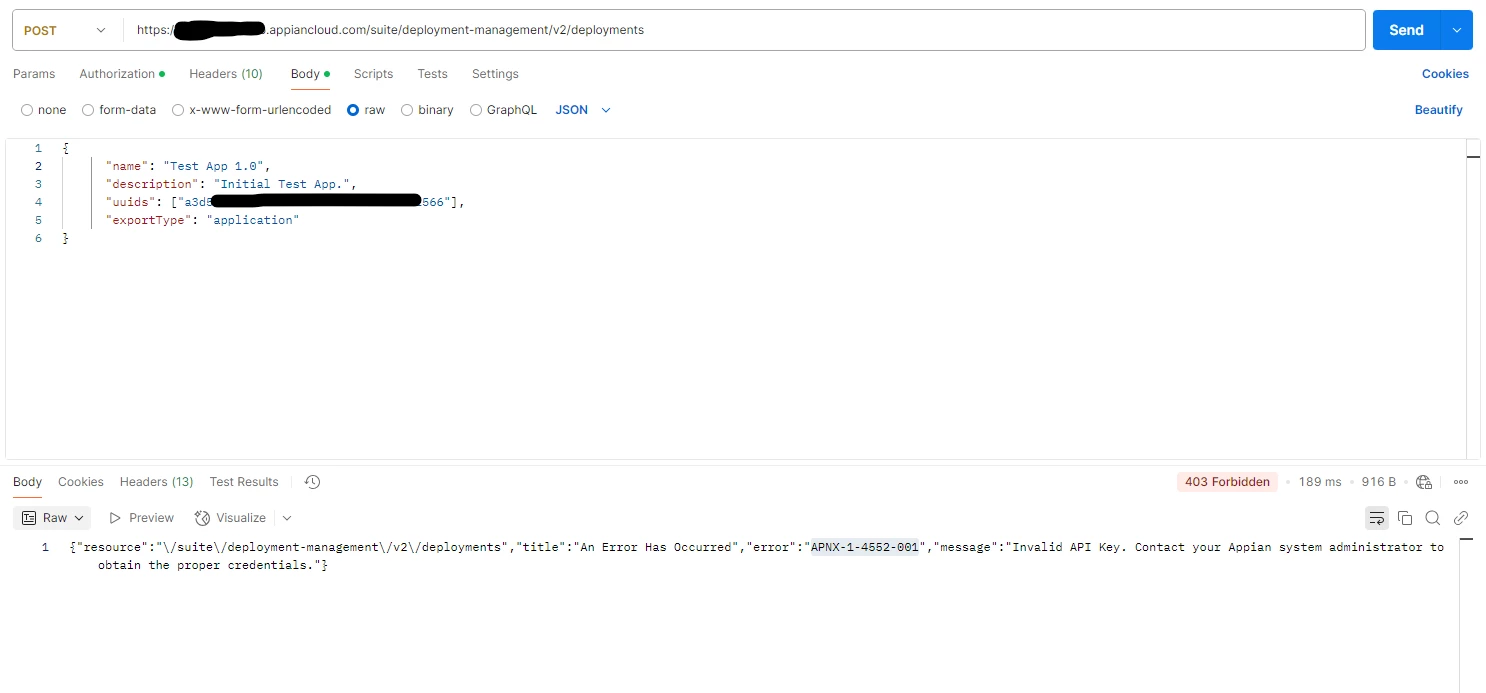
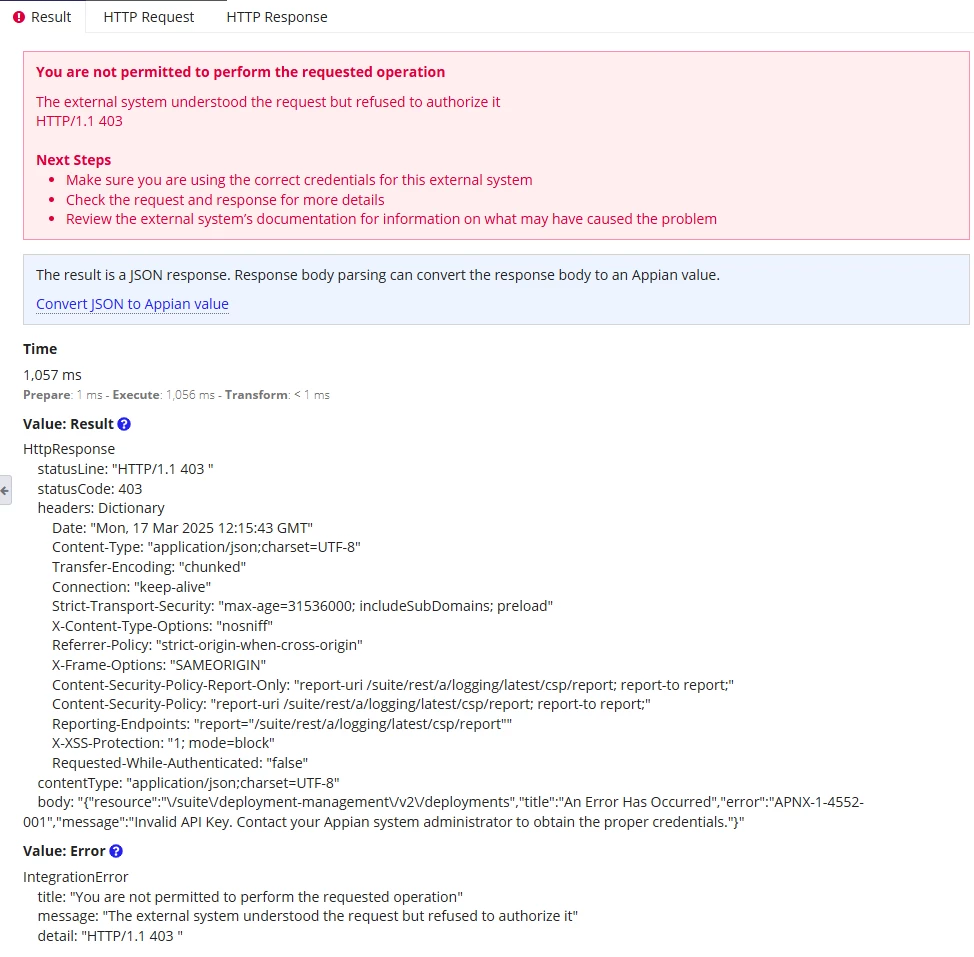
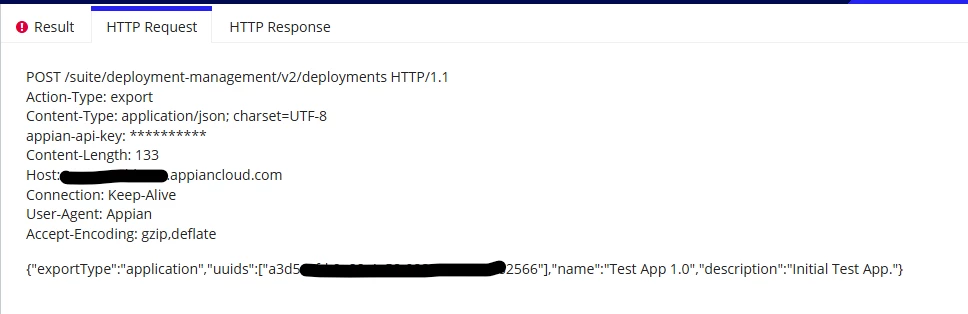
I’m getting a 403 error with the message "Invalid API Key" when trying to call the Deployment API on both Environment-A (Appian Cloud) from another appian Environment-B and Postman. Both returning same error.
- Error code: APNX-1-4552-001
- Message: "Invalid API Key. Contact your Appian system administrator to obtain the proper credentials."
Here’s what I’ve checked so far:
- Admin Console: In the web API authentication page (/suite/admin/page/web-api-authentication), I noticed the last used date and time are populated, so it seems like things are active there.
- Login Logs: I also took a look at the
Login-audit.csvfile, and there’s a successful login entry, so the credentials seem to be correct on that end for deployment service account.
I’d really appreciate any help—thanks in advance!