
May 31, 2022
Question

Task Preview / Add-ins for Microsoft Outlook

  • May 31, 2022
  • 6 replies
  • 0 views

Hi Everyone,

I am having the following scenario, we need to send an email user , In the email body we should show the form with approve and reject option for a request.

Business requirement: we should not create Appian account for the user, and they should be completing the task from outlook email body itself, without logging into Appian.

I have tried the steps mentioned in Task Viewer Add-in for Microsoft Outlook - Appian 22.2 but I when I click on the task link , user is navigated to Appian Environment.

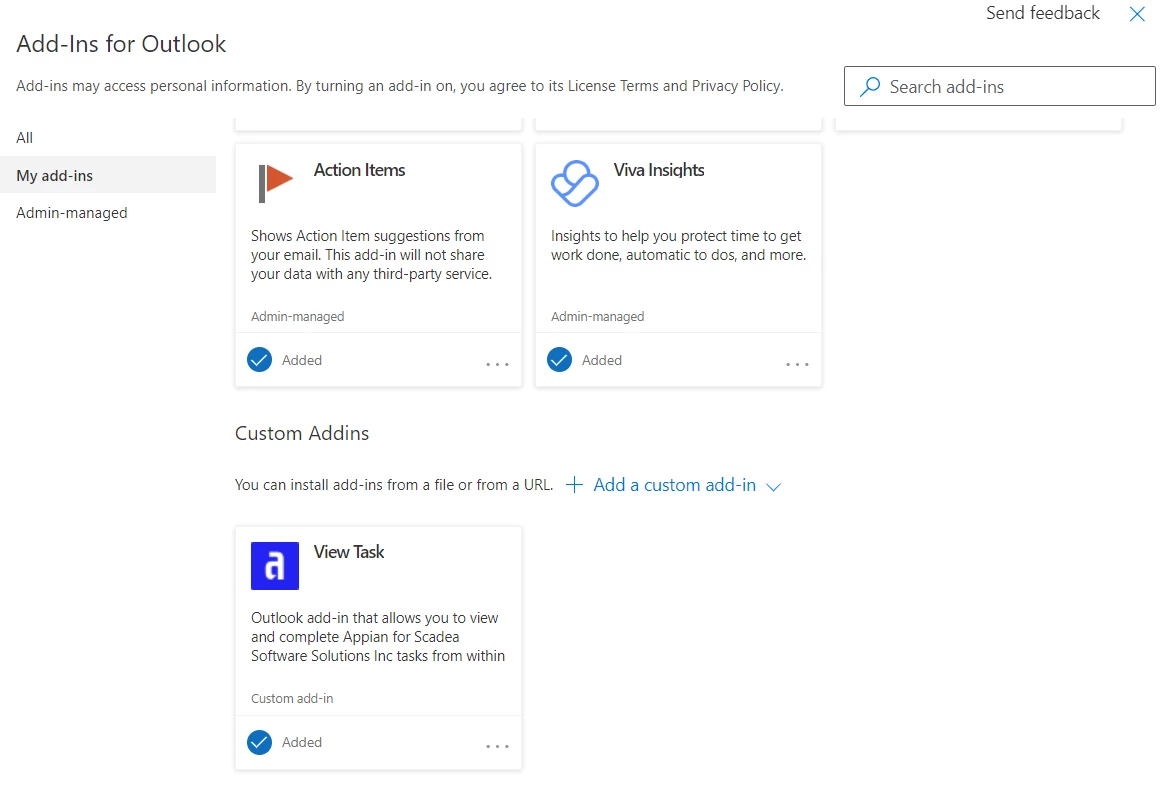
FYI: I can see task viewer add-in was added to my account.
6 replies

April 12, 2023

Do we have any solution/answer to the above query.

Thanks

stefanhelzle0001
April 12, 2023

AFAIK this scenario is not supported.

June 19, 2023

Hi Stefan,

if we install the add-in in our outlook, would the user be able to use outlook mail app on mobile or any further modifications/steps required. could you pls clarify.

Thanks

mathieud0001
June 19, 2023

It is not possible to use this feature without a user account.

karthikk538
April 19, 2024

Hi,

1. Ideally this can be done via task link sent over email,  I don't think you will be able to do this without logging into Appian environment after click of the link.

2. Alternate solution i can think of is reply to an email with Approved or Reject, which will eventually trigger the process model which will allow public events to fire,   and parse the text from email and store in the DB.