December 4, 2023
Solved

Acme IT Management (AIM): Error Evaluating UI Expression

  • December 4, 2023
  • 5 replies
  • 0 views

I've run into another problem I can't figure out during the Acceptance Testing portion of the Developer course.

I've completed the "Configure Users" part and now I'm trying to load up the main site when logged in as Jodi Yeates. When I do, I get the following error:

When I use this account to run the AIS (Appian Solution), everything runs properly. I've narrowed it down to something to do with the Assets record, but for the life of me, I can't figure out what is wrong. I've compared my Asset and Asset Type records, the Site file and the ITCentral interface with the solution and can't see any real differences.

Can anyone point me in the right direction? I'm sure there's something I've missed or configured incorrectly, but I'm at a loss.

Thank you,

Carlo.

Best answer by stefanhelzle0001

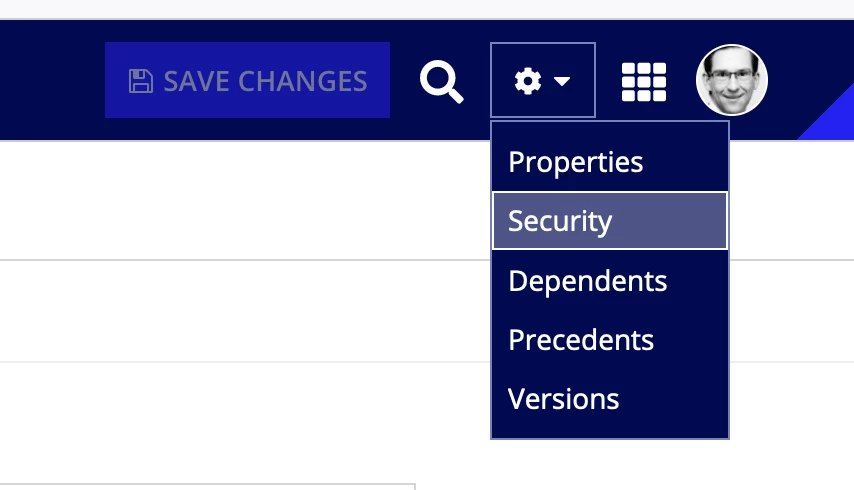
You need to check the security of the record object.

https://docs.appian.com/suite/help/23.4/record-security.html

5 replies

stefanhelzle0001
Brainy
December 4, 2023

The error message is pretty clear. Did you check the security settings of that record?

December 4, 2023

I've had the AIS and my AIM records side by side and I've gone through all the settings. The only security settings are in the "Views and Actions Security" and they are for actions. I commented out the Asset grid from the page and the Request grid shows properly, so it has something to do with the Asset.

stefanhelzle0001
Brainy
December 4, 2023

You need to check the security of the record object.

https://docs.appian.com/suite/help/23.4/record-security.html