4 replies

mathieud0001
Genius
October 10, 2026

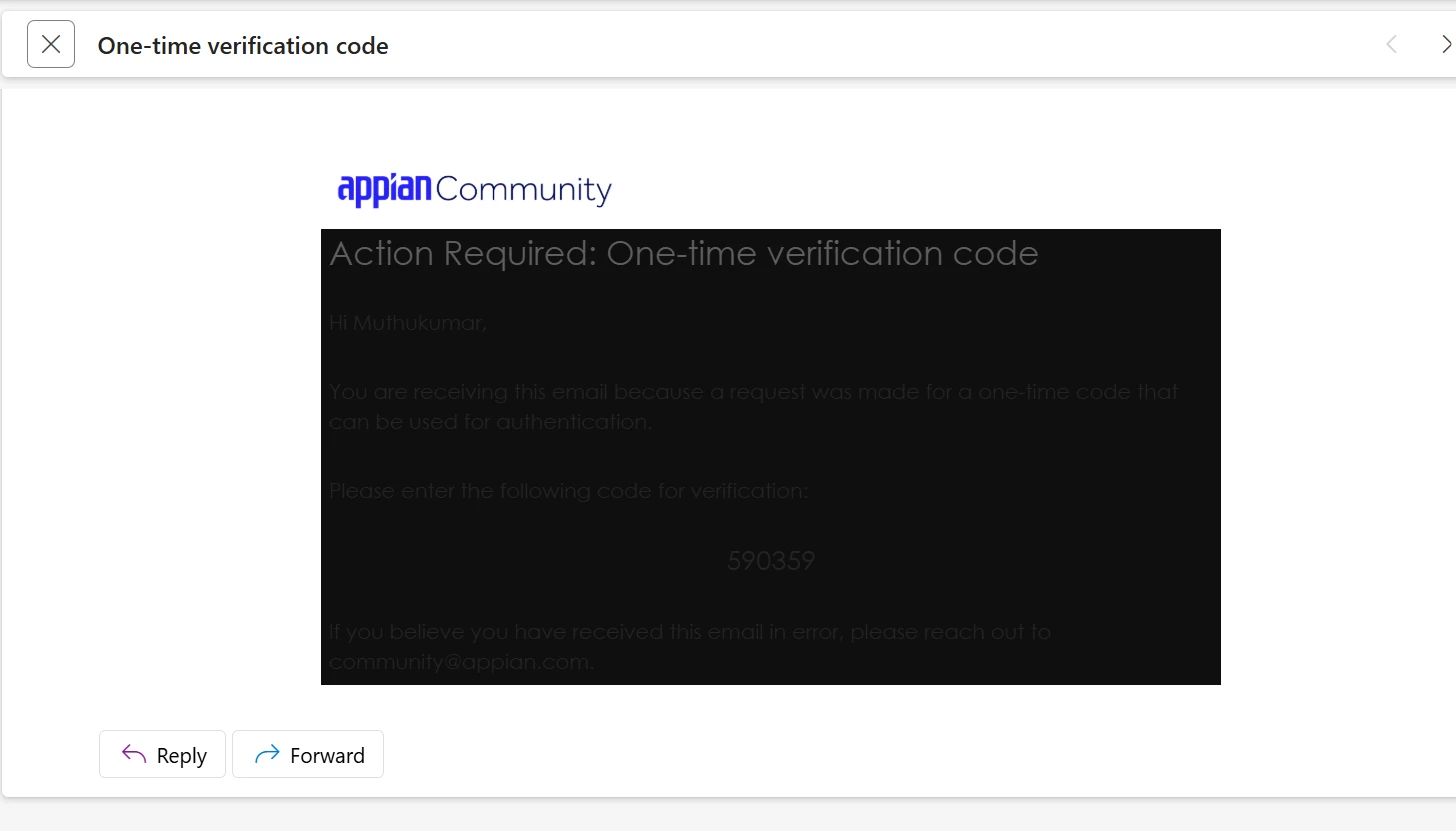
Think it depends on your mail client.

Mine looks fine on Outlook web with dark mode enabled.

stefanhelzle0001
Brainy
October 10, 2026

Email is rendered by your email client. Appian cannot control this.

Inspiring
October 12, 2026

This appears to be an email rendering issue, potentially related to your email client's dark mode settings. You can try switching to light mode or opening the verification email in a different email client or browser.

New Participant
October 13, 2026

Thank you all for your response. It seems some issues with my mail client. However, I have not enabled the dark mode though.