
Error in Appian Academy Process Modeling 101, Build an Application: Exercise 10, Part 2
Hi everyone,
New to Appian, and have been working through the Appian Developer learning path. Today I ran into an issue while following the instructions for the second process model. When I click start process for debugging, I get this error message in the popup window:
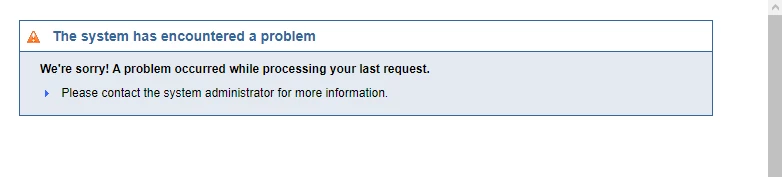
I decided to continue following the steps and figure this issue out after. After creating the related action, I got another error with a bit more information:
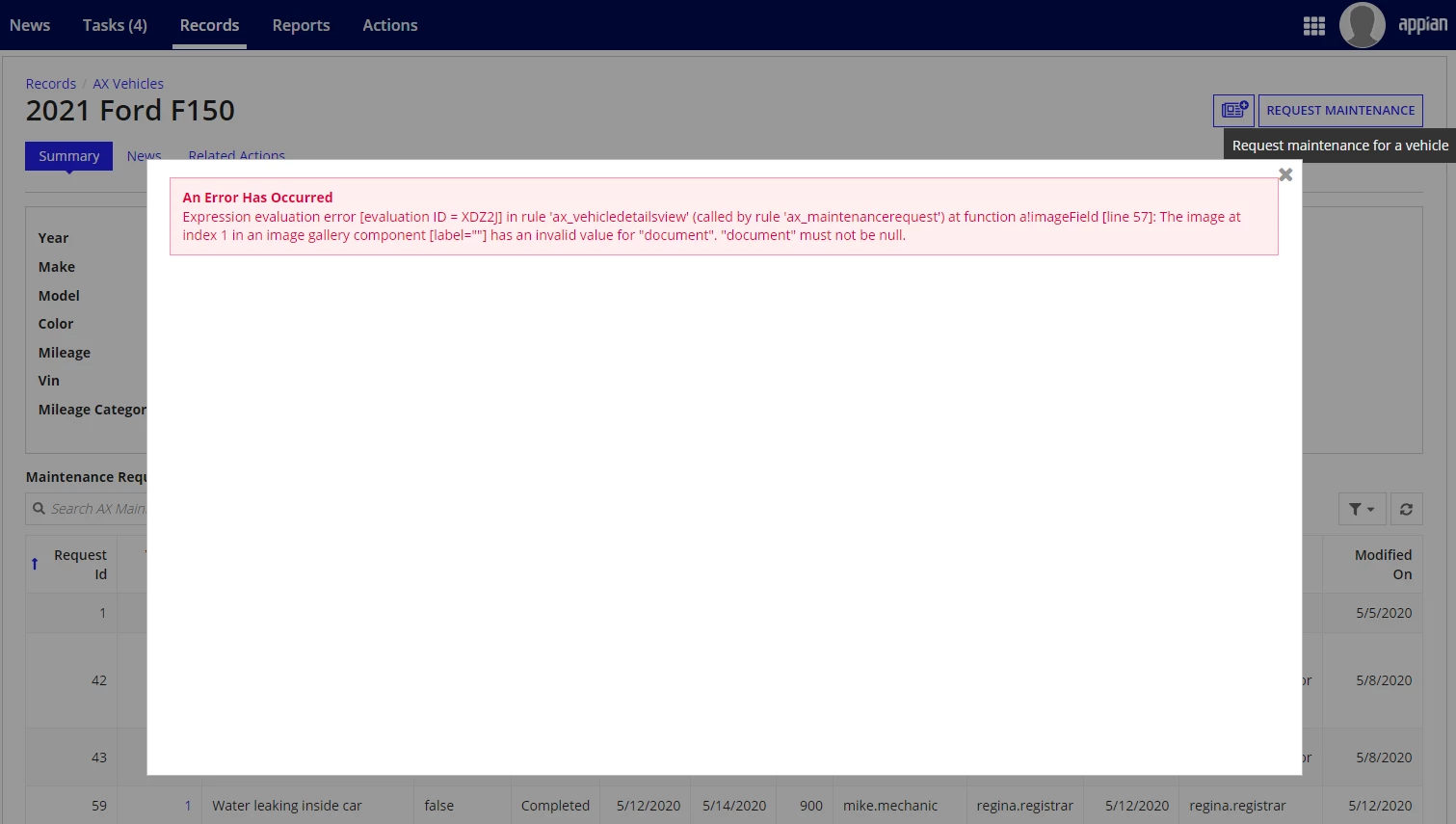
I'm not sure if both of these are caused by the same issue, but it seems like there's an issue with the Vehicle Details View. Here is the expression:
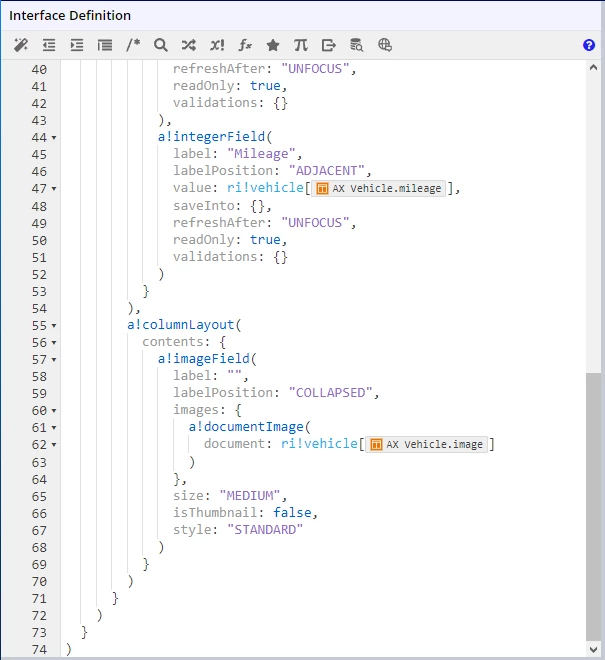
When I first created the Vehicle Details View, I got another error. After googling for a bit, I added a!documentImage() around the link to the image, but when I took that out it broke the view again.
Any advice on how I might be able to fix this would be amazing.