

jaideepb0002
April 5, 2022
Solved

Expression editor Data tab

  • April 5, 2022
  • 5 replies
  • 0 views

Hi,

There is supposed to be a Data tab, Functions and Rules and Constant tab on the expression editor. 
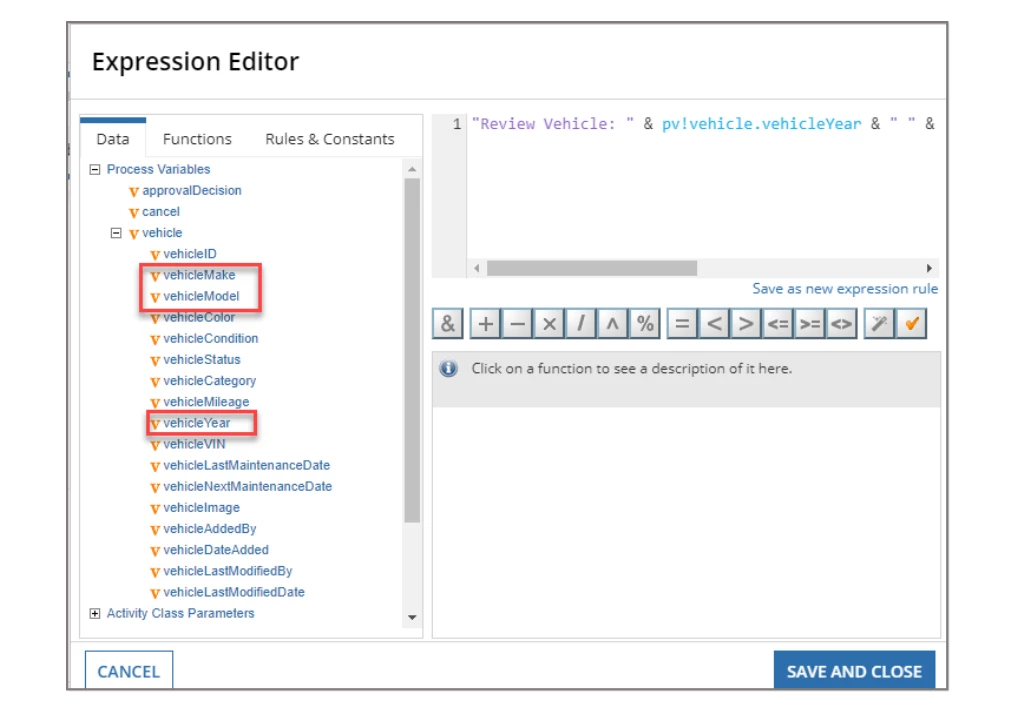
However, I am not able to see these tabs on my expression editor. Being new to Appian I am sure I am not doing something in order to view these tab. Can someone help ??
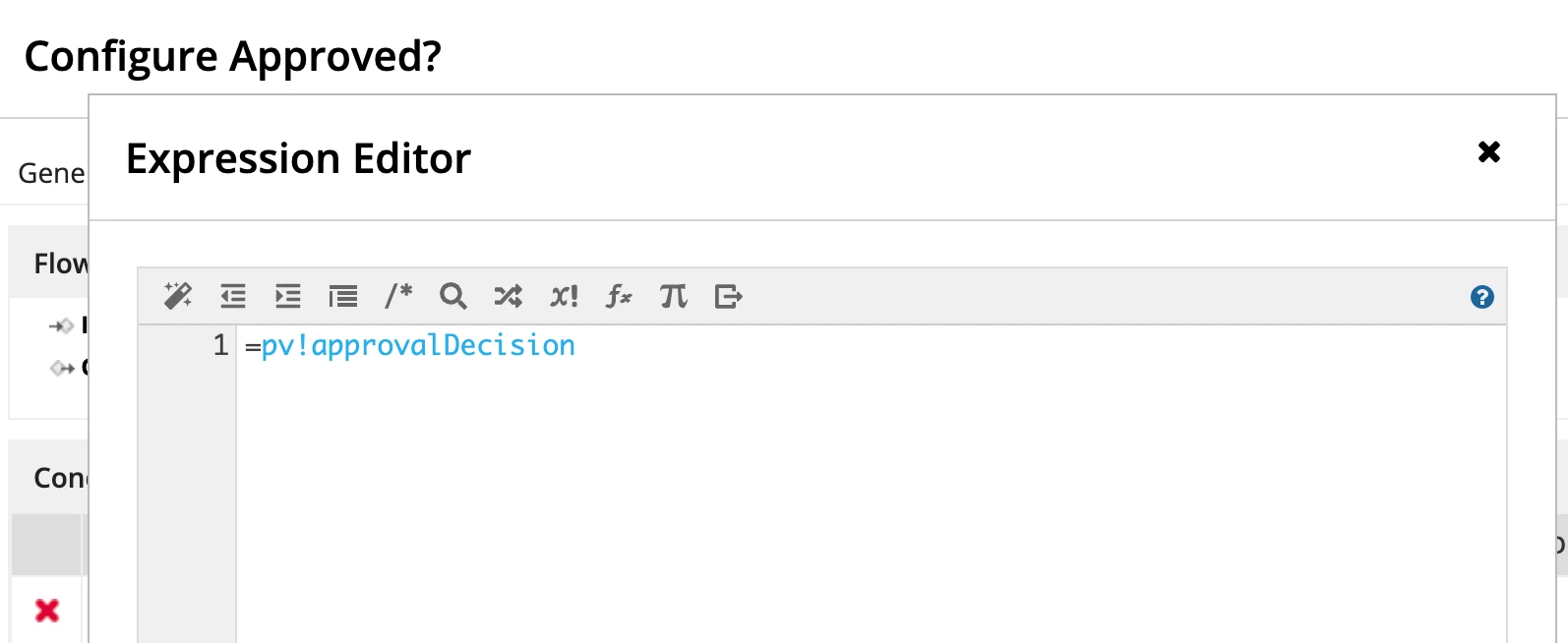
Of course not a big problem.. I can always type the expression but just wondering why am I unable to see these tabs

thanks in advance

jaideep

Best answer by harshitb6843

This is a new design that Appian introduced in their recent versions. 
You will not have access to the old design in the new Appian version. A lot of community members were very furious about this decision but let's see if we can get this back in the next releases. 

5 replies

harshitb6843
April 5, 2022

This is a new design that Appian introduced in their recent versions. 
You will not have access to the old design in the new Appian version. A lot of community members were very furious about this decision but let's see if we can get this back in the next releases. 

jaideepb0002
April 5, 2022

Thank you so much :-)

srirams327
April 5, 2022
jaideepb0002
April 5, 2022

Thank you so much :-)

peter.lewis
Employee
April 5, 2022

Like others have said, the browser has been removed, but all of its functionality is still available. If you type ! or use the corresponding icon on the toolbar, it will show all the data domains you can use and it has auto-complete to suggest options. In addition, the function library is also available by clicking the fx icon or simply typing your function name, and rules and constants are available via auto-complete too by typing cons! or rule! in the editor.