Best answer by peter.lewis

The other posters are correct - in particular you are missing this additional logic in your selectionSaveInto:

selectionSaveInto: {
  local!selection,
  a!save(local!selectedEmployees, append(local!selectedEmployees, fv!selectedRows)),
  a!save(local!selectedEmployees, difference(local!selectedEmployees, fv!deselectedRows))
}

5 replies

danny.verb
April 6, 2022

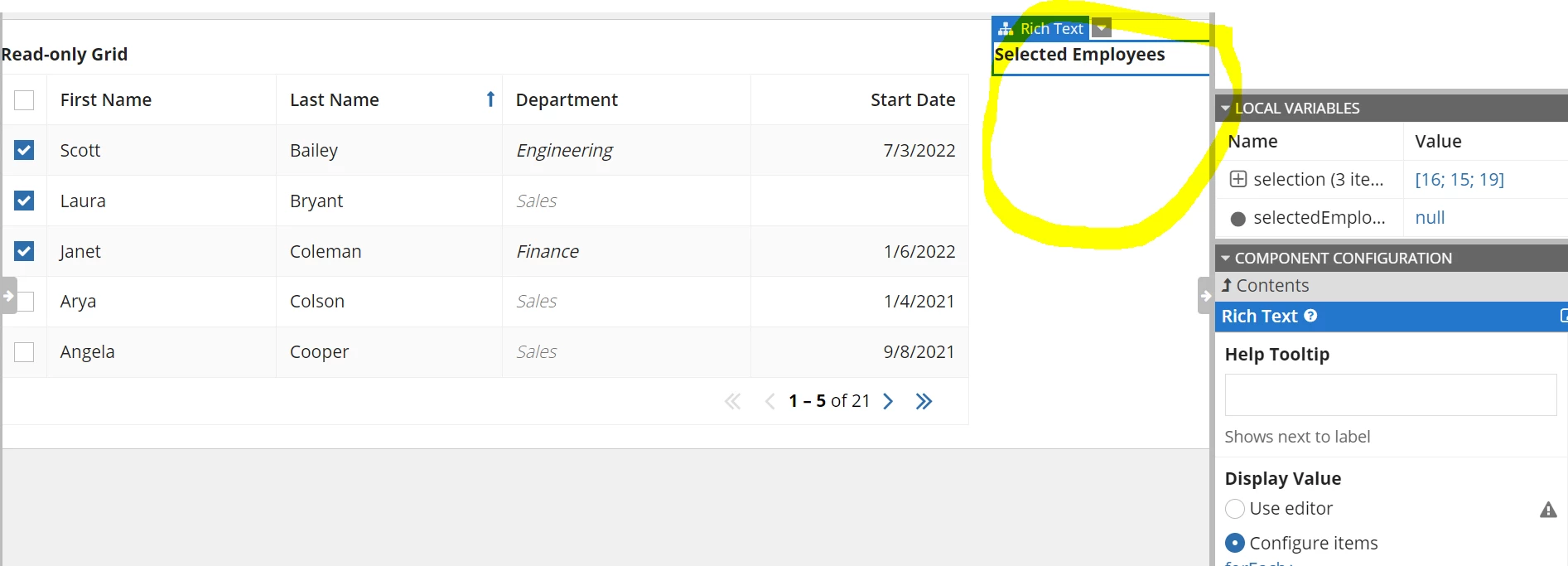
In your last screenshot, you'll see that the variable 'local!selectedEmployees' is null which is why no employees are showing up. This means that the selection in your grid is not populating that variable. Within a!gridField(), update the selectionValue and selectionSaveInto to populate the variable.

April 7, 2022

I have already added selectionValue and selectionSaveInto in the gridfield. But how to store these "selected" vales in the "selectedEmployees" varible inorder to display under Selection Employees

Below is the code

a!localVariables(
local!selection,
local!selectedEmployees,
{
a!columnsLayout(
columns: {
a!columnLayout(
contents: {
a!gridField(
label: "Read-only Grid",
labelPosition: "ABOVE",
data: a!queryEntity(
entity: cons!AT_EMPLOYEE_ENTITY1,
query: a!query(
selection: a!querySelection(
columns: {
a!queryColumn(
field: "id"
),
a!queryColumn(
field: "firstName"
),
a!queryColumn(
field: "lastName"
),
a!queryColumn(
field: "department"
),
a!queryColumn(
field: "startDate"
)
}
),
pagingInfo: fv!pagingInfo
),
fetchTotalCount: true
),
columns: {
a!gridColumn(
label: "First Name",
sortField: "firstName",
value: fv!row.firstName
),
a!gridColumn(
label: "Last Name",
sortField: "lastName",
value: fv!row.lastName
),
a!gridColumn(
label: "Department",
sortField: "department",
value: a!richTextDisplayField(
value: {
a!richTextItem(
text: {fv!row.department},
color: if(fv!row.department="Sales","SECONDARY", null),
style: {
"EMPHASIS"
}
)
}
)
),
a!gridColumn(
label: "Start Date",
sortField: "startDate",
value: fv!row.startDate,
align: "END"
)
},
pageSize: 5,
initialSorts: {
a!sortInfo(
field: "lastName",
ascending: true
)
},
selectable: true,
selectionValue: local!selection,
selectionSaveInto: local!selection,
validations: {}
)
},
width: "WIDE"
),
a!columnLayout(
contents: {
a!richTextDisplayField(
label: "Selected Employees",
labelPosition: "ABOVE",
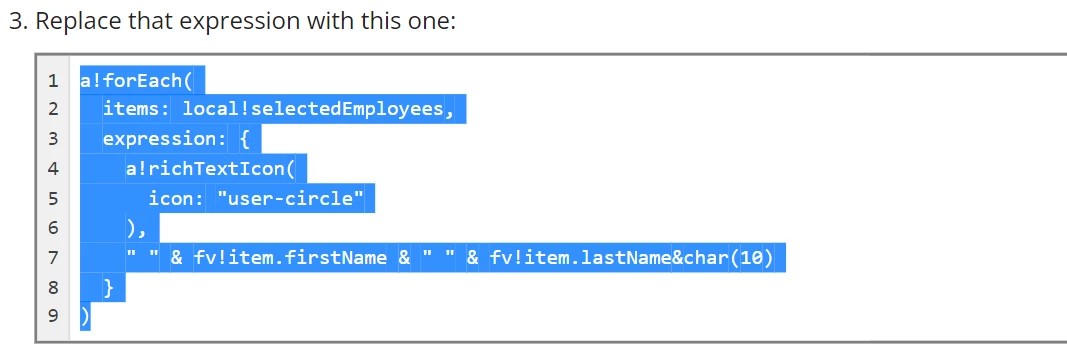
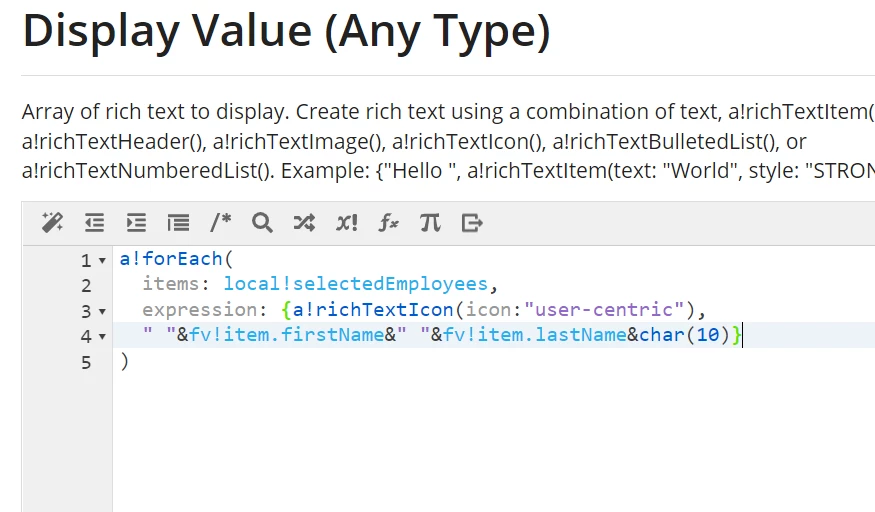
value: a!forEach(
items: local!selectedEmployees,
expression: {a!richTextIcon(icon:"user-centric"),
" "&fv!item.firstName&" "&fv!item.lastName&char(10)}
)
)
}
)
}
)
})

arockiaprincyv0003
April 7, 2022

Refer this document "Grid with Selection Pattern"

https://docs.appian.com/suite/help/22.1/grid-with-selection-pattern.html