
February 18, 2022
Question

How can I remove the 'X' close button of the dialog.

  • February 18, 2022
  • 8 replies
  • 0 views

Hello,

How can I remove the 'X' close button of the dialog.

When creating a record action, the dialog doesn't has a 'X' close button. 
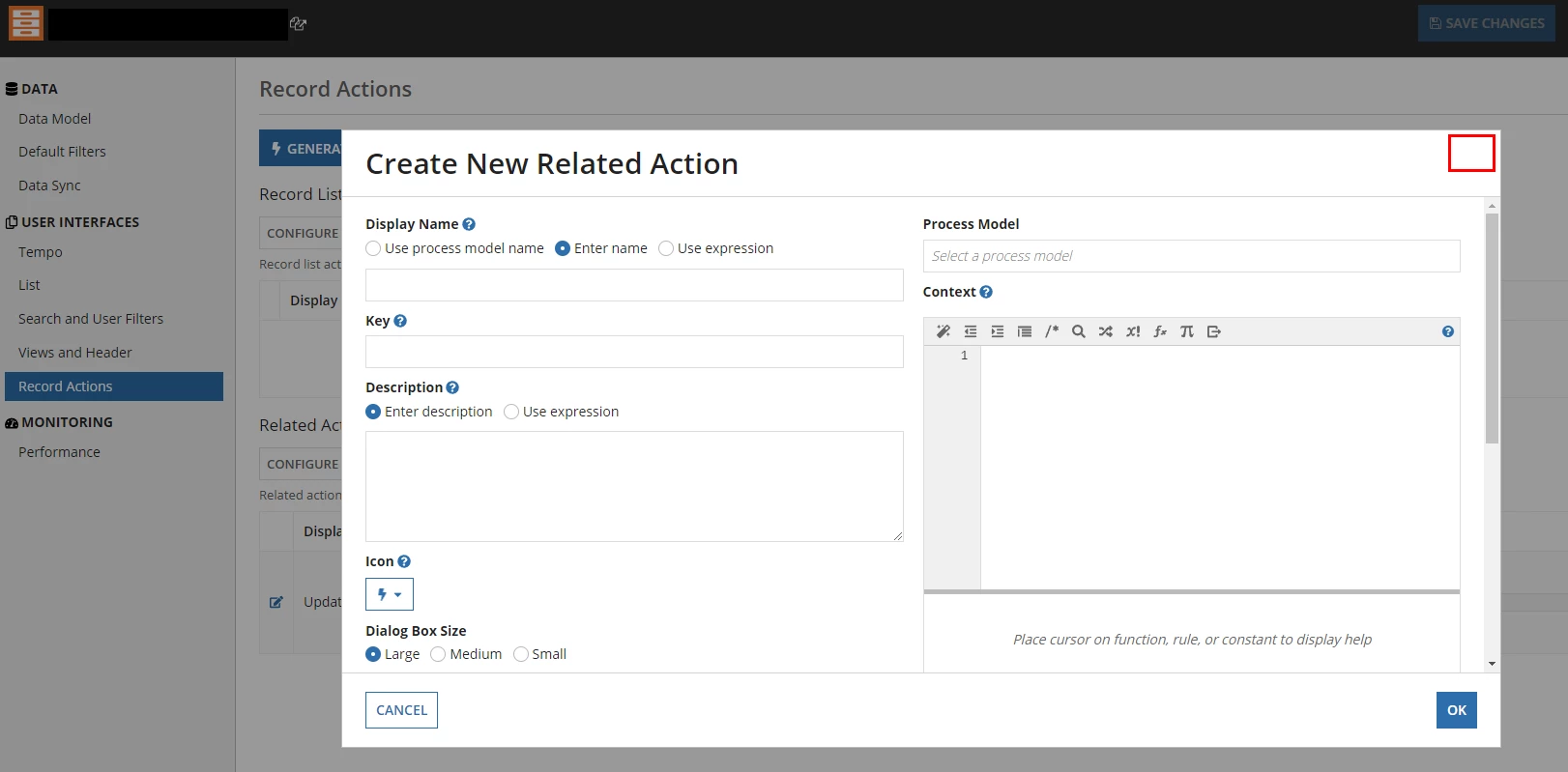
The dialog made by record action has 'X' close button by default. Is there a way that I can remove this?
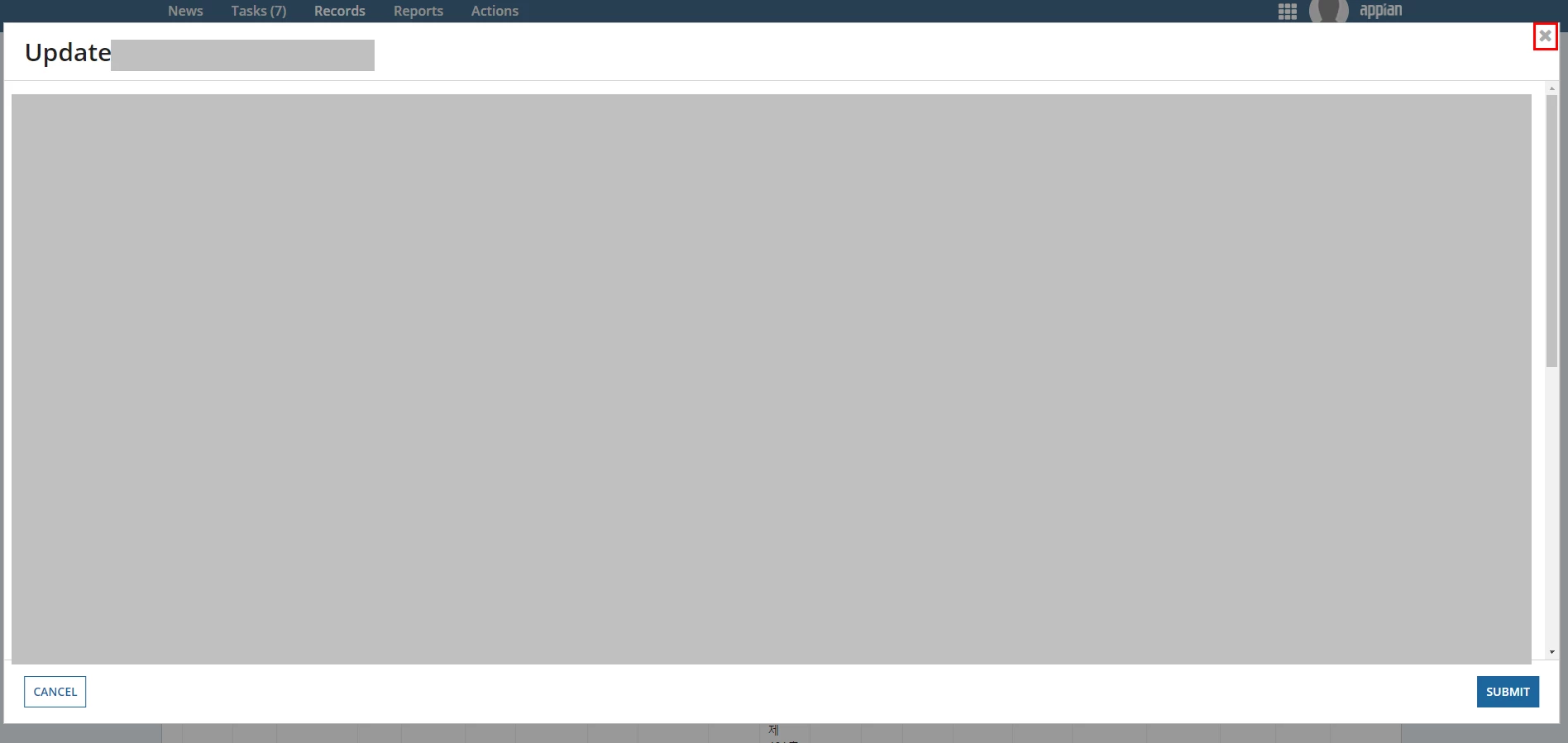
When I close the screen, I want to make sure that a specific function is executed in the process. for that
It seems to be necessary to close the screen only through the close or cancel button, not the 'x' button.

Thank you.

    8 replies

    gopalk2865
    Participating Frequently
    February 18, 2022

    Hi, I dont think we have any way to remove that . but you can add exception in your UIT  as a workaround.

    February 18, 2022

    Hi, does the mentioned UIT means User Input Tasks?

    Can a dialog screen be made by UIT?

    gopalk2865
    Participating Frequently
    February 18, 2022

    no dialog screen cannot be made using UIT. I was saying , if you are creating a record action then you can configure excepction in your user input task in the process. this way you can manage your process instances. 

    mikes0011
    Brainy
    February 18, 2022

    I'm fuzzy on how it works, but in my experience the "X" close icon only appears under certain conditions.  I think it will show up when the first form of a related action is a Start Form, but will not show up under some other circumstances (like the first form being a user input task instead, and perhaps also depending on whether that task is set up as a Quick Task or not).

    As far as I can tell this behavior is not really explained (or even addressed at all) in the Appian documentation, though if I'm wrong I hope someone will link me to the relevant article.  I just checked the general Record Actions doc page to confirm that I'm rembering correctly - there's no mention of the dialog close button there.

    jorgez0002
    June 13, 2023

    This worked for me, thank you!

    mikes0011
    Brainy
    June 13, 2023
    This worked for me, thank you!

    Just for my (and others') future clarity on this issue, can you describe what exactly you found / what worked for you?

    June 14, 2023

    I had to explain this to a junior just last week

    The x is only available on a start form in a process. If you want to remove it you'll need to convert the start form to a user input node as a few meantioned here already.

    I'll add some details that might be interesting:

    1. Clicking the x does not initiate a process instance in the monitoring view

    2. Because of point 1 the time to complete the action after pressing x is very quick no process overhead (vs. pressing a submit button on screen)

    3. the refreshAfter: “RECORD_ACTION” will not refresh if you click on the x vs clicking on a submit button