
July 20, 2022
Question

Import Excel to DB - Set Initial data read column

  • July 20, 2022
  • 6 replies
  • 1 view

Hi,

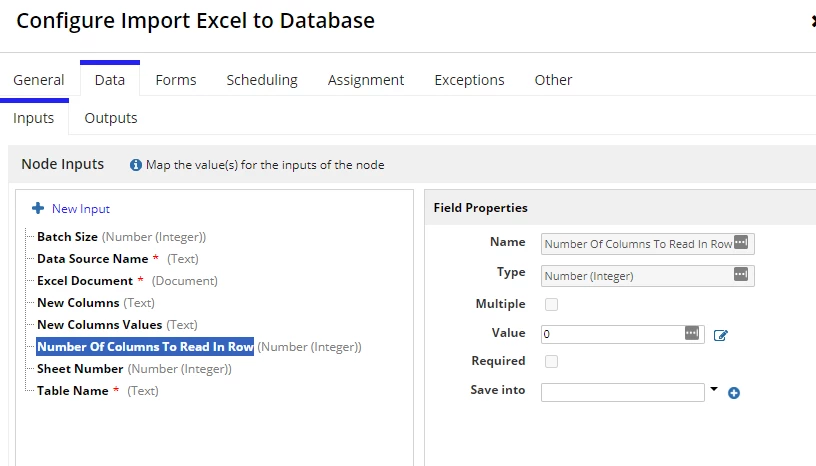
I am new to Appian and using the "Import Excel to DB" tool in the Process Model. I want to read the data for example, starting 5th line and ignore the initial header or metadata in the excel. Where can i put in that configuration and how?
6 replies

stefanhelzle0001
Brainy
July 20, 2022

Skipping any rows is not supported. You will need to modify the Excel file before the import.

July 21, 2022

The other way out is firstly read the excel file by using readExcelDocument Function. in that function, you can provide start row as a row number and store the data into respective cdt and  then you can use writeToDataStoreEntity to store the data into DB. 

stefanhelzle0001
Brainy
July 21, 2022

While this would work, it does not scale well. Larger Excel files will not work.

July 21, 2022

Correct, But in that case we can use import Excel to CDT and then we can use remove function to remove first 5 rows of that variable then we can use WriteToDataStoreEntity. It will be really appreciated if you can let me know any other way to achieve it.