February 24, 2025
Solved

Issue with "Generate Event Record Types" Button Not Available

  • February 24, 2025
  • 5 replies
  • 0 views

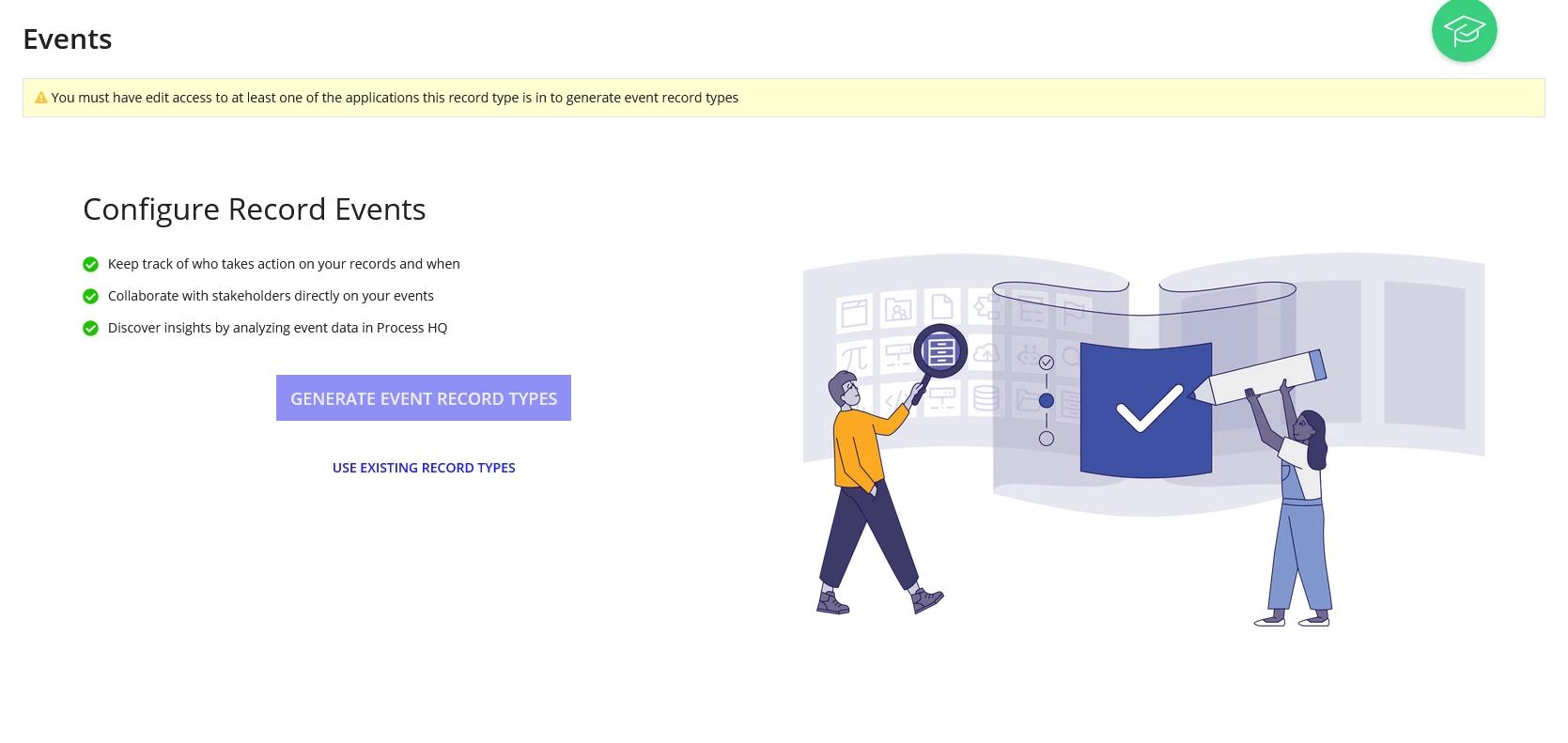
I am currently at the "Configuring Event Records" section, but the "Generate Event Record Types" button is not available for selection. I searched in the help forum, tried all the solutions provided, but none of them worked.

This message always appears
Best answer by wasiqs384958

here are some possible reasons and solutions:

Possible Causes & Fixes:

  1. Missing Permissions – Ensure you have the required permissions to configure event records in your APPIAN environment.
  2. Incomplete Configuration – Check if all prerequisite configurations (like event sources or schemas) are properly set up.
  3. Page or Session Issue – Try refreshing the page, clearing the cache, or using a different browser.
  4. APPIAN Version Compatibility – Some features may not be available in older versions. Ensure your APPIAN instance is up-to-date.
  5. Server or Deployment Issues – If you’re working in a cloud or on-prem environment, check with your admin for any deployment errors.

If none of these work, reaching out to APPIAN support with logs or screenshots may help identify the issue.

5 replies

mathieud0001
February 24, 2025

The message is pretty clear

Is this on Community Edition? Can you share more details on the Record Type?

nandhakums961772
February 25, 2025

Hy [mention:15e62ff85ad74958ab57aecc3f429680:e9ed411860ed4f2ba0265705b8793d05] ,

As of my understanding, You have only the viewer access to the respective application not the editor access.

if this solution doesn't help you either. please share more details like what are all the possible ways you've tried and what's role, Like Mathieu asked are you using community edition.

Hope it helps [emoticon:33306c418930400bac28808410f8ac8b]

wasiqs384958
February 25, 2025

here are some possible reasons and solutions:

Possible Causes & Fixes:

  1. Missing Permissions – Ensure you have the required permissions to configure event records in your APPIAN environment.
  2. Incomplete Configuration – Check if all prerequisite configurations (like event sources or schemas) are properly set up.
  3. Page or Session Issue – Try refreshing the page, clearing the cache, or using a different browser.
  4. APPIAN Version Compatibility – Some features may not be available in older versions. Ensure your APPIAN instance is up-to-date.
  5. Server or Deployment Issues – If you’re working in a cloud or on-prem environment, check with your admin for any deployment errors.

If none of these work, reaching out to APPIAN support with logs or screenshots may help identify the issue.

February 25, 2025

Yes, it's the Appian Community Edition. I'm taking the Appian Developer course and following the step-by-step guide to develop the "Acme Auto" application.

I followed the instructions step by step; in fact, I even created a new application to see if I had missed any steps, but nothing changed—the same issue happened again. From what I've read here in the forum, I'm not the only one experiencing this.

My account is set as the application administrator, and I followed all the advice from other reports on this issue in this forum, but none of the solutions worked for me. That's why I decided to create a new post.

Best regards!

February 28, 2025

I am having the exact same issue, at the same point in the Appian Developer course following the "24.4 Build an Application: Step-by-Step #5" instructions, I am not able to click GENERATE EVENT RECORD TYPE

Hope someone can provide a solution

Thanks!