
April 3, 2023
Question

Navigation Interface Forms

  • April 3, 2023
  • 7 replies
  • 0 views

Hello:

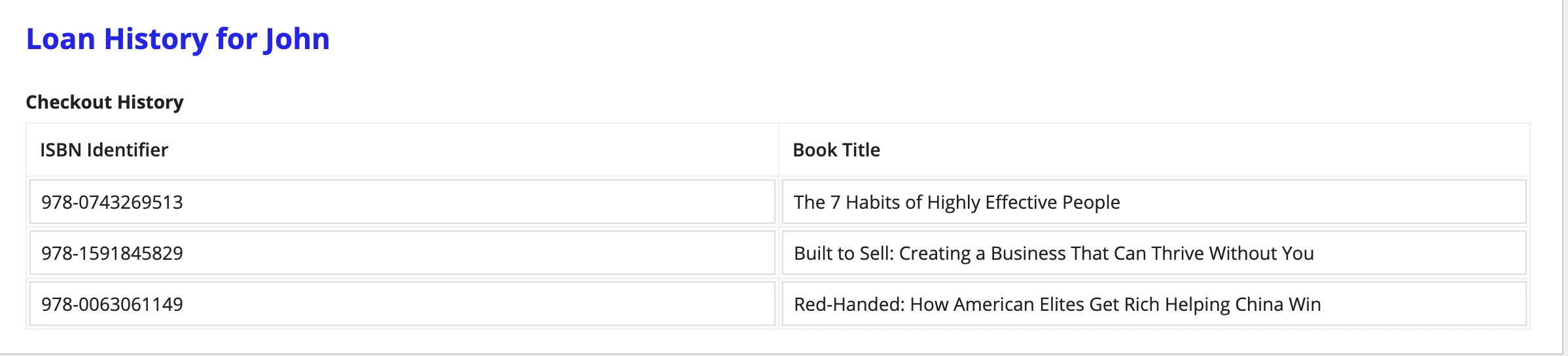
I have two forms - one to display the profile of a library patron and another to display the books the patron has checked out.  Is there a way to navigate from the 'profile' page to the 'check out' page using a button on the profile page without using a process modeler?  Clicking on 'Show History' should display the Loan History screen.

Thank you!
7 replies

pragnaj0001
April 3, 2023

call second interface(checkout page). and apply show when parameter.  

man0001Author
April 4, 2023

Pragna/Anshu/Deepak:

Thanks for you ideas.  Guess, the designer wants something like this - disable the first window and pop-up the second window.  Is this feasible with using process?

Thank you.

anshurajsinghr3189
April 4, 2023

In UI Pop-up are not possible. 

anshurajsinghr3189
April 4, 2023

When local!showHistory Value =1 when call History interface
and when click on CheckHistory Button save value in local variable using a!save

April 4, 2023

You can build multiple interface and call all of those in a parent interface with some flags or showwhen functionality. In that way you will be able to achieve it.

abhayd3663
April 4, 2023

#1. Create 2 separate interfaces for Profile and Loan History.

#2. Create 3rd interface as a Parent to both interfaces created in #1.

#3. Call interface 1 and 2 in Parent Interface and set the visibility of child interfaces based on the condition using showWhen parameter.

#4. Call Parent interface in record action as pop-up.