June 15, 2022
Question

Template for PDF smart service

  • June 15, 2022
  • 10 replies
  • 1 view

Hi,

Could anyone please tell what is the basic template to be followed in PDF Smart Service.

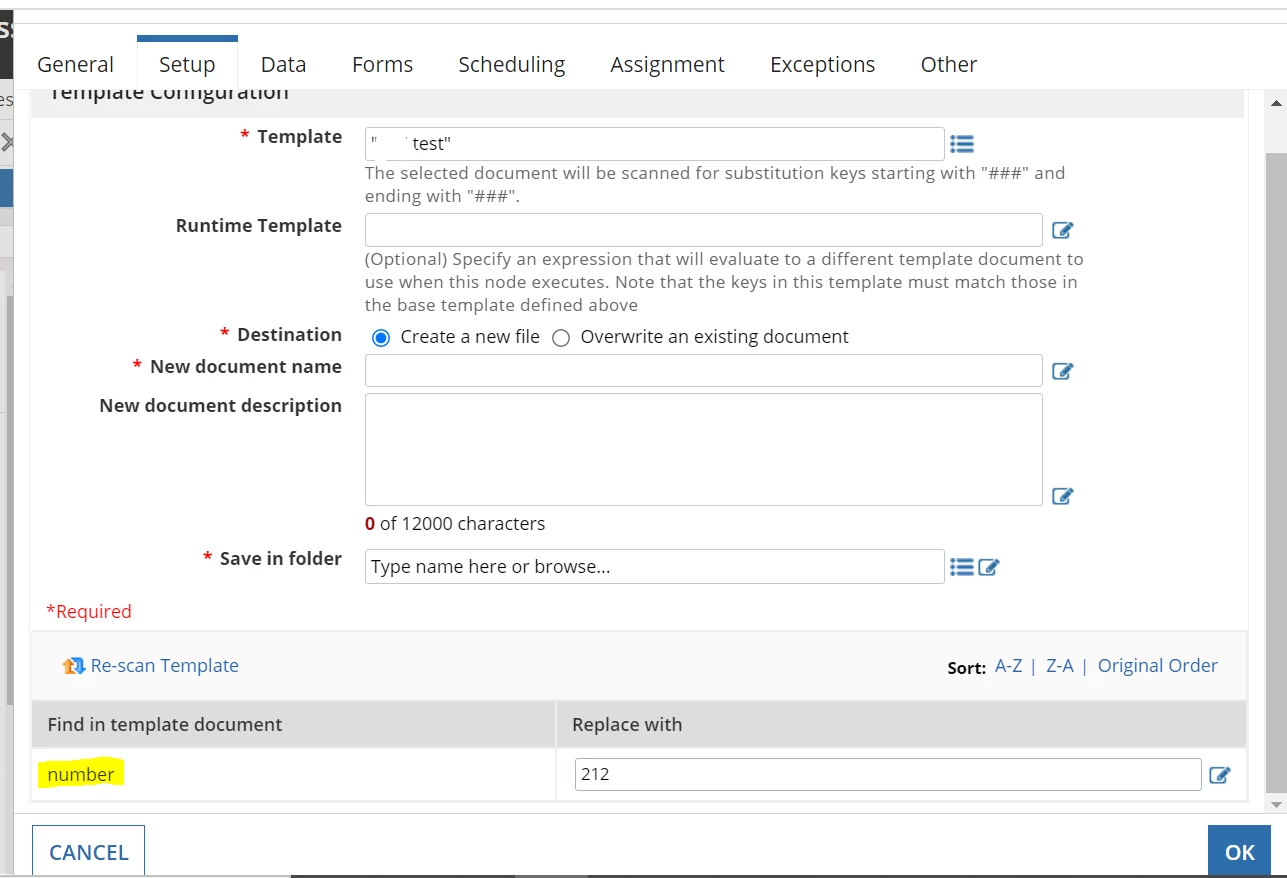
I have tried giving word doc with (###variable### and sentence) it showed the variables list on the setup screen.

    10 replies

    June 15, 2022

    Hi, above mentioned smart service will take a template which is designed in Acrobat Reader DC. In above mentioned smart service under template field, you have to pass the same PDF document. I hope that will help you.

    Happy Coding!

    mikes0011
    Brainy
    June 15, 2022

    PDF and Word replacements work completely differently.  Which are you actually trying to use here?

    The Expression Guru
    June 15, 2022

    PDF

    mikes0011
    Brainy
    June 15, 2022

    Using "###variable###" style replacement fields is only for the Word and Text "from template" smart services.  The PDF smart service actually utilizes fillable fields.  You must design your PDF with fillable fields and use the smart service to populate those - when the template is scanned it will find any fillable fields in the PDF and show them to you in the smart service interface.

    The Expression Guru