

karlbrents4045
October 13, 2022
Question

Database Load Generation

  • October 13, 2022
  • 14 replies
  • 0 views

Good Morning!

I downloaded the Database Load Generation on the APPMARKET and tried importing it on the environment and updated this properties file.

I updated the Data Generation Application Properties file and updated the line 29, 30 and 37,38. First I remove the pound sign and change the colon (:) to equal (=).
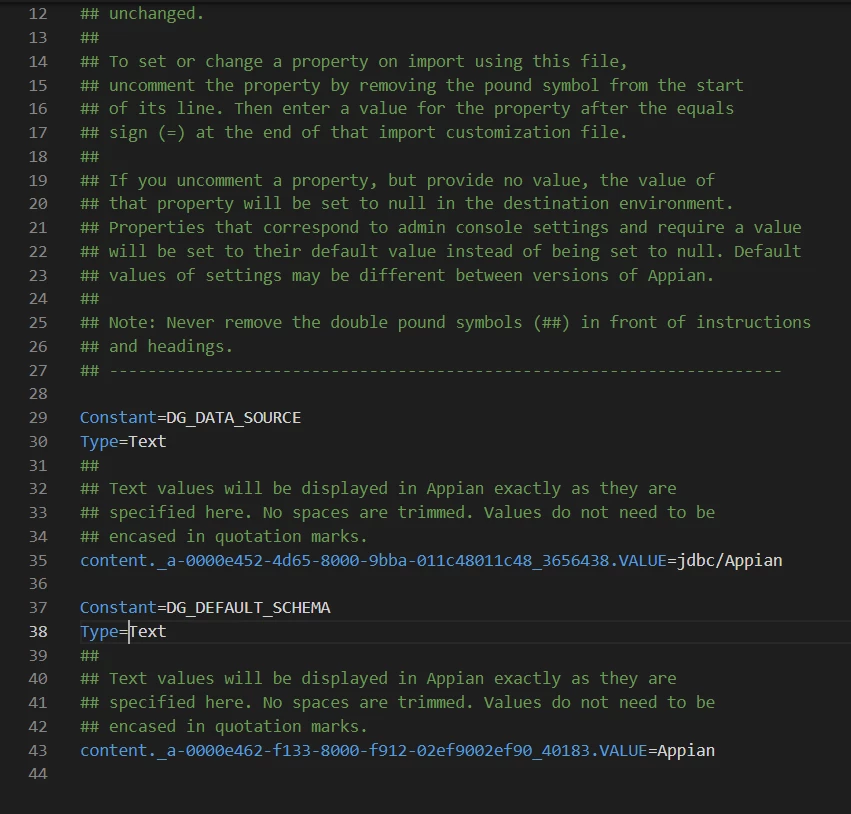
Then I imported it like this 
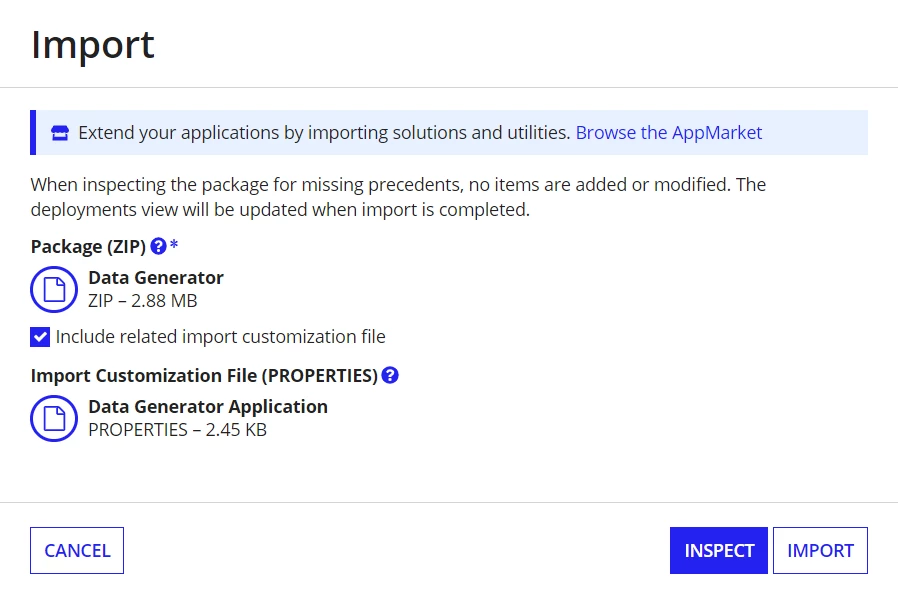
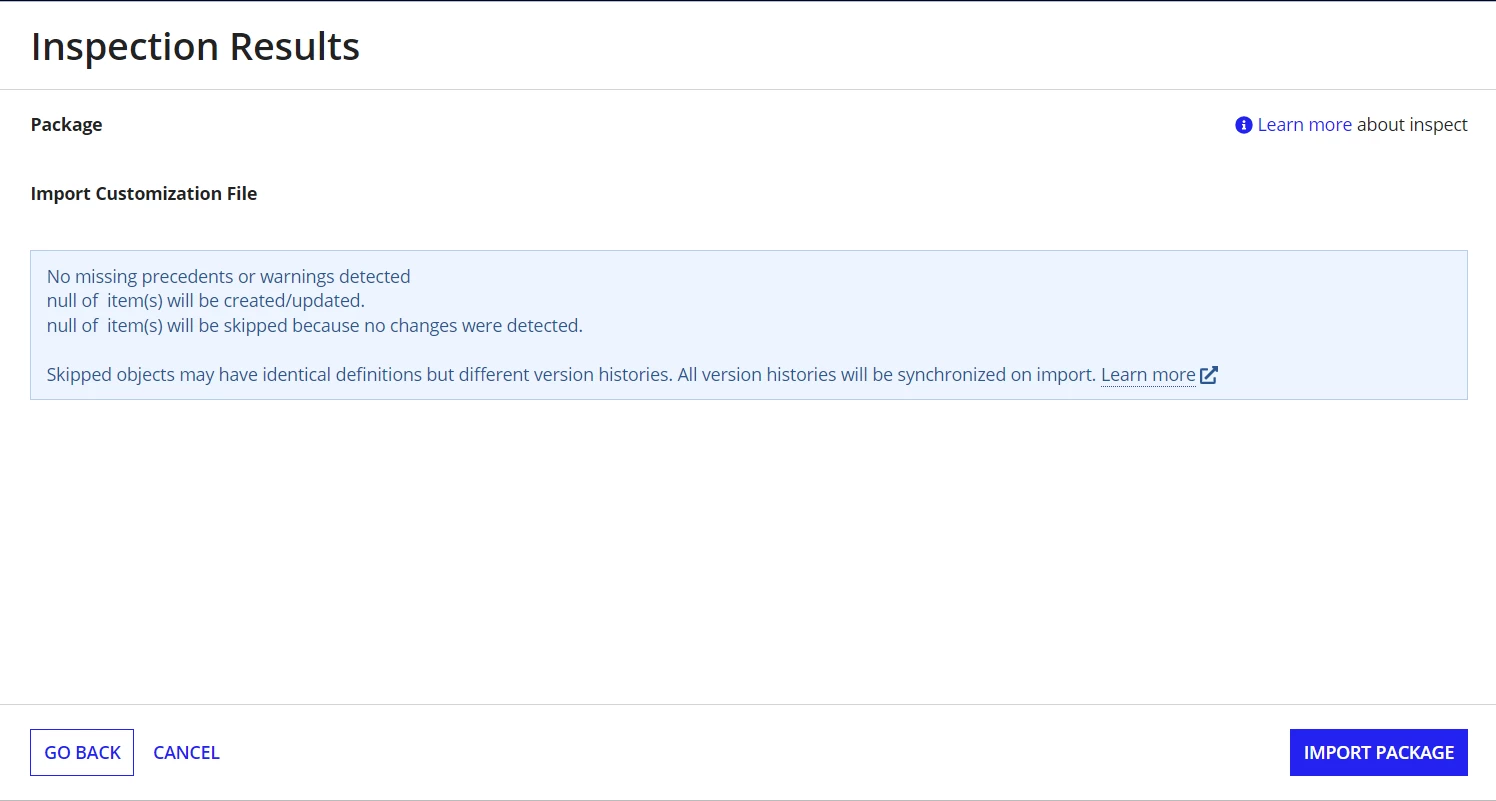
after that I inspected it before importing to check if there are any errors since there are no errors I proceeded to import it.
then when I imported it the status is failed.
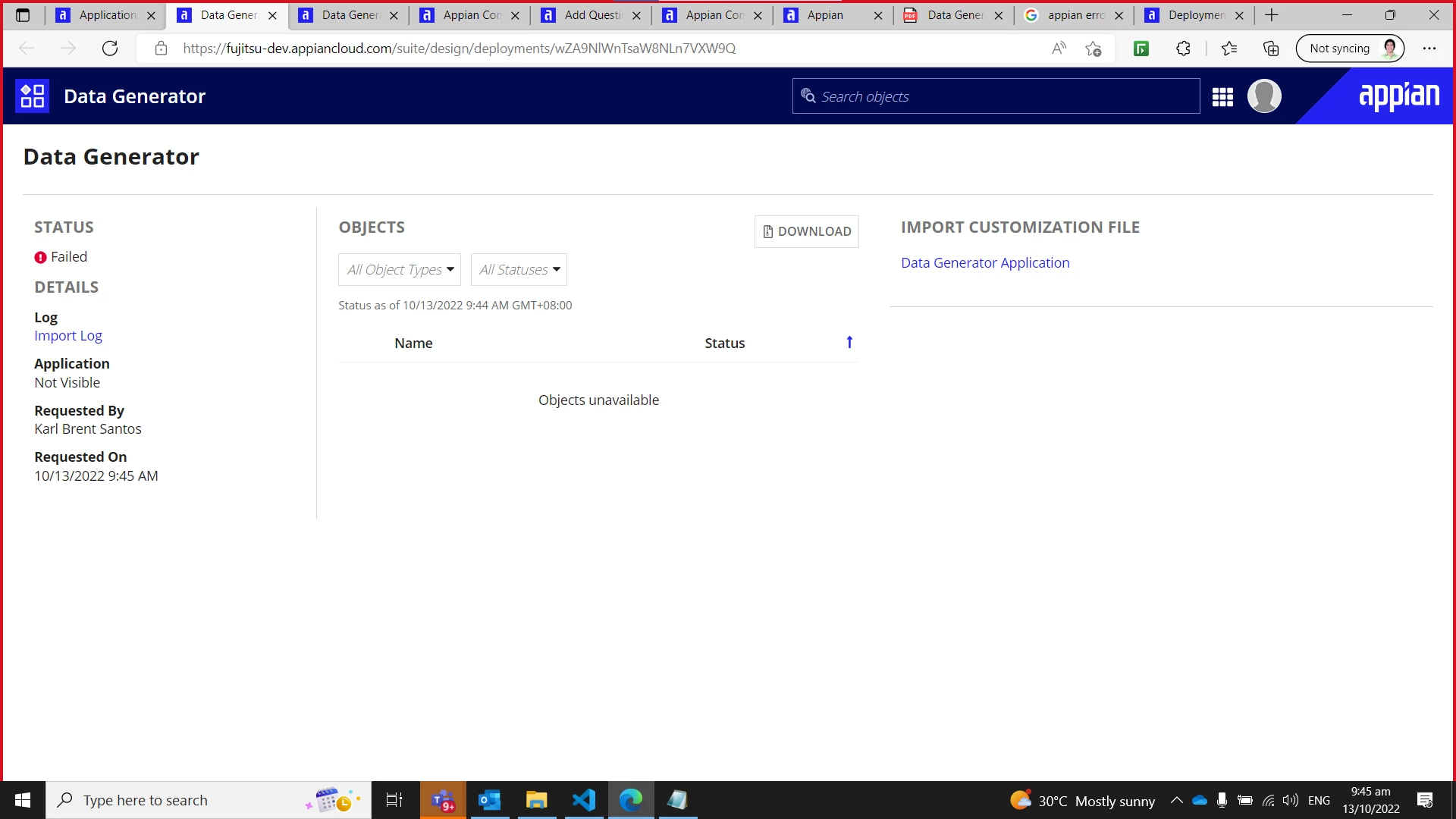
Then when I checked the import log this is the error that are written
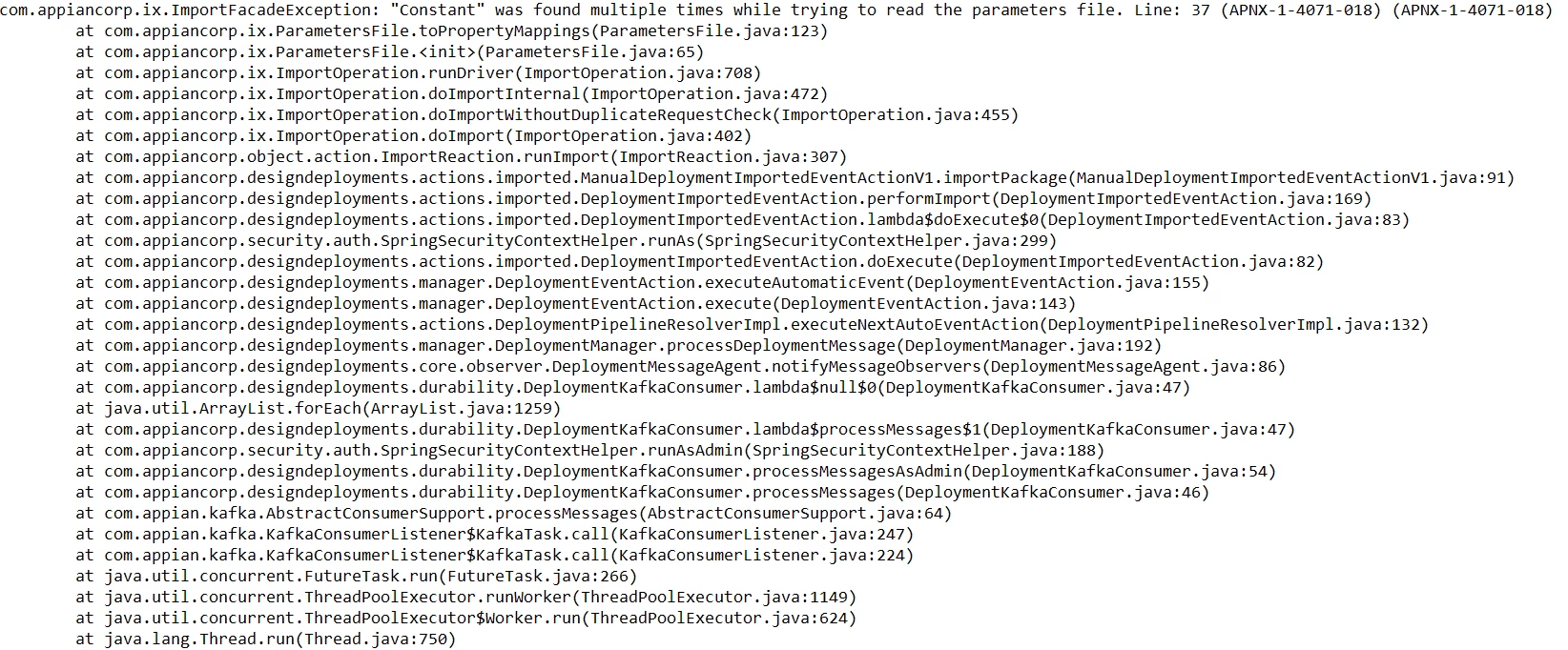
Has anyone have an idea how to solve this error? Thank You!

14 replies

October 13, 2022

Hi, I am not sure about the error but here is the easiest way to add a plugin from app market follow the below steps

1. Navigate to the admin console.

2. Select Plugins

3. Add Plugins 

4. Search for the required plugin.

5. Select the required plugin and click on Deploy 

karlbrents4045
October 13, 2022

Hi, I've already added all of the pre-requisite plug-ins for the Database Load Generation but I'm still having these issues

October 13, 2022

Can you try again following the above steps it won't take more than 2 minutes. If your aim is just to deploy the plugin

stefanhelzle0001
October 13, 2022

Your import customization file includes errors. Constants are defined by their UUID only. You may not add any other lines. Comment the lines 29, 30 and 37,38.

karlbrents4045
October 13, 2022

I tried commenting them but the status of the importing is still failed

stefanhelzle0001
October 13, 2022

OK, but you should see other errors.