
May 29, 2024
Solved

Read MSG plug-in returns blank html file as its output

  • May 29, 2024
  • 6 replies
  • 0 views

Hi everyone,

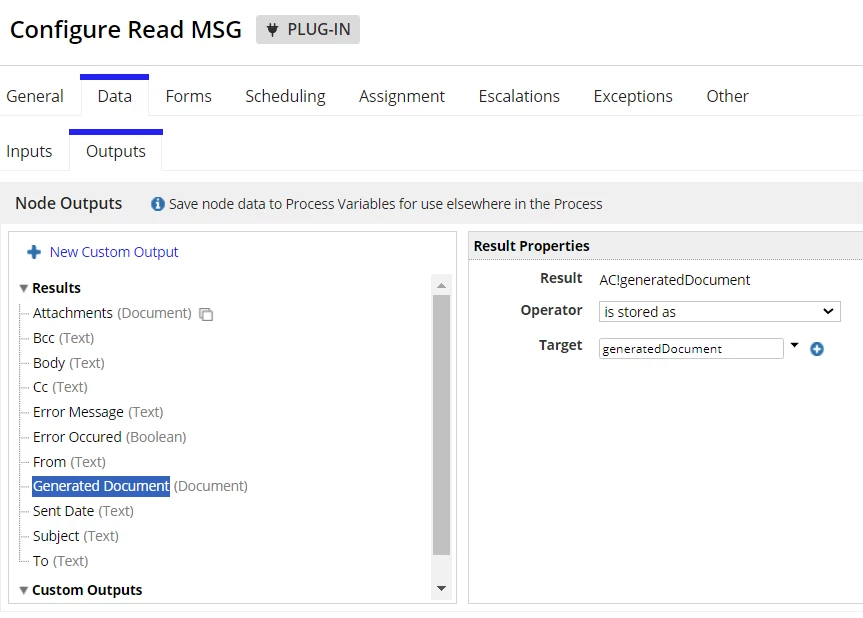
I'm having an issue with Read MSG plug-in that the generated output .html document is coming out blank. The .msg file itself does have content in it though. I config the Read MSG node as guided in the plug-in documentation. The generated document (output html file) was stored in a process variable. When I download that html file from Appian folder and open it, it is a blank file. 
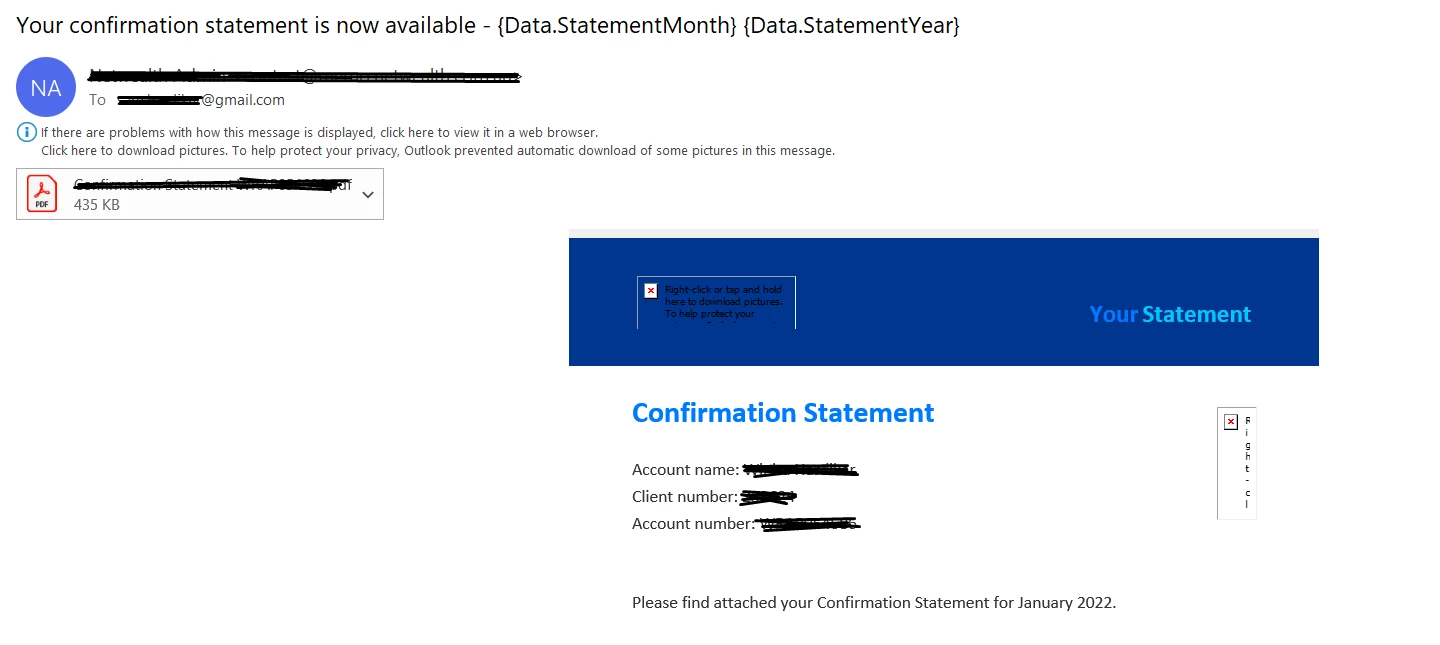
This is the original msg file: 
And below is the generated html:
I'm looking for a solution to solve this issue or a workaround way for me to convert .msg to html. Does anyone have any idea? 

Thank you

    Best answer by stefanhelzle0001

    Welcome to the email-hell ! When I need to implement something like this, I first try to define a safe path in which I know things work. Then I develop a few checks to validate that such an email is on-track, and only process "good" emails. Everything else goes to a manual check.

    Depending on the actual numbers of good vs. bad email, I might try to optimize this.

    6 replies

    stefanhelzle0001
    May 29, 2024

    Did you open that HTML file in a text editor (not MS Word)? It is possible to create a valid HTML file which still only shows a blank page when opened in browser.

    linhnAuthor
    May 30, 2024

    Hi [mention:a11f77a729fb4db2af76b09948583328:e9ed411860ed4f2ba0265705b8793d05] , this is the result of opening that file with notepad++. I think the output file itself is blank...

    stefanhelzle0001
    May 30, 2024

    That is a valid HTML file which just shows as blank when opening it in a browser.

    What do you mean with

    I think the output file itself is blank...

    When diving deeper into Email, you will find out that an email can be made up of multiple parts. And it can contain HTML parts, and raw-text parts. Depending on the app that created the email, the app that received the email, and the app that displays the email, many things can happen. And an "empty" HTML is only one of these weird things.

    I suggest to test this a bit more.