
manavik105
June 11, 2025
Question

SFTP Create Folder Smart Service

  • June 11, 2025
  • 5 replies
  • 0 views

Hi All,

I'm trying to create a folder in external SFTP server and then send documents present in my appian folder to that sftp folder created. I have used SFTP Create Folder Smart Service. How do I map a customized folder name which is stored in a PV of type text to this SFTP Create Folder Smart Service? In the File path configurations, I don't see any parameter to which I can map the folder name. Please advise.
5 replies

shubhama926776
June 11, 2025

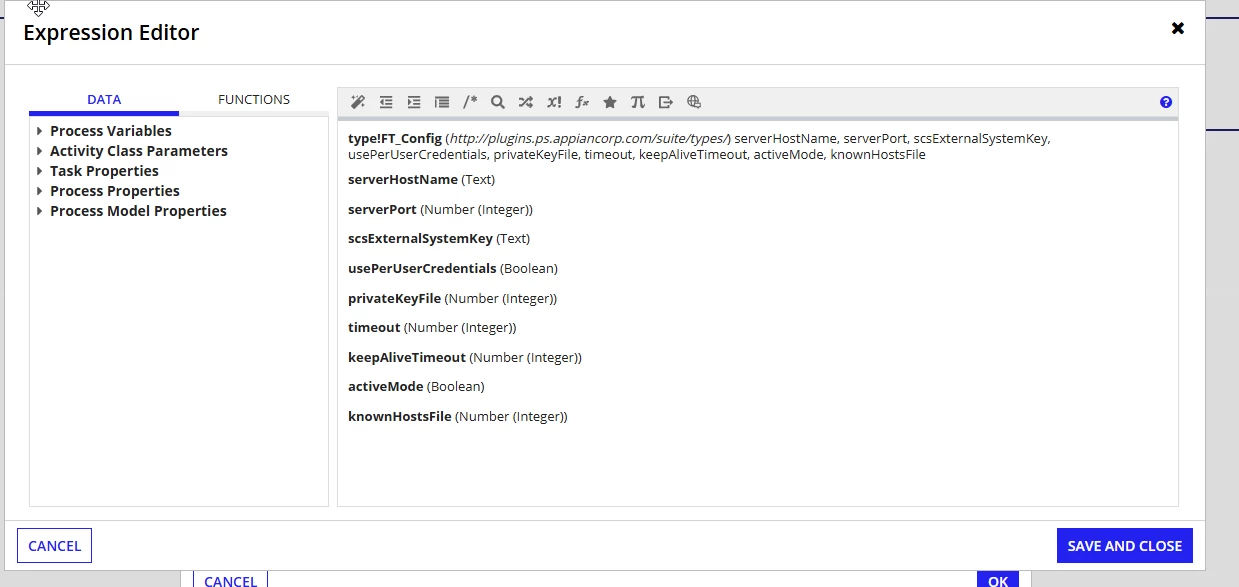
The folder name goes in the Remote File Path field (not in the FT_Config).
File Transfer Configurations: Your SFTP connection settings (host, credentials, etc.) - FT_Config
Set its Remote File Path to: concat("/base/path/", pv!folder_name, "/") - Where your custom folder name goes

manavik105
June 13, 2025

Thank you so much [mention:9861aef97eb2483a8b76175d9eda1e37:e9ed411860ed4f2ba0265705b8793d05]  I have one more question for my use case please -

I have configured third party credentials in Admin console using a passphrase for SFTP Plugin. How to connect this service account that I created in Admin Console to my process model where I'm using this SFTP Smart Service? Would the passphrase key be passed as scs external system key? 

shubhama926776
June 13, 2025
Would the passphrase key be passed as scs external system key?

Instead of Passphrase key should go there.

FT_Config'(
scsExternalSystemKey:”sftpserviceaccount”
)