

adrienv565994
New Participant
October 14, 2026
Question

Unable to install the “OAuth JWT Token” plugin 3.1.2 on Appian 25.3

Hello, as the title suggests, I'm currently stuck while setting up the OAuth JWT token.

During deployment, I get the following pop-up.
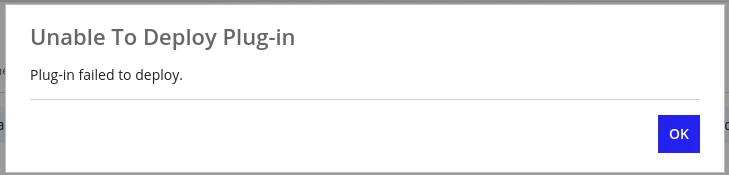
 

If anyone has even the slightest clue that might help me.

Thank you in advance.


Stack

  • Appian v25.3 (On-premises)
  • OAuth JWT Token v3.1.2

3 replies

mathieud0001
Genius
October 14, 2026

I would suggest you contact the author.

Alternatively, I think you could try using the Appian JWT plugin: https://appmarket.appian.com/listings/jwt

adrienv565994
New Participant
October 14, 2026

Thanks for your reply.

But, I'm getting the same error with this plugin.

I've asked my administrator for the logs so we can try to figure out what's wrong.

Inspiring
October 14, 2026

Since you are using an on-premises Appian environment, I would suggest checking the application server logs first to identify the exact plug-in deployment failure. Sometimes plug-in upgrades can fail due to dependency conflicts or incompatible libraries. 
If an older version is already installed, check its dependencies before removing it. Make sure you have a backup of the existing JAR and validate that no application objects will be impacted. You can also ask your Appian administrator to deploy the new JAR directly to the <APPIAN_INSTALL>/_admin/plugins/ directory and check whether it loads successfully.
If it still fails, sharing the exact deployment error from the logs would help identify the root cause.