felixr
July 27, 2022
Solved

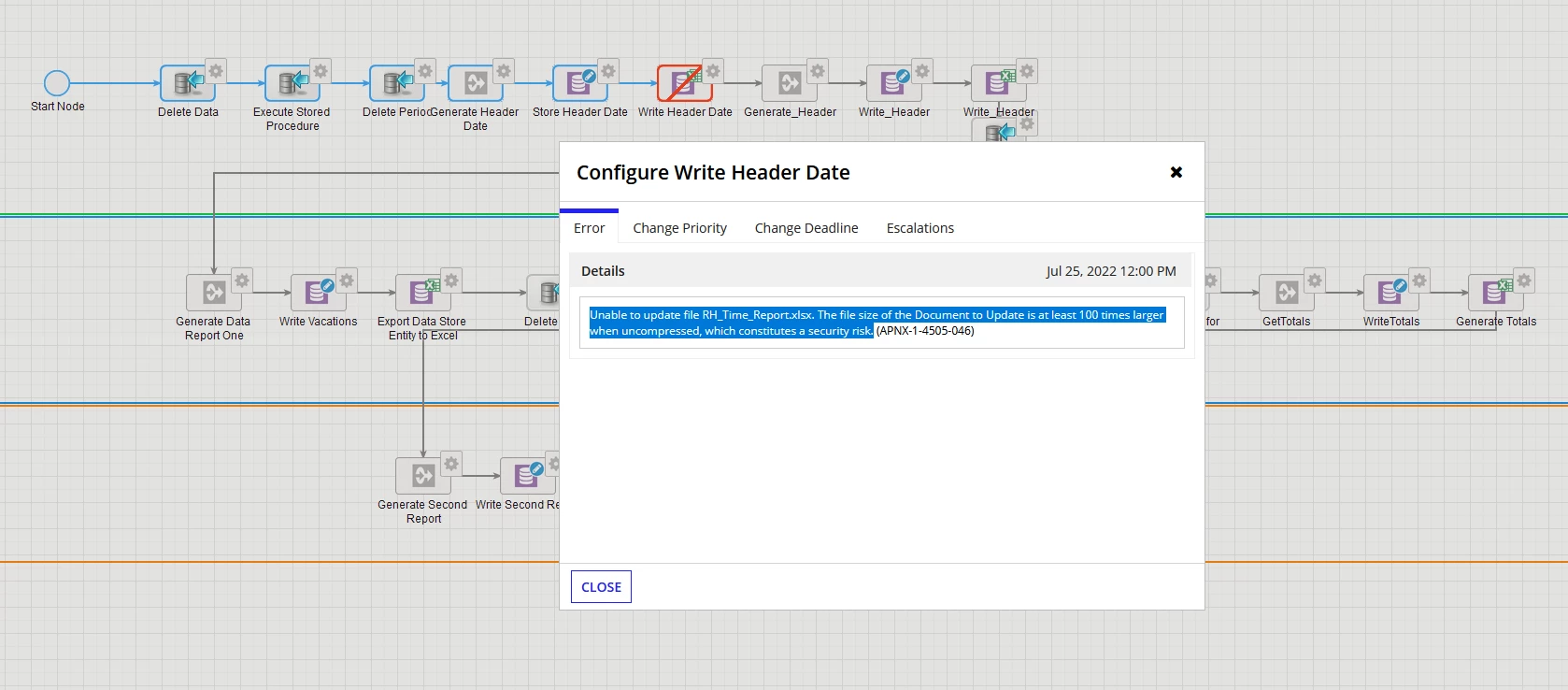
Unable to update file Report.xlsx. The file size of the Document to Update is at least 100 times larger when uncompressed, which constitutes a security risk.

  • July 27, 2022
  • 7 replies
  • 0 views

Im getting this error when my document is less than 4 gb and it has only  500 rows.

Im trying to modify a excel file with a value in a particular cell
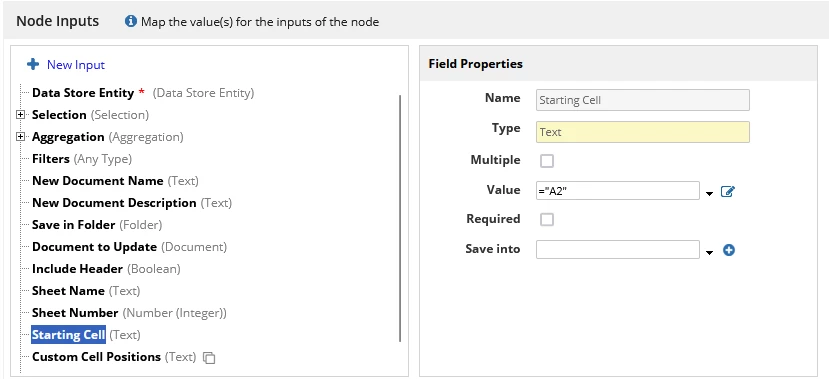
this is the value that i want in the cell


this is the excel wich has  500  rows

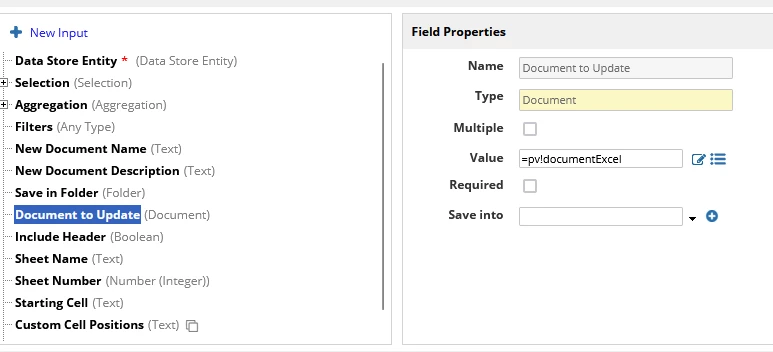
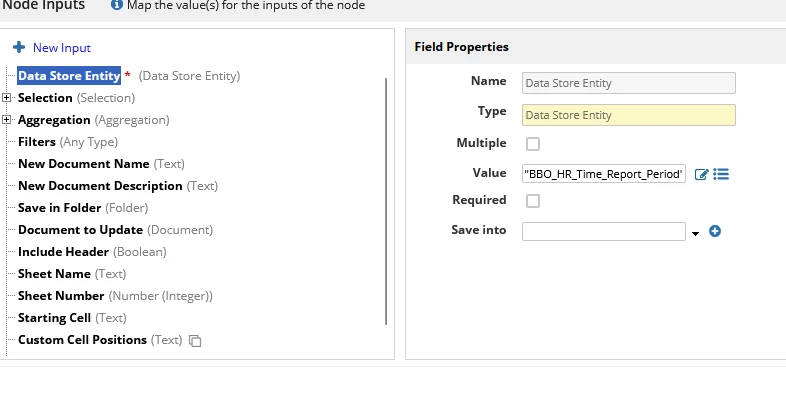
this is the configuration of the  the service
    Best answer by asimr0002

    FIXED! 

    I simply removed the older file (70kb, 15 rows) and uploaded a new base file (with only headers, size: 10kb) and referenced to new file. Since the new file is all blank with only headers, repetitions shouldn't happen again. I believe that the older file caused error since the table I was querying has a lot of test data and tons of repetitions (say my name as Process Owner). Seems like this wouldn't usually occur in production/real data.

    7 replies

    stefanhelzle0001
    Brainy
    July 27, 2022

    You mention that your file is less than 4 gigabytes for 500 rows. What kind of file is this? Why do 500 rows use that much space?

    felixr
    felixrAuthor
    July 27, 2022

    sorry i mentioned it cause i read  the documentation of this  smart service there says that this  could be  two main reasons why this error is thrown and  i wanted to  skip that talk about those posibilities.the    file is just 101 kb

    peter.lewis
    Employee
    July 27, 2022

    What's the difference in size compressed vs uncompressed? Have you checked the tomcat-stdout log to see if there is any additional information there?

    asimr0002
    August 2, 2022

    I have a similar problem where the attachment file is only 70kb but it gives this error. Do we have a solution for it yet? Thank you

    felixr
    felixrAuthor
    August 2, 2022

    i changed my document cause it had  too much  repeated information  and i  wasn´t able to see the tomcat-stdout log  in myappian  portal cause i don't have access to it. if you have access to it you could  see aditional information there about  this problem and post it  here to see if   someone give us more info   about this. cause i'm pretty sure i will get this  error again  sooner than later again.

    asimr0002
    August 2, 2022

    I found this and I now have some more insights into how I can fix this error: 
    KB-1708 Errors related to file size thrown when using the Export to Excel/CSV smart service - Appian Knowledge Base - Support - Appian Community

    It's true that my download has a lot of repetitive cell values. I'm trying to fix it, hoping this will work out.