
April 13, 2023
Question

Excel spreadsheet columns should be expanded to the correct width of the contents present in the each cells

  • April 13, 2023
  • 12 replies
  • 0 views

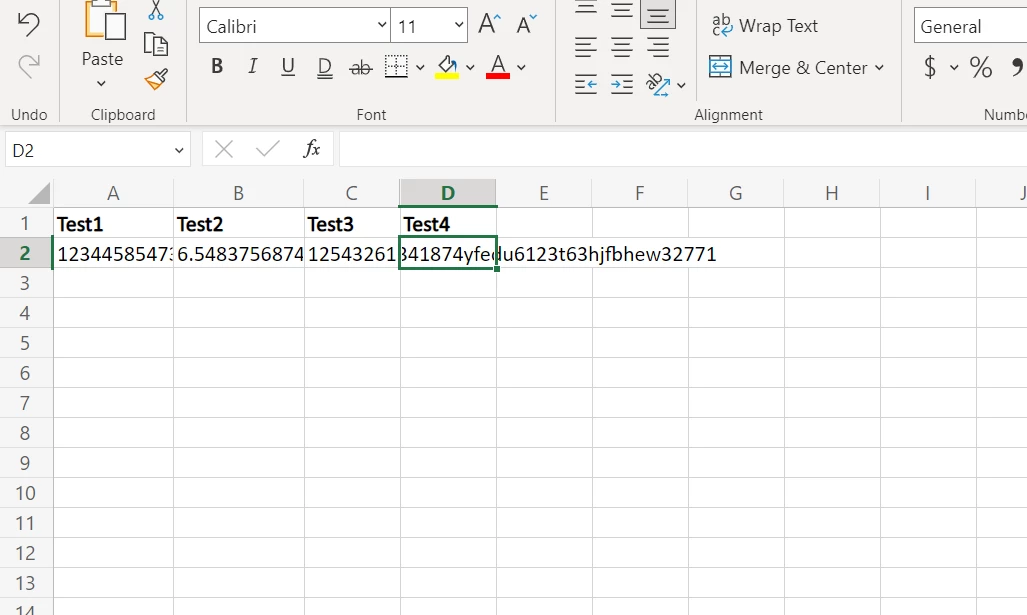
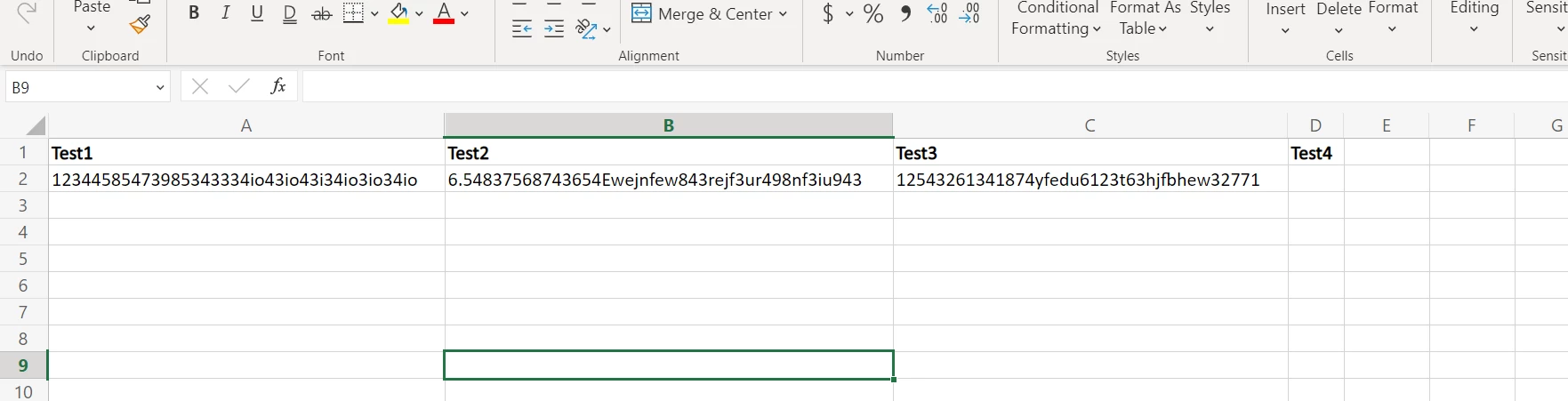
I'm using "Copy document" and "Export  Data Store entity to Excel" smart services in a process model to generate a excel sheet. While the sheet is generated when the contents are displayed, the cells don't fit to the width of the contents within them. In excel we can generally expand according to the width of the contents by selecting all rows and columns and double clicking in the middle of any two columns. But that is after generating the file. So, I want this columns to be auto adjusted or expanded while generating itself. how do I make this happen?

Now,
How I need it to be,
Thanks,

Shravan

12 replies

stefanhelzle0001
Brainy
April 13, 2023

AFAIK Apian does not support that.

mallepup3914
April 13, 2023

Yes, as Stefan mentioned it is not possible to adjust the column width or any alignments in Appian, there would be limited options. You might need to do that after download the file. 

April 19, 2023

is there any smart service where i can preset the width of the columns?

April 19, 2023

Actually I have done what you are trying to do. I'm assuming you are using a template in Export DSE to excel node since you mentioned that you are using Copy document SS too. So what you can do is, you can word wrap or set the width for required columns in the template document and it will persist in the new generated document as well