

kavyan471063
Known Participant
September 30, 2021
Question

PDF Doc from Template Smart Service Sample Template

  • September 30, 2021
  • 5 replies
  • 0 views

Hi Guys,

I have added this PDF Doc from template after my Write to DSE smart service so I can get the values in the pdf doc. But I tried using "###book_name###" and other sample template. The flow is working but I can't open my pdf file and its showing this.
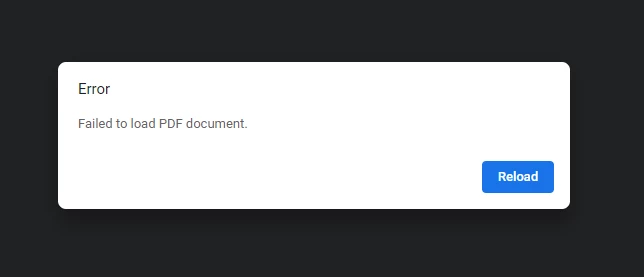
If you have any sample templates or any links or any walk through snaps that could be useful just share it in this forum. Thanks in advance!!!

    5 replies

    adityau269
    September 30, 2021

    The template that you use, must be a pdf form for this to work. Try downloading any pdf form from google and use it as a template to test the smart service.

    You can find more details here: docs.appian.com/.../PDF_Doc_From_Template_Smart_Service.html

    kavyan471063
    Known Participant
    September 30, 2021

    I used .pdf extension file before. After that I check with another pdf file and I can open and view it after downloading. I even tried with empty pdf but it still shows the same error like "Failed to load pdf Document". Any sample tempates so that I can refer from it, For word document to generate we bind variables with ### and its working good. So what in case for pdf?

    adityau269
    September 30, 2021

    It works differently for pdf generation using this smart service. You cannot use ### to bind variables and generate pdf using this smart service. The template you provide must be a pdf form, not a normal pdf. Once you provide a pdf form as a template, the smart service will automatically show you all the form fields and then you can assign pvs or use expression editor to assign values to each form field.

    E.g. of pdf form can be found here: foersom.com/.../OoPdfFormExample.pdf