mollyn6512
January 15, 2025
Question

Process Model generating incorrect script task output

  • January 15, 2025
  • 3 replies
  • 0 views

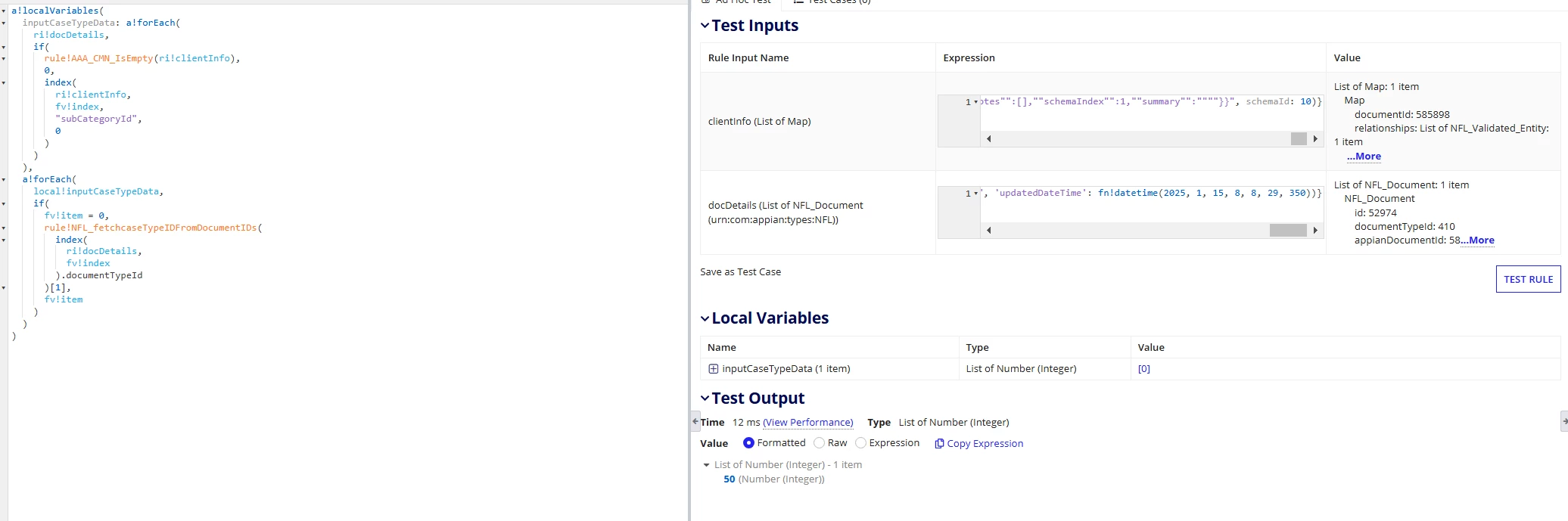
I have an expression rule that returns a value based on rule inputs.

When I run this rule as it own passing my test inputs, it gets the data I expect (an integer or 0).  But when I run the rule in process model B, I get null as output even though my expression rule has no condition returning null. 

This is the expression rule with inputs and it's output
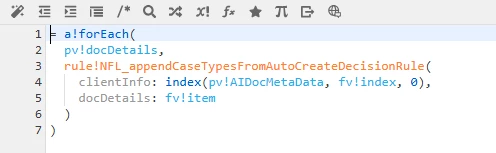
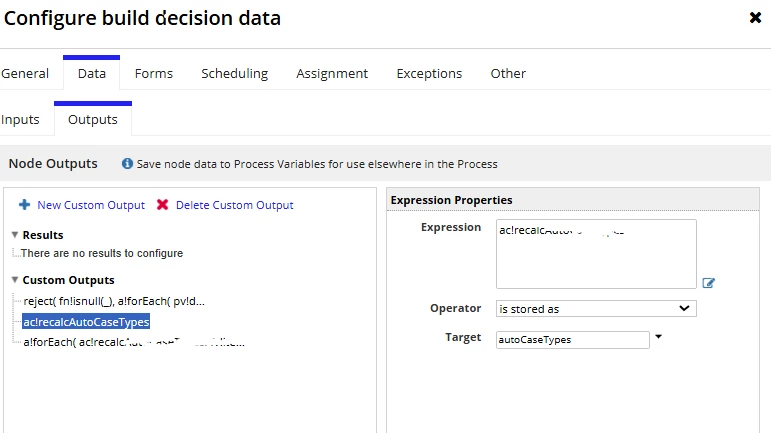
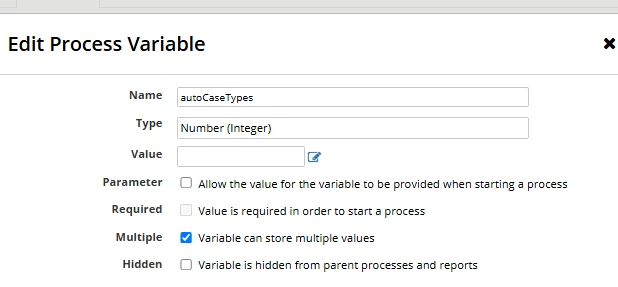
Below is how I set up activity class of the script task inputs, I then saved it into a process variable pv!autoCaseTye in the outputs. 
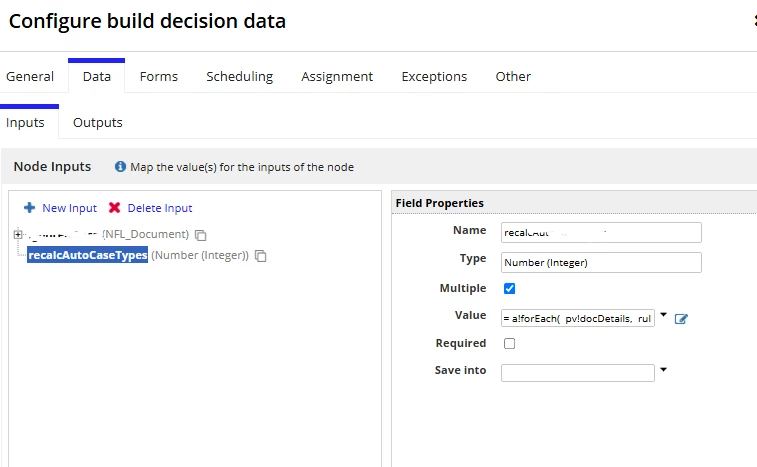
However I only receive null as output instead of 50.

The node that runs the rule has the exact same inputs and data type. It should return the same value as expression rule. How do I check the issue?

    3 replies

    csteward
    January 15, 2025

    The first thing I would do is adjust the definition on your local variable, this should be prefixed with "local!" (local!inputCaseTypeData:  xyx), and re-test.

    From there, confirm pv!docDetails holds expected values / same as you are using in the expression rule tests?

    In some situations, I will create a set of TEMP variables in the process model for debugging, and save various pieces of the expressions into them for review.  For example, sub rules could be creating the null output if the input is not expected, etc, depending on setup.

    mathieud0001
    January 16, 2025

    I would be curious to see the contents of the pvs in your process.

    stefanhelzle0001
    January 16, 2025

    That first index in line 7 uses an only somewhat supported syntax. You try to drill into the data two steps at once. I highly recommend to not do that because of the many edge cases where this breaks.