Publish Error: Constant(s) not found error (Process Model)
Hello,
I am getting this error whenever I try to save and publish my process model. It's so weird because I do not have any constant with the name in the screenshot. I've looked all over my interface and it doesn't exist. The only two constants that I have are pointers to a connected system I made.
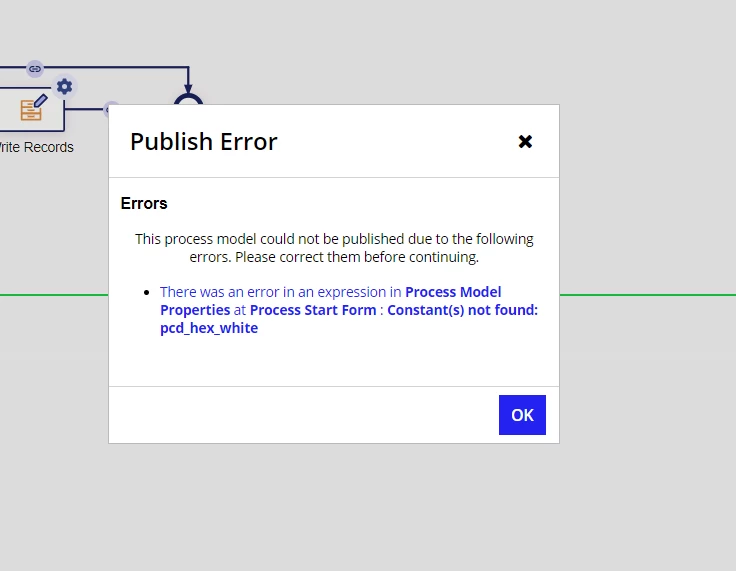
It's worth mentioning that since I'm developing something relevant to another existing interface that did have that constant, I'm assuming the error is persisting because of it? I deleted the original process model and made one from scratch, still didn't work. I also generated a new action from the related record type, replaced the automatically generated interface with my own and the error still persists
Any help is appreciated! I've searched everywhere but couldn't find any solution to this.